
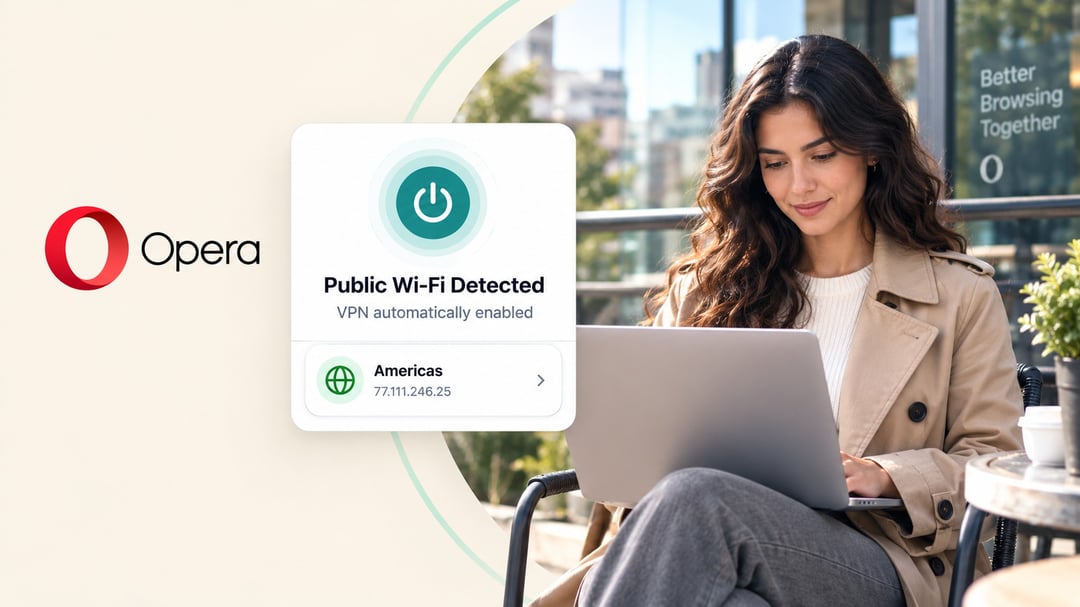
Opera’s free VPN can now switch itself on the moment you connect to public Wi-Fi. The browser detects a public or unsecured network and activates the VPN on its own, so you no longer have to remember to flip the switch before joining airport, café, or hotel networks.
The protection still applies only to traffic that travels inside Opera. Websites you open in the browser get routed through an encrypted connection to one of Opera’s VPN servers. Everything else on your device—Spotify, Steam, a standalone email client—keeps using the regular network.
How the Automatic Feature Works
Opera has included a free, built-in VPN since 2016. It needs no account and carries no fixed bandwidth limit. The new automatic mode is optional. You turn it on once in the settings, and from then on the browser handles the rest when it senses a public or unsecured connection.
The update is rolling out first to desktop users in the United States and France.
Browser-Only Coverage Versus Full-Device Protection
Because the free VPN lives inside the browser, it leaves the rest of your system exposed. Apps and services that run outside Opera continue to send data over the open network. Anyone who wants encryption for the entire device still needs a system-wide VPN—Opera’s paid VPN Pro or another full-device service.
Limits of VPN Protection on Open Networks
Public Wi-Fi is less of a free-for-all than it used to be. HTTPS already encrypts the contents of most modern web connections, which cuts the usefulness of simple traffic snooping. Even so, CISA continues to advise using encrypted sites and handling open networks with care, especially for anything sensitive.
A VPN cannot block every risk. A well-made fake hotspot can still lure you onto the wrong network. A malicious captive portal can grab login details before the VPN tunnel is even up. Attackers already on the same network can go after exposed services such as file sharing or device discovery—traffic that never enters the encrypted tunnel. For that reason it still makes sense to treat public Wi-Fi cautiously and to fall back on mobile data or a personal hotspot for logins and financial tasks when you can.
FAQ
Does Opera’s free VPN protect my whole device?
No. It only encrypts traffic that travels inside the Opera browser. Other apps and services continue to use the regular network.
Do I have to turn the automatic feature on myself?
Yes. The new public-Wi-Fi detection is opt-in. You enable it once in the settings, and the browser then activates the VPN when it detects an unsecured network.
Will a VPN stop every threat on public Wi-Fi?
No. Fake hotspots, malicious captive portals, and attacks on services outside the VPN tunnel remain possible. Even with the VPN running, caution and alternatives such as mobile data are still recommended for sensitive activity.