
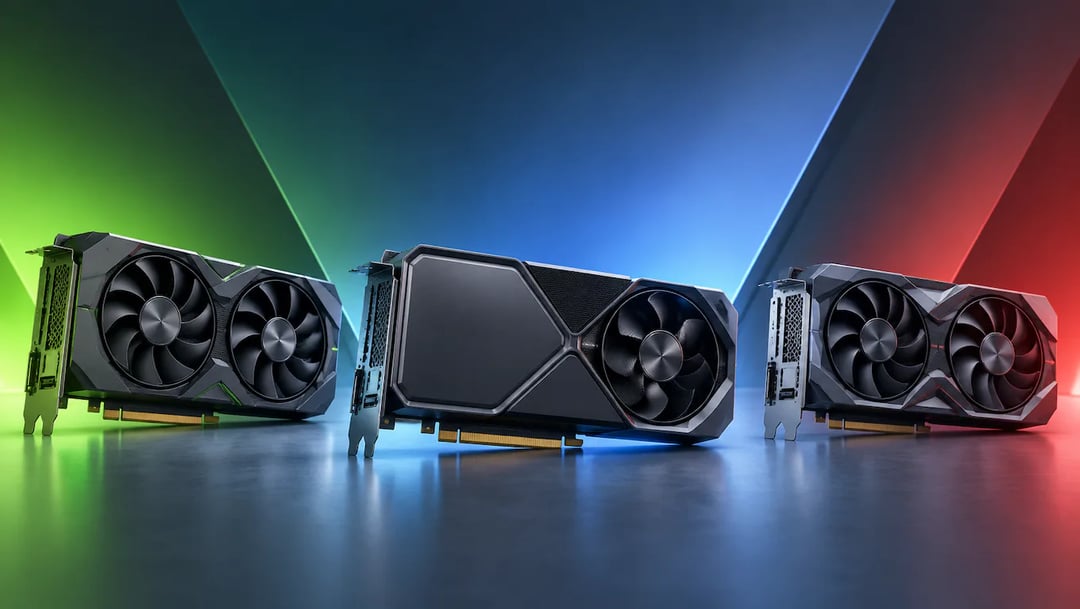
Choosing a graphics card is harder than it looks, because NVIDIA vs AMD vs Intel: Comparing GPU Architectures means sorting through different terms for similar ideas, benchmarks that rarely match your own workload, and a market where models and prices keep shifting. A card that wins in one game can fall behind in the tools you actually rely on.
This guide cuts through that. It explains what architecture means in practice, how each brand handles ray tracing, upscaling and frame generation, and why software support (CUDA, ROCm, oneAPI) often matters more than raw hardware for AI, development and creative work.
By the end, you will be able to match a GPU to your workload and budget, spot compatibility problems before checkout, and judge whether Intel is a realistic option for you.
How we compare GPUs
A fair GPU architecture comparison uses the same yardstick for every brand. We judge NVIDIA, AMD and Intel on six criteria: architecture design, gaming performance features, compute and AI support, software ecosystem, video and creative features, and value and platform fit.
No single score decides the choice. A card that leads in games may trail in the software a developer needs, and a bargain can lose its appeal if it does not suit your motherboard or power supply.
For example, a gamer who streams should weigh video encoding as heavily as frame rates, while a solo founder running AI tools should start with software support.
Models, prices and features change often, so this article explains how the designs differ rather than ranking specific cards. Before buying, check current prices, the exact model's specifications, driver support for your applications, and independent benchmarks for the games or workloads you actually run.
What GPU architecture means in practice
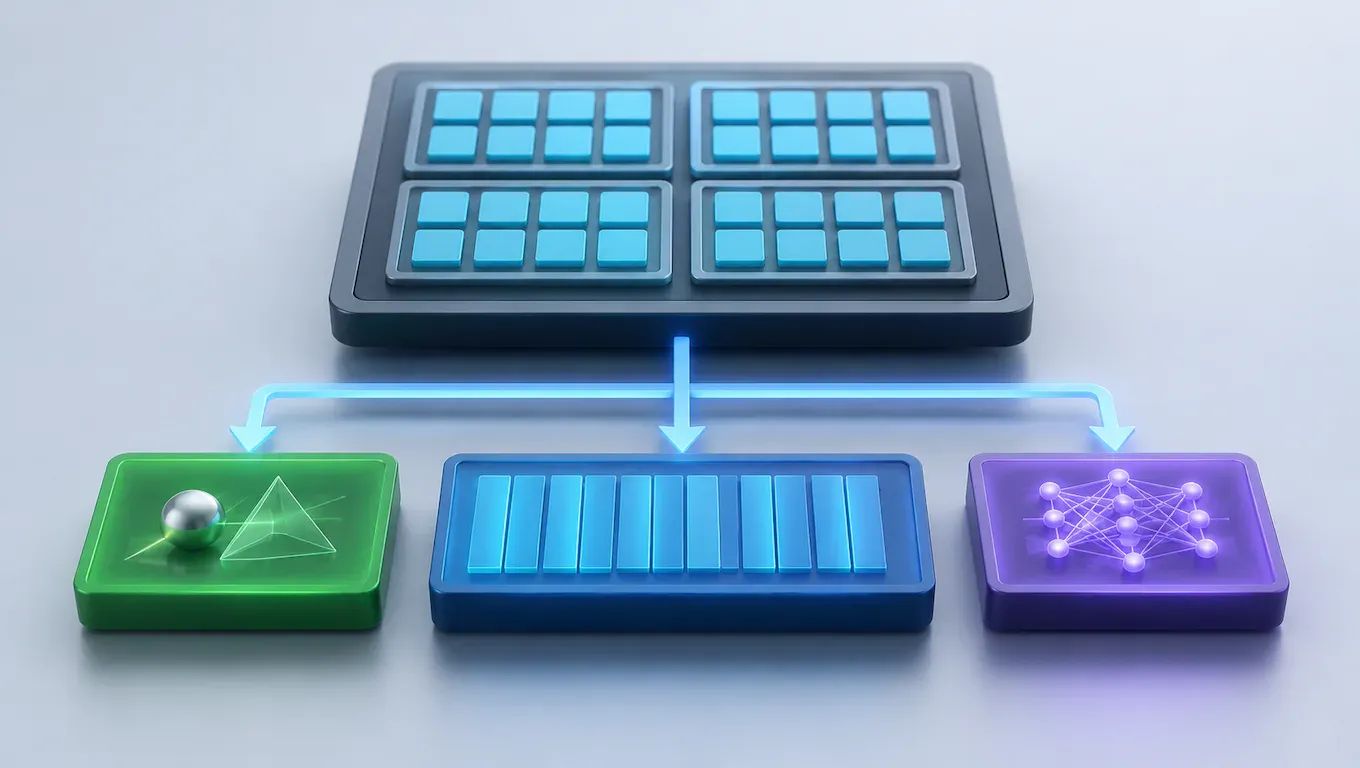
A GPU's architecture is its internal blueprint: how it groups thousands of small processors, how it connects them to memory, and which dedicated circuits it includes for jobs like ray tracing and AI math.
Cores, compute units and execution blocks
Each company packages its processing units differently. NVIDIA groups them into streaming multiprocessors, AMD into compute units, and Intel into Xe cores. These building blocks do similar work but are not the same size or design.
That is why raw unit counts mislead. Think of it as comparing a company's "teams" to a rival's "departments": the labels match, the headcount behind them does not. Compare benchmarks for the games or apps you run, not core totals.
Memory, bandwidth and cache
Capacity is how much data the card holds. Bandwidth is how fast it moves that data. Cache is a small, fast pool on the chip that reduces trips to main video memory.
Suppose a game at 4K loads large textures. If they exceed the card's memory, performance stutters regardless of processing power. Large AI models behave the same way: a model that does not fit in memory may not run at all.
NVIDIA, AMD and Intel side by side
NVIDIA
NVIDIA builds dedicated hardware for ray tracing and AI, and its CUDA ecosystem is supported by most professional and AI tools. That makes it the safest pick for developers and creators. Cards usually cost more than AMD's at comparable tiers, and buyers on a tight budget may feel that gap.
AMD
In the NVIDIA vs AMD graphics cards debate, AMD wins on value. Its designs emphasize rasterization, the traditional way games draw frames, and often deliver strong frame rates per dollar. Its ROCm compute stack leans open source but supports fewer applications than CUDA. For example, a gamer who rarely touches AI software may prefer AMD, while someone running CUDA-only tools should not.
Intel Arc
Intel Arc is the newest entrant, aimed at budget and mid-range builds. Its media encoding features are mature, which suits streamers and video editors on a budget. Intel's drivers have a mixed history, so check recent reviews for the games you play. In an Intel Arc vs NVIDIA and AMD comparison, Arc is realistic for cost-conscious buyers who accept some risk, but less so for anyone who needs maximum compatibility.
Gaming: ray tracing, upscaling and frame generation
Ray tracing simulates how light bounces, which gives more realistic reflections, shadows and lighting at a heavy cost in frame rate. Upscaling offsets that cost by rendering the game at a lower resolution and reconstructing a sharper image. Frame generation inserts extra frames between rendered ones, which raises the displayed frame rate but can add a little input delay.
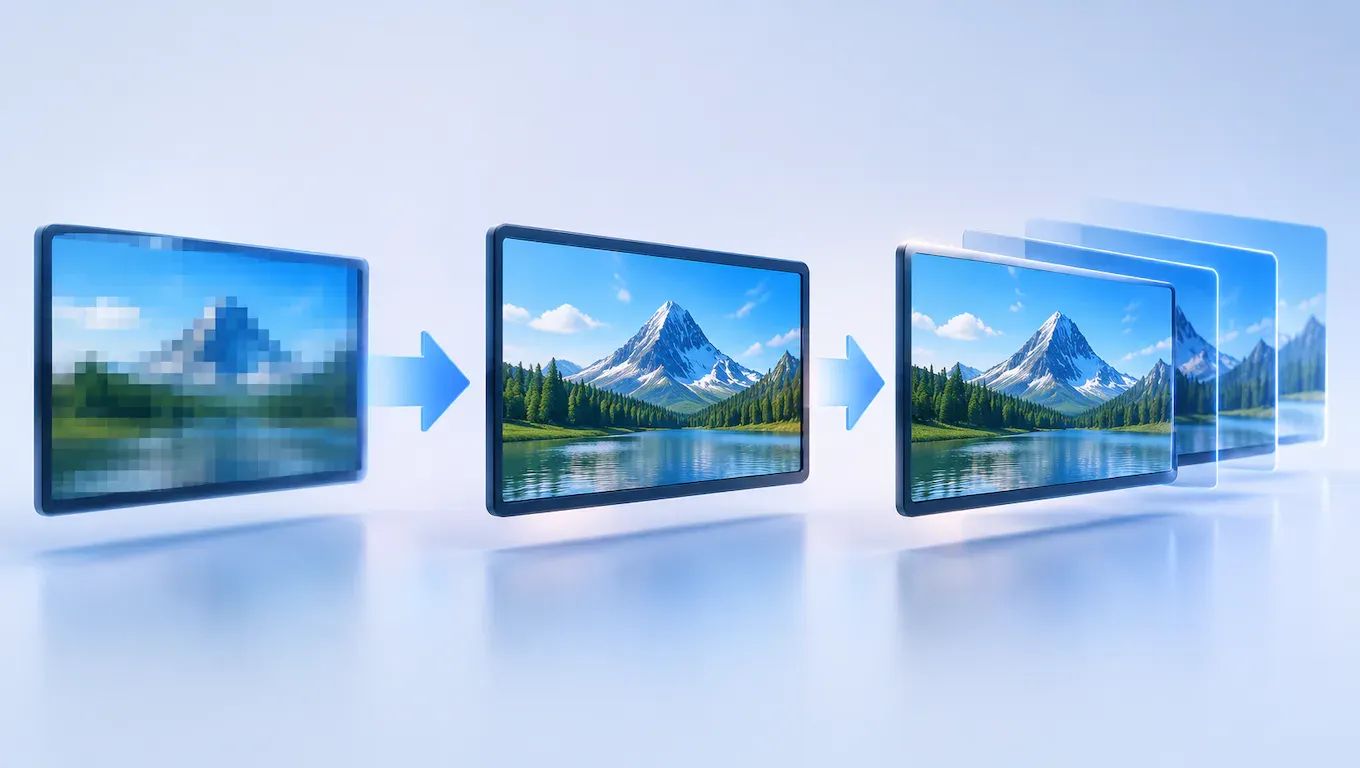
NVIDIA, AMD and Intel each ship their own upscaling technology, and games do not support all of them equally. A title may offer one brand's upscaler and skip another's, so check the settings menus or patch notes of the games you play most.
The best GPU for gaming is the one that fits your display, not a logo. Suppose you play on a 1080p, 144 Hz monitor. A midrange card that holds 144 frames per second there beats an expensive card built for 4K that you cannot fully use. A 4K monitor changes the math and calls for more capable hardware.
Before buying, read independent benchmarks for the exact models and games you are considering.
AI, development and creative work: why software support decides
For a GPU for AI and development, the software stack often matters more than raw hardware. A fast card that your framework cannot use is a poor purchase.
CUDA, ROCm and oneAPI
NVIDIA's CUDA has the broadest tool support across machine learning frameworks, libraries and tutorials. In the CUDA vs ROCm comparison, AMD's ROCm and Intel's oneAPI are credible alternatives, but support varies by framework, operating system and specific GPU model. Suppose you plan to run a particular PyTorch workflow on a Radeon card under Windows. Check the current compatibility list first, because not every model or OS is covered.
Video editing, encoding and 3D rendering
Creative apps depend on hardware video encoders and renderer support. Check that your editor, such as Premiere Pro, DaVinci Resolve or Blender, supports the encoder or rendering backend on the card you are considering. Support differs by app and version, so confirm it in the software's documentation.
Small teams with occasional heavy workloads may rent cloud GPUs instead of buying. Check which GPU types a provider offers, since your software may favor one brand.
Which GPU to choose for your needs and budget
Start with your workload, then set a budget, then compare current prices and reviews within that tier, because value shifts as prices and new releases change.
Gamers
NVIDIA suits players who want the most mature ray tracing and upscaling support. AMD often competes on raster performance per dollar. Skip a card if your favorite games lack the upscaling feature you are paying for.
PC builders on a budget
Intel's Arc cards can be attractive at lower tiers, but they depend on driver maturity, so read recent reviews first. Suppose you play older titles: a used or previous-generation card from any brand may beat a new entry-level one.
Developers and AI users
If your tools require CUDA, choose NVIDIA. Avoid AMD or Intel unless you have confirmed your specific framework supports them. For example, a founder fine-tuning models should check software compatibility before comparing prices.
Small businesses and general office use
Integrated graphics are often enough for email, documents and video calls. A discrete card makes sense only for video editing, CAD or local AI work. Buying one for office tasks adds cost without a clear benefit.
Before you buy: compatibility and common mistakes
Start with the hardware your card must fit. Check that your power supply meets the manufacturer's recommended wattage and has the right connectors, since some cards need a 12-volt high-power cable or several 8-pin plugs. Measure case clearance for length, thickness and cooler height. Confirm the motherboard has a free x16 slot and that your platform meets any requirements the vendor lists. Then match monitor inputs to the card's ports, especially for high refresh rates.
Suppose a builder buys a long three-fan card and finds it hits the front drive cage. A tape measure would have caught that.
The usual mistakes are avoidable:
- Buying by brand loyalty instead of the workloads you run.
- Ignoring memory capacity, which limits high-resolution textures and larger AI models.
- Trusting marketing claims without independent testing.
- Skipping software compatibility checks for your apps or frameworks.
- Overlooking the return policy.
Models and prices change quickly, so confirm current driver status and read recent independent reviews for the exact model before paying.
Choosing between NVIDIA, AMD and Intel GPUs: how to decide
The right GPU follows from your workload, not from the logo on the box. Three decisions matter most: match the card to your monitor's resolution and refresh rate, confirm that the software you rely on supports it (CUDA, ROCm, oneAPI or your editing app), and choose enough video memory for your largest games or models.
Start by writing down the two or three games or tools you use most, then check each against the shortlisted cards. The pitfall to avoid is buying on brand loyalty or marketing claims before checking current prices, drivers and independent reviews for the exact model.
You will know the choice worked if your main workloads run smoothly at your settings, the card fits your case and power supply, and you never need the return window.
Frequently asked questions
How much does software support matter compared with raw hardware?
For AI, development and creative work, software support often matters more. A card your framework or editing app cannot use is a poor purchase, however fast it is on paper. For gaming, drivers matter too, but hardware and feature support usually decide the experience. Check your specific tools before you compare specs.
Do NVIDIA, AMD and Intel handle ray tracing, upscaling and frame generation differently?
Yes. Each brand uses its own hardware design and its own upscaling and frame generation technology, so image quality, performance and game support differ. Ray tracing adds realistic lighting, upscaling reconstructs a sharper image from a lower resolution, and frame generation inserts extra frames. Check that your favorite games support the brand's version.
Is frame generation worth using?
It can be, if the game already runs reasonably well. Frame generation raises the displayed frame rate by inserting extra frames, which makes motion look smoother. It can add a little input delay, so competitive players often leave it off, while players of slower single-player games tend to benefit most.
How much video memory do I need?
It depends on resolution, game settings and workload. Higher resolutions, ray tracing and large textures use more memory, and so do big AI models and complex editing projects. Look up the memory use of your most demanding games or models, then pick a card with some headroom beyond that.
Can I mix a GPU from one brand with a CPU from another?
Yes. Any modern GPU works with a CPU from either major maker, as long as the motherboard has a free x16 slot and the platform meets the card's requirements. Check your power supply, case clearance and any platform features the manufacturer lists before you buy.
Should I buy a new or a used graphics card?
A used card can save money, but it carries more risk. You may get no warranty, and you cannot always tell how it was used. Buy from a seller with a return policy, test the card soon after receiving it, and compare the price against new cards at the same tier.


