
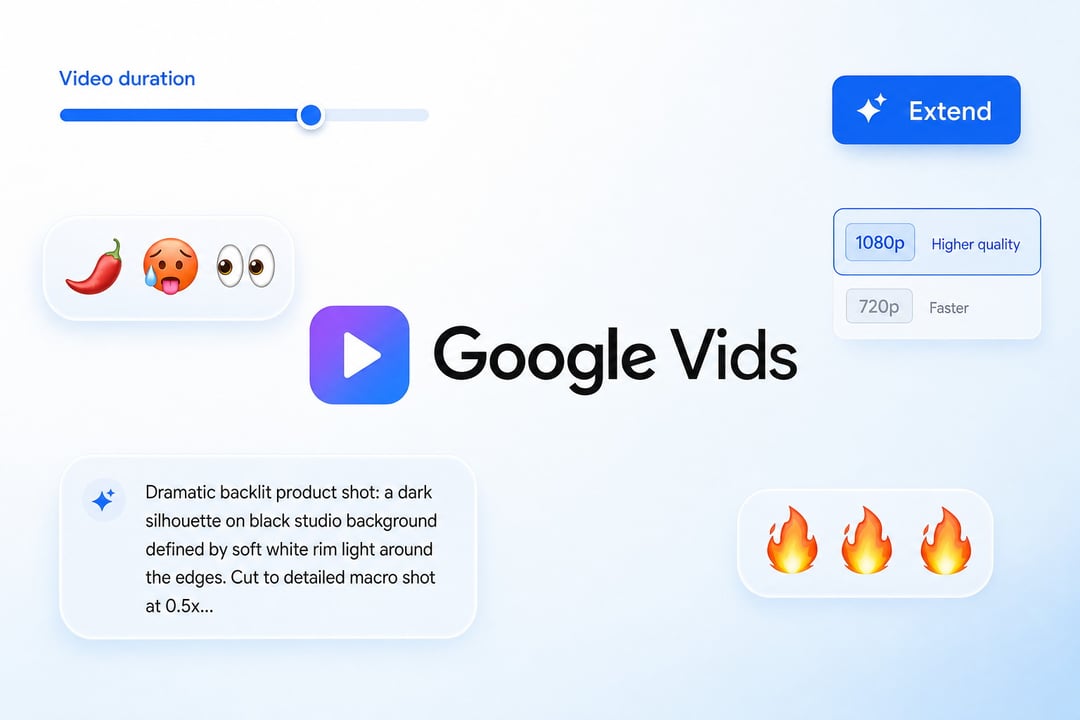
Google has expanded access to Google Vids, making the AI video creation tool available at no cost to anyone with a Google or Google Workspace account. The update also brings Gemini Omni 1.1 Flash into Vids, so users can create video clips from scratch and have more control over the result.
The free version is not presented as a reduced version of the tool. Users can work with AI-generated video clips, extend scenes, select clip lengths, and use templates to turn existing materials into videos.
Free Access to Google Vids and Gemini Omni 1.1
Google Vids is now available to people with either a Google account or a Google Workspace account. Previously, access was more limited, including through paid Workspace subscriptions.
With Gemini Omni 1.1 Flash in Google Vids, users can generate clips from scratch rather than relying only on existing footage. The tool is intended to be usable even for people who have not worked with professional video editing software.
Paid AI plans will offer higher generation limits for personal accounts. Workspace Business and Enterprise customers will receive additional capacity and administrative controls.
More Control Over AI-Generated Video Clips
Google Vids gives users more options for shaping AI-generated footage. Rather than entering a prompt and accepting the result as-is, users can specify details that help a clip fit a project.
Extend Existing Video Scenes
Vids can extend an existing scene while attempting to retain important visual details, including:
- Characters
- Environment
- Lighting
This can help maintain continuity when a video needs additional footage beyond an existing scene.
Set the Length of Generated Clips
Users can choose the exact duration of an AI-generated clip. That added control can make it easier to place footage around a script or voiceover.
1080p Video Generation and HD Upscaling
New scenes created in Google Vids can be generated in 1080p. Existing AI-generated clips can also be upscaled to HD.
These options can be useful when combining multiple generated scenes, particularly when creators want to avoid a softer-looking clip standing out from the rest of a video.
Templates for Building Videos From Existing Materials
Google Vids includes templates that can turn product photos and other existing materials into a finished video. This gives users a way to start with available assets instead of building a project manually from an empty timeline.
Upcoming AI Voiceovers in More Than 100 Languages
Google says text-to-speech powered by Gemini 3.8 Flash-Lite is coming soon to Google Vids. The feature will convert a written script into a voiceover in more than 100 languages.
With generated footage and AI narration available in the same tool, users could move from an idea to video and voiceover without recording their own audio or opening a traditional video editor.
AI Video Disclosure With SynthID
Videos created with Omni 1.1 include Google’s SynthID watermark within their frames. The watermark provides a way to identify footage as AI-generated.