
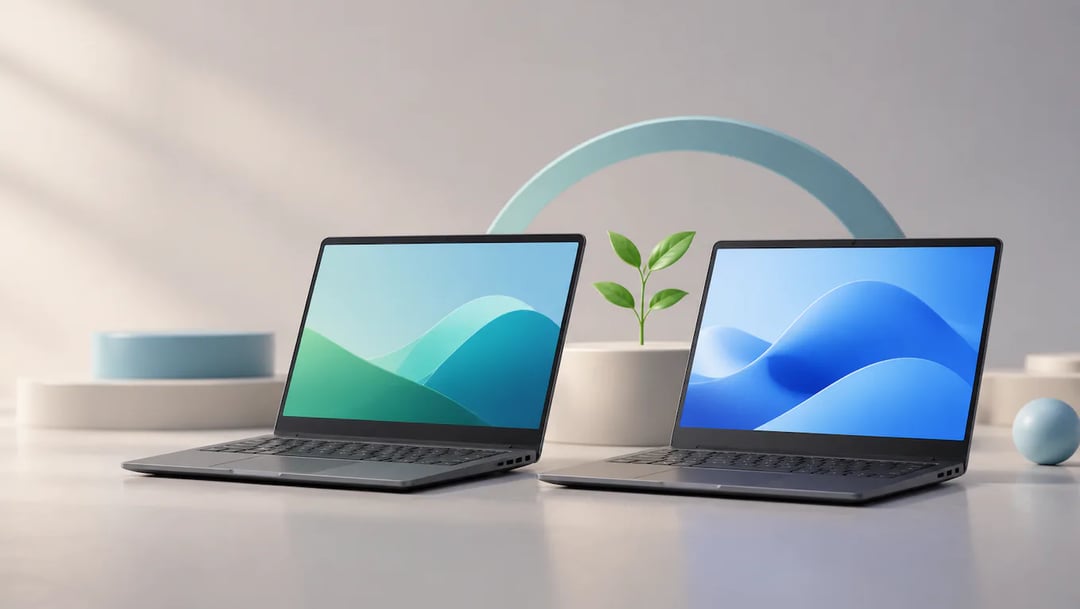
Choosing between ChromeOS and Windows at a low price is difficult when the cheapest laptop may become frustrating long before its hardware fails. ChromeOS vs. Windows 11 Laptops Under $500: Which Lasts Longer? The answer depends on more than the operating system.
You will learn how to check a Chromebook's update support, spot Windows 11 hardware limits, and compare battery condition, storage, memory, and repairability before buying. The comparison also separates light web and office work from software development, gaming, creative apps, and other workloads that may require Windows compatibility. A simple pre-purchase checklist will help you evaluate new and refurbished models without treating a low price as proof of good value. By the end, you can match each platform to your workload and choose the budget laptop most likely to remain useful for your needs.
Check support and compatibility before comparing laptops
A laptop’s useful lifespan depends on both software support and hardware performance. ChromeOS or Windows 11 alone cannot guarantee that every budget model will stay useful longer.
Before buying a Chromebook, check the update-support date for its exact model. Do not rely on the product name alone: similar-looking models can have different support timelines. For a Windows laptop, verify that its hardware meets Windows 11 requirements, then check that it can run the apps you need.
Make a short list of essentials before shopping: software, peripherals, tasks you need to do offline, and any gaming or work requirements. For example, if your job depends on a desktop app that does not run on ChromeOS, confirm that a Chromebook can handle it another way before choosing one. If you regularly use a printer or other accessory, check compatibility with the specific laptop.
Support policies and device details can change, so confirm them for the exact model and configuration before purchase. A listing that says "Windows 11" or "Chromebook" is a starting point, not proof that the laptop will meet your needs or remain supported for as long as you want.
Compare the same lifespan factors on both platforms
A budget laptop's useful life depends on more than its operating system. Update support matters because a device that stops receiving security or compatibility updates may become harder to use safely, even if its hardware still works. Check the support policy for the specific model rather than assuming every Chromebook or Windows laptop follows the same schedule.
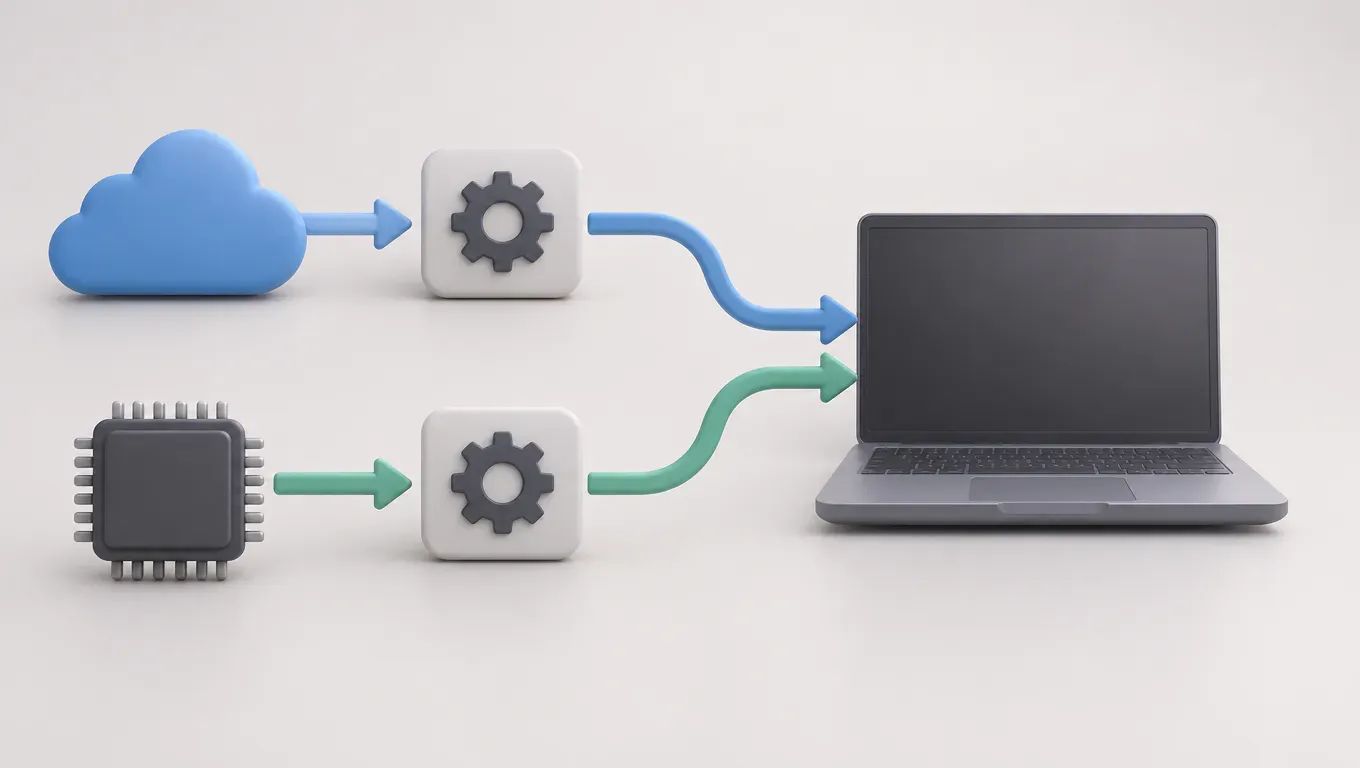
Hardware headroom matters just as much. Limited memory or storage can make newer apps, browser tabs, and system updates harder to manage. A demanding app can shorten practical usefulness on either platform when the processor, memory, or graphics hardware cannot keep up.
Battery condition is another separate factor. A worn battery may reduce mobility and add replacement cost, regardless of whether the laptop runs ChromeOS or Windows 11.
Workload decides whether those limits matter. In a hypothetical example, a web-focused user who writes in online apps and streams media may find a modest Chromebook sufficient for longer. A user who needs desktop software may outgrow that same machine sooner, while a Windows laptop with suitable software support may fit better. Neither result proves that one platform always lasts longer. A useful Chromebook vs Windows laptop comparison matches the hardware and workload, not just the operating system.
Where a Chromebook can be the longer-lasting fit
A Chromebook can remain useful for years when your work runs in a browser or in ChromeOS apps, and the specific model still receives software updates. For email, documents, video calls, and web-based business tools, a simpler setup may be enough. For example, a student who writes papers in online services and stores files in the cloud may not need traditional desktop software.
Check the model’s update-support end date before buying. It tells you how long Google plans to provide automatic updates for that device, so it affects how much supported use may remain. Two Chromebooks can differ in hardware, app compatibility, and support period; the Chromebook name alone does not tell you how long either will suit your needs.
A Chromebook may be a poor fit if you rely on a Windows-only desktop program, a specialized peripheral without ChromeOS support, or demanding work that needs substantial local computing power. A small-business owner who depends on a particular Windows accounting application, for instance, should confirm that the required workflow works on ChromeOS before purchasing.
Compare the exact configuration, app and peripheral compatibility, and remaining update-support period.
Where a Windows 11 laptop can stay useful longer
A budget Windows laptop can be the better long-term fit if you rely on desktop applications or need a broader range of PC software. For example, a small-business owner who depends on a Windows-only accounting program may get more use from a compatible laptop than from a Chromebook. That flexibility has limits: inexpensive hardware can slow down demanding apps or multitasking.
Before buying, check that the specific model meets Windows 11 requirements, then look at its memory, storage, processor, and battery condition. A used or refurbished laptop may have worn components even if its specifications look suitable on paper. A Windows 11 label does not guarantee enough capacity for your future workload.
Gaming, software development, and demanding creative work call for closer checks than basic browsing. Confirm that the programs and peripherals you need support the laptop’s hardware, and consider whether its memory and storage can handle your projects. Someone searching for the best laptop under $500 should compare the actual configuration, not just the operating system or brand. A machine that handles documents well may struggle with games, large code projects, or video editing.
Choose by workload, then use a pre-purchase checklist
Choose the platform that fits your daily tasks
Choose a Chromebook if the browser-based apps you rely on cover your work. Choose a Windows laptop if you need specific desktop software or peripherals that do not work with ChromeOS, provided the laptop has enough memory and storage for those tasks.
For example, a student who writes in web apps and joins video calls may be well served by a Chromebook. Someone who needs a Windows-only accounting program should check that a Windows model can run it smoothly.
A low price is a poor deal if the laptop cannot run essential software or has little support time left. The inconvenience can push you toward replacing it sooner.
Check the exact laptop before paying
Check the exact model and configuration, not just the product family. Before buying, verify:
- The Chromebook’s update-support end date, or the Windows model’s compatibility with the software and peripherals you need.
- Memory, storage, and processor configuration against your workload.
- Battery condition, return terms, and warranty coverage.
For refurbished laptops, ask how the battery was assessed and whether the return policy covers problems you find after setup. Confirm support details for the specific device rather than assuming every model in a product line has the same schedule.
Write down the apps and accessories you need, then compare specific laptops against that list. Choose by fit, not by operating system alone.
Make the longer-lasting laptop choice
Start by listing the apps, peripherals, offline tasks, and workloads the laptop must handle. Then check the exact Chromebook’s update-support date or confirm that the Windows 11 model meets your software and hardware needs. Choose a Chromebook when supported browser-based work covers your day; choose Windows when required desktop programs or peripherals call for it, but only if the configuration can run them adequately. Before buying, inspect memory, storage, processor, battery condition, warranty, and return terms, especially on a refurbished device. Don’t assume the operating system or a Windows 11 label guarantees a longer useful life. Your choice is working if the laptop runs your essential tasks, has suitable support remaining, and fits your budget without an early replacement driven by incompatibility or weak hardware.


