
Major tech companies including Google, Samsung, and Apple are expanding AI assistants so they can handle tasks across apps and services on a user’s behalf. That convenience brings a privacy issue. When an AI agent browses the web for you, its activity can still be linked to your IP address.
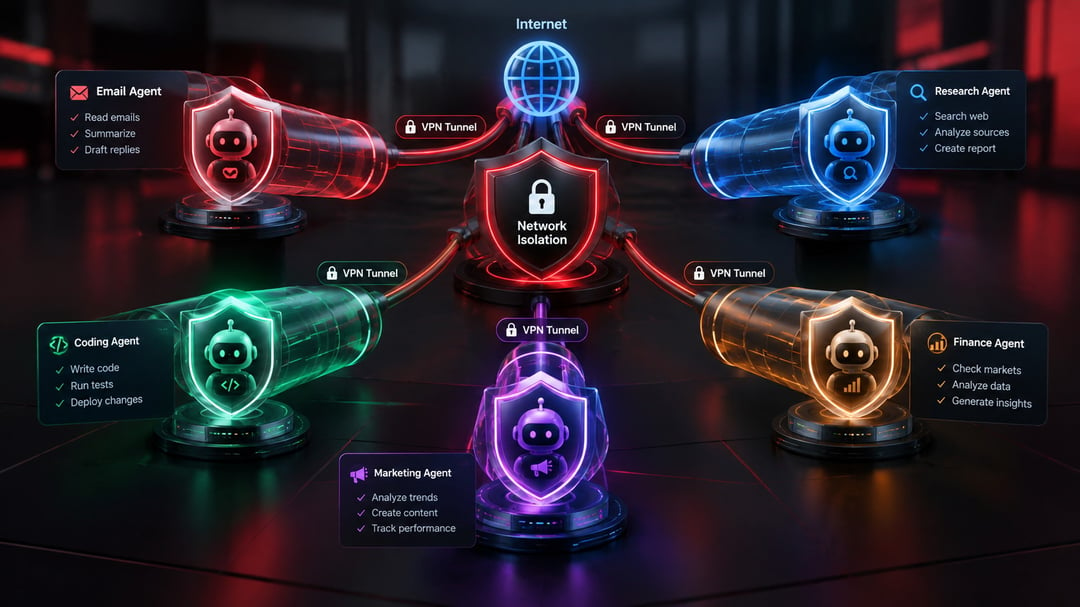
Bitdefender’s VPN for AI Agents addresses that gap. Each AI task receives its own temporary VPN connection. The rest of the device stays on its normal network.
How the VPN for AI Agents Works
This service differs from a conventional VPN. It does not route every connection on the computer through the same tunnel. Instead, it spins up a separate private connection only when a supported AI agent needs internet access.
The setup relies on an MCP server and remains inactive until an agent requests it for a specific task. Bitdefender then creates an isolated container for that prompt, sends the agent’s network traffic through the VPN, and deletes the container once the task ends. Cookies, cache, and other session data do not carry over to the next task.
Meanwhile, the rest of the computer continues using its regular internet connection. You could have an AI agent research something through the VPN while your browser and other apps stay on the ordinary network.
Situations Where the Separation Helps
A few practical cases stand out. An agent looking into a health or legal question would not expose the user’s usual IP address to every site it visits. The same arrangement works for regional price comparisons, checking content available in different countries, or giving an agent its own connection while you work on public Wi-Fi.
What the VPN Actually Protects
Bitdefender VPN for AI Agents shields the agent’s network traffic and masks the IP address used to reach websites. It does not hide the prompts themselves from the AI service that processes them.
Protection also depends on the agent routing its requests through Bitdefender’s MCP tools. If an AI application relies on its own networking tools instead, that traffic may still travel over the user’s regular connection.
Current Availability and Supported Apps
The public beta runs on macOS and currently supports Claude Desktop, Cursor, Codex, and OpenCode. Bitdefender is aiming the service at regular consumers, though the first wave of app support leans toward coding and developer tools.
Access is free during the beta period. Support for additional operating systems is planned.