

A chatbot can draft the email, the setup note, or the support reply and still keep a copy of what you typed. Run an AI privacy and security check before that text, a file, or a linked account leaves your control.
That check covers how a service may train on or retain what you submit, what to look for in the privacy policy, and which data should stay out of the prompt, including customer records, credentials, unreleased code, and health or financial details. You can apply that check to any tool, but training, retention, and access terms differ by product, so you have to confirm them in that service's own documentation.
Once you can run it, you can set tighter permissions, revisit settings after an update, and use AI for drafts, troubleshooting, and research while sharing only what the job needs.
Recognize the Privacy Risks in AI Data Sharing
Sharing data with an AI tool is riskier than ordinary web use. A page view or a search usually stays with one service for a defined task. A prompt can carry files, code, or personal details that the vendor may store and later reuse to train models.
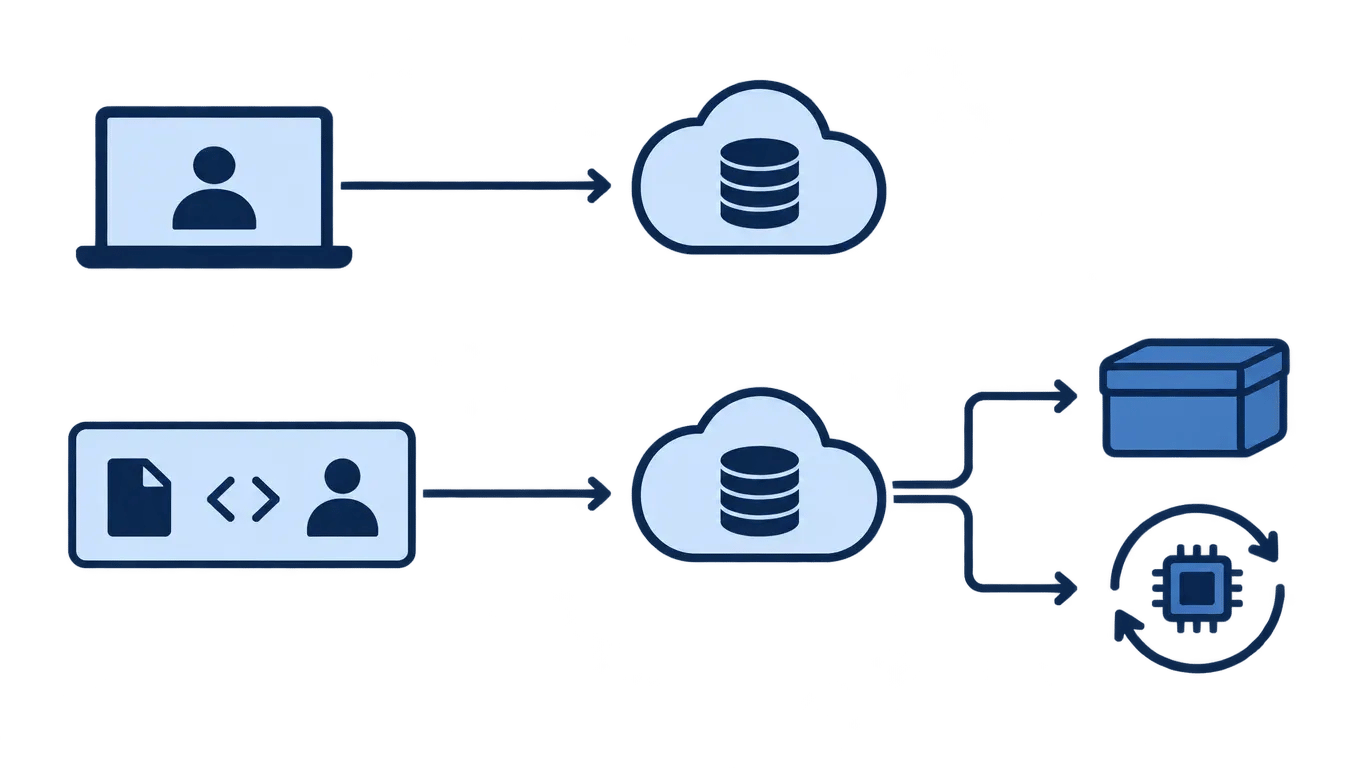
That reuse is the main AI data privacy risk. Closing the chat may not delete what the vendor kept. A breach can expose old prompts. Training on those inputs without clear consent can also let private material appear in answers other people receive.
AI privacy and security matter more now because chat tools invite you to paste whole documents, not a short query. Suppose a small team uploads a client contract for a summary. The summary is quick, but the contract may remain in logs the team never checks. Before you paste, ask if it could be stored, used for training, or leaked.
Evaluate an AI Tool's Privacy Policy
Verifying AI privacy policies starts with the policy text, not the marketing page. A usable policy states what the service collects: account details, prompts, uploaded files, device data, and payment records. If the wording is only "we collect information to improve our service," treat that as a warning.
Then check whether inputs are shared with third parties or used to train models. You want a clear yes or no, and a way to opt out of training. Suppose a writing assistant says customer content is not used to train its models and is not sold to advertisers. That claim should match both the policy and the settings screen.
Also confirm how long data is kept and whether you can delete or export it. Protecting data in AI tools depends on those controls appearing in the policy, not in a help article alone. A retention line that says "as long as needed," with no deletion path, leaves you unable to limit exposure later.
Identify What Data to Avoid Sharing
Before sharing personal data with AI tools, decide which inputs would still hurt you if a chat were retained, reviewed by staff, or exposed in a breach. Do not enter Social Security numbers, bank details, credit card numbers, or passwords. Those values can open accounts or move money, and a general assistant does not need them to answer a question.
Location data and biometric information carry higher risk because they are difficult to replace. A home address or precise location history can reveal routines, workplaces, and family patterns. Fingerprints, face scans, and voice samples can unlock devices or pass identity checks elsewhere, so a leak lasts longer than a changed password.
A gamer should not paste store payment details or a full recovery email while asking for help with a purchase error. A developer should not drop API keys, database passwords, or real customer records into a coding chat, even for a short debug. If a tool asks for files, camera access, or location without a clear tie to the task, stop and use a redacted example instead.
Implement Practical Security Measures
You can keep the tools useful and still limit exposure if each session is something you can audit. Protect data in transit first. On a public network, use a VPN so the local network cannot easily read your traffic, and confirm the service uses encryption so a prompt is not sent in the clear. Those two checks are basic AI security best practices when you work outside a trusted network.
Lock the account next. Turn on two-factor authentication, then review which apps can open your files, email, or calendar. For example, a coding assistant that needs one project folder should not see the whole drive.
Watch how much you send. After a work block, open the history, delete threads you no longer need, and paste new material less often. Suppose a small team runs customer notes through a chatbot all week: a short look at those chats shows whether anyone shared more than the task required.
Review and Update Your Privacy Settings Regularly
A one-time setup does not stay current. Vendors change defaults, add training options, and ship features that can turn data sharing back on. Schedule AI privacy checks every few months, and again after a major update. Open each tool and review history retention, training opt-outs, connected accounts, and who on a shared workspace can see chats or files.
Suppose a small team uses a writing assistant for client drafts. After an update, the product starts saving prompts by default and links a new cloud drive. A short review catches both before a confidential brief sits in a log the team never meant to keep.
Watch for new risks in the tools you use, apply updates, and turn off features you do not need. For health records or unpublished code, switch to a privacy-focused tool or a local model that keeps the content on your machine. Recheck those choices when the product or the work changes.
What to decide before an AI tool sees your data
Before you paste anything sensitive into a tool, decide three things: what you will never share, whether that vendor may train on your inputs, and who on your team is allowed to use the account. Start with the product you already rely on. Open its data-use, retention, and deletion terms, and write down what is collected, whether prompts are used for training, how long records stay, and how to export or erase them.
The common mistake is trusting a short privacy banner, or assuming a free chat plan matches a paid business plan. You will know the check worked when you can answer those questions without guessing, your accounts use two-factor authentication, and a short do-not-share list covers identifiers, payment data, location, biometrics, customer records, and unpublished code. Revisit those settings when the vendor changes terms or you add a new tool.


