
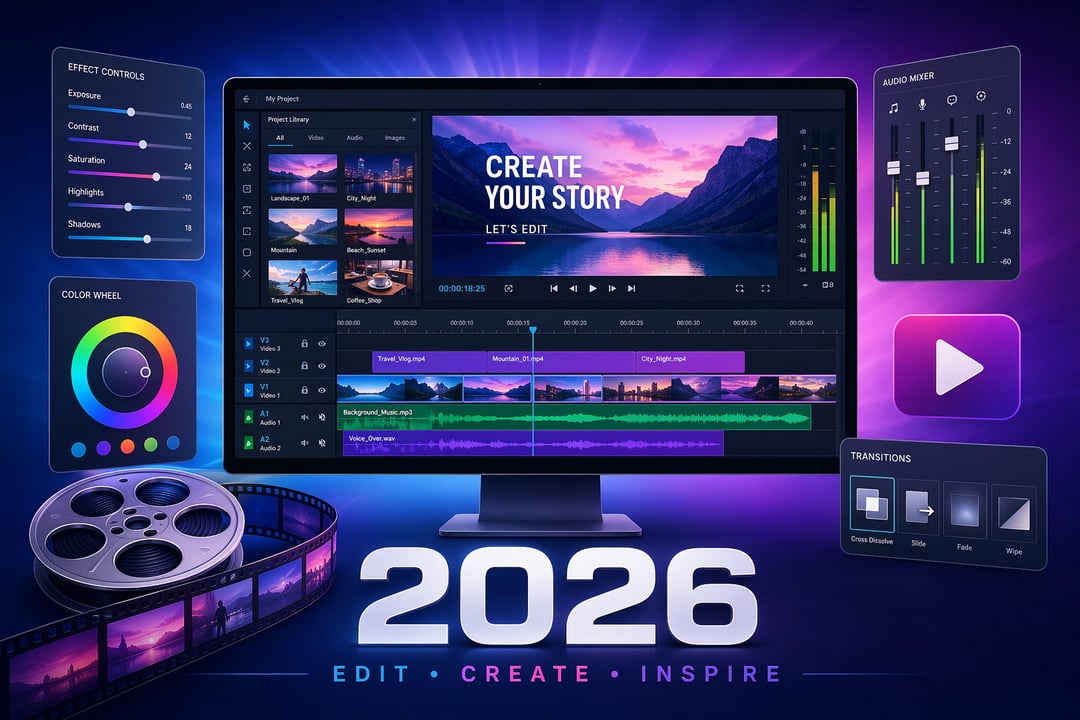
Best Video Editing Software for Beginners in 2026

Best Video Editing Software for Beginners (2026): 8 Top Picks

You open your first video editing app and just... stare at it. Timelines, tracks, color wheels, keyframes — it's a lot. And the worst part? There are dozens of apps competing for your attention, each one claiming to be "perfect for beginners."

So let's cut through it. Here are 8 video editing tools that genuinely make sense if you're just starting out — picked based on how easy they are to learn, whether the free version is actually usable, and how far they'll take you as you improve.

How These Tools Were Selected

Not every "beginner-friendly" tool actually is. Some bury you in menus. Others lock useful features behind a paywall immediately. The tools below made the list because they're approachable on day one, honest about their limitations, and available on common platforms without jumping through hoops.

The 8 Best Video Editing Software Options for Beginners

1. iMovie — Best Free Option for Mac Users

If you own a Mac or iPhone, iMovie is already sitting on your device waiting. It's drag-and-drop simple, looks clean, and gets you from raw footage to finished video faster than almost anything else on this list. The templates are polished enough that your output looks intentional even when you're still figuring things out. The trade-off: it's Apple-only and won't grow with you if you want serious control. But for getting started? It's hard to beat free and already installed.

2. CapCut — Best for Social Media Beginners

CapCut has quietly become the go-to for anyone making content for TikTok, Instagram Reels, or YouTube Shorts. It's free, works on mobile and desktop, and comes loaded with trending templates, auto-captions, and effects that would take hours to recreate manually elsewhere. The interface practically guides you. If your goal is short-form content and you want results fast, start here. Just know it's optimized for social — not long-form storytelling.

3. Clipchamp — Best Free Option for Windows Users

Windows 11 users have Clipchamp built right in, which makes it the iMovie equivalent for the PC crowd. It runs in your browser, requires almost no setup, and has a straightforward timeline that won't intimidate anyone. There's even a built-in stock footage library. It's not powerful by any stretch but it's genuinely easy and genuinely free — no watermarks, no hidden paywalls on the basics.

4. DaVinci Resolve — Best Free Tool With Room to Grow

Here's the honest truth about DaVinci Resolve: it has a steeper learning curve than everything else on this list. But it's also free, professional-grade, and used by actual Hollywood editors. The color grading tools alone are best-in-class. If you're the type who's willing to spend a weekend learning something properly rather than getting quick results, Resolve will serve you for years. The community is enormous and the tutorials are everywhere. Think of it as a long-term investment in yourself.

5. Wondershare Filmora — Best for Beginners Who Want More Control

Filmora sits in a sweet spot — it's not as basic as iMovie but nowhere near as complex as Premiere Pro. The interface is clean, the built-in effects and transitions are genuinely useful, and the brand publishes solid tutorial content that doesn't feel like a sales pitch. It costs money (subscription or a one-time purchase), but the trade-off is skipping a lot of early frustration. If you're serious about learning and want a tool that respects your time, Filmora is worth considering.

6. Adobe Premiere Elements — Best for Beginners in the Adobe Ecosystem

Premiere Elements is the "training wheels" version of Premiere Pro — and that's not an insult. The Guided Edits feature literally walks you through specific tasks step by step, which is brilliant when you're learning. It's a one-time purchase rather than a subscription, and if you're already using Lightroom or other Adobe tools, the workflow feels familiar. Eventually you might outgrow it but it's a smart bridge into the Adobe world.

7. PowerDirector — Best All-Rounder for Windows Beginners

PowerDirector doesn't get enough credit. It has a free version that's actually functional, a clean timeline, motion graphics support, and it runs well on mid-range hardware — which matters more than people admit. It's not flashy or trendy but it's reliable and consistently updated. If you're on Windows and want something more capable than Clipchamp without paying Adobe prices, PowerDirector deserves a look.

8. OpenShot — Best Truly Free, Open-Source Option

OpenShot is for anyone who needs zero budget and zero strings attached. It's open-source, runs on Windows, Mac, and Linux, exports without watermarks, and has no subscription tiers trying to upsell you. The interface is a bit dated and it's not the most intuitive experience — but it works. For absolute beginners who just want to make their first cut and see what happens, OpenShot removes every excuse.

So Which One Should You Actually Use?

Here's a quick way to think about it:

  • Mac user, no budget → iMovie
  • Making short videos for social → CapCut
  • Windows user, want free → Clipchamp or OpenShot
  • Want to get serious eventually → DaVinci Resolve
  • Willing to pay for a smoother experience → Filmora or PowerDirector
  • Already using Adobe tools → Premiere Elements

Just Pick One and Start

Honestly? The best video editing software for beginners is whichever one you'll actually open. Every tool here has a free tier or a trial. Download one this week, import some footage, and make something imperfect. That's how this actually works.


Join the Community

Get the latest tech news, reviews, and exclusive insights delivered straight to your inbox. Join over 50,000 tech enthusiasts who trust Informer Tech.

Weekly digest

No spam

Unsubscribe anytime