
If you’ve tried a few AI tools already, you know the mess. One tab for ChatGPT. Another for Claude. Maybe Gemini for Google-connected work. Perplexity for research. A separate image generator. Then another subscription sneaks onto the monthly bill.
That’s the problem Zemith wants to solve.
This review looks at whether Zemith actually delivers useful all-in-one AI access or whether it’s just another shiny wrapper around tools you may already use. The short version: Zemith makes the most sense for people who want many AI models, creative tools, document analysis, and workflow features in one place.
It won’t be perfect for everyone. But for active AI users, it’s genuinely interesting.
What Is Zemith?
Zemith is a centralized AI workspace. Think of it less like a single chatbot and more like a control room for different AI models and productivity tools.
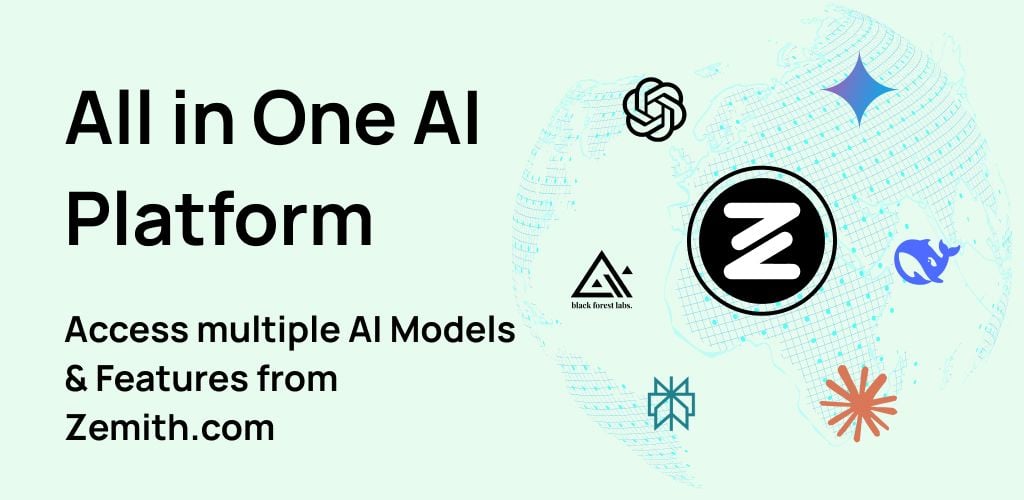
According to Zemith’s official website, the platform gives users access to ChatGPT, Claude, Gemini, and 25+ other models. That matters because AI models behave differently. One may write more naturally. Another may reason better through technical questions. Another may handle research-style prompts with more confidence.
Zemith’s core promise is simple: instead of subscribing to several AI services separately, you can access many of them from one interface. That includes chat, writing, image generation, document review, coding assistance, voice features, and workflow tools.
For a general user, the appeal is obvious. Less tool-hopping. Fewer logins. One place to get work done.
Zemith Review: Key Features That Stand Out
Zemith’s biggest strength is breadth. It doesn’t try to win by offering one narrow feature. It tries to become the workspace where your AI tasks start and finish.
Access to 25+ AI Models
The headline feature is access to a wide range of models. Zemith references major providers and model families including OpenAI, Anthropic, Google, DeepSeek, xAI, Perplexity, Meta, Mistral, MiniMax, Kling, Recraft, Stability, and others.
That variety gives users options. And honestly, that’s more useful than it sounds.
If you’re writing a blog intro, one model may give you punchier copy. If you’re summarizing a PDF, another may stay closer to the source. If you’re debugging code, a different model may explain the issue more clearly.
This is where Zemith feels practical. It gives you room to compare outputs without rebuilding the same prompt across five websites.
Image, Video, and Creative AI Tools
Zemith also includes creative tools for image and video work. The website mentions tools connected to image generation, visual editing, and video generation workflows.
This matters for creators, marketers, students, and small business owners. You may not need Hollywood-grade production tools. You may just need a quick product mockup, a social media visual, a presentation image, or a short AI-generated video idea.
Zemith’s value here comes from convenience. It places creative AI beside writing and research tools. That makes the process feel more connected. Draft the idea. Generate the image. Refine the copy. Build the next asset. All in one workspace.
Document Chat and Analysis
Document analysis is one of Zemith’s most useful everyday features. The platform supports working with files and sources such as PDFs, documents, text files, spreadsheets, URLs, and YouTube content.
That’s a big deal for normal people doing normal work.
You can use this for reviewing contracts, summarizing research papers, extracting points from reports, analyzing meeting notes, or turning a long video into usable takeaways. Instead of reading 40 pages just to find three useful ideas, you can ask focused questions and move faster.
Still, users should treat AI summaries carefully. For important legal, medical, financial, or academic work, always verify the original source. AI is helpful. It’s not a replacement for judgment.
AI Notepad and Workflow Canvas
Zemith also promotes productivity features like an AI Notepad and workflow-style tools. The AI Notepad appears designed for writing, rewriting, expanding text, and improving rough drafts.
That’s useful because many AI tools still feel like separate chat boxes. You ask. It answers. Then you copy and paste somewhere else.
A writing workspace changes the rhythm. You can draft, edit, improve, and reshape text in a more natural flow. For content creators or students, that can save real time.
The workflow canvas is another interesting feature. It seems built for multi-step tasks where prompts, outputs, images, and edits connect together. Picture a whiteboard where each AI action becomes a block in a larger process. That approach can help users build repeatable creative or research systems instead of starting from scratch every time.
Zemith Pricing Review: Is It Good Value?
Zemith’s pricing argument is built around consolidation. Instead of paying separately for multiple AI tools, users can pay for one workspace that includes many capabilities.
That can be a strong deal if you actively use AI for different tasks. For example, a freelancer might use AI to write proposals, summarize client notes, generate social media visuals, compare research, and polish emails. In that case, Zemith could replace several smaller subscriptions.
But value depends on usage.
If you only use one chatbot a few times per week, Zemith may feel like more platform than you need. If you already prefer native tools from OpenAI, Anthropic, Google, or Perplexity, you may not want an aggregator between you and those platforms.
The sweet spot is clear: Zemith fits people who use AI often and hate tool clutter.
Who Should Use Zemith?
Zemith is best for users who want one practical place for many AI tasks.
It suits:
- Creators who write, design, and research often
- Students who summarize PDFs, papers, and videos
- Freelancers who produce client-facing work
- Marketers testing copy, visuals, and campaign ideas
- Professionals who compare outputs from multiple models
- Curious users who want to explore AI without five subscriptions
And there’s a very human reason this matters. AI was supposed to simplify work. Yet somehow, many people ended up with more tabs, more accounts, and more decisions. Zemith pushes back against that by bringing the pieces together.
Zemith Alternatives to Consider
Zemith competes with several categories of AI tools rather than one direct product.
If you mainly want OpenAI’s ecosystem, ChatGPT may feel more direct. If you care about long-form writing and careful analysis, Claude remains a strong choice. If you work heavily inside Google’s ecosystem, Gemini may fit better. For research-style answers with cited sources, Perplexity is worth considering.
For visual specialists, tools like Midjourney, Runway, Ideogram, or dedicated design platforms may offer deeper creative control.
Zemith’s advantage is not specialization. Its advantage is aggregation. It gives general users one workspace for many AI jobs.
Conclusion
If you only need a simple chatbot, Zemith may be more than necessary. But if you write, research, analyze documents, generate visuals, compare models, and experiment with workflows, Zemith makes a strong case.
Its biggest strength is convenience. It reduces the scattered feeling that comes with modern AI work. Check the current pricing, limits, and supported models first. If those fit your needs, Zemith is a smart all-in-one AI platform to try.