
The Annoying Bing Redirect Might Soon Be History
You know that moment when you type the name of an app you actually have installed, see it pop up in the search results, click it... and Edge opens a Bing search page instead? Yeah. That one. It's a small thing, but it's one of those Windows 11 quirks that quietly chips away at your patience over months and years of use.
Honestly, it's the kind of bug that makes you stop trusting Windows Search for the simplest local lookups. Why bother typing if you're just going to get a web page you didn't ask for?
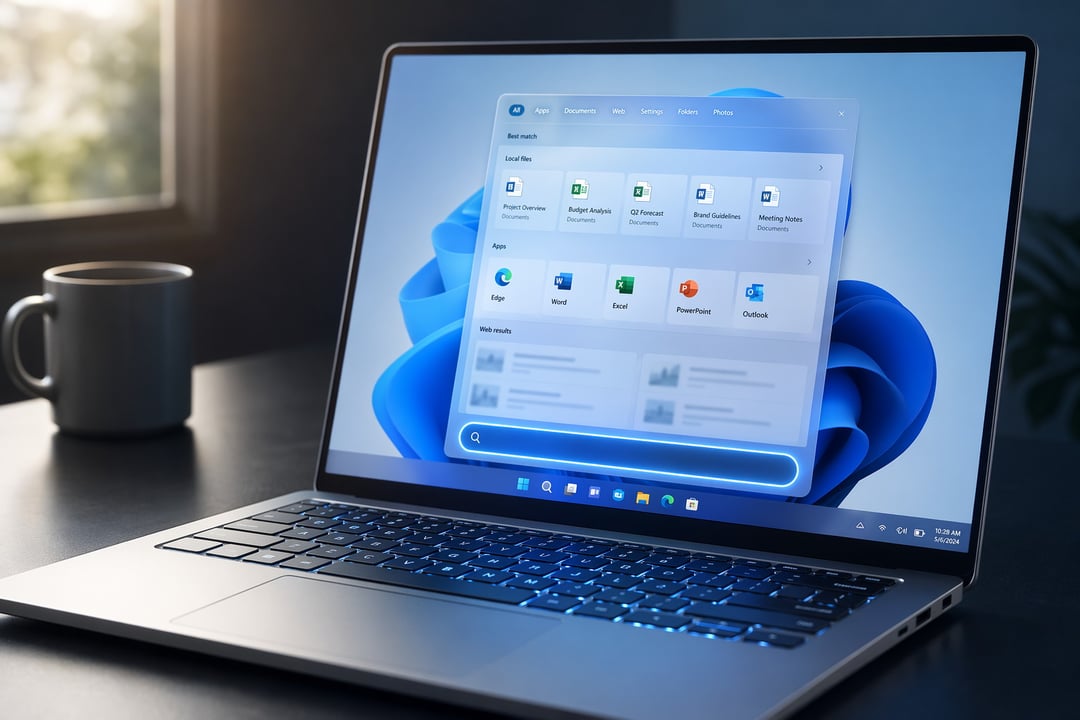
The good news: Microsoft seems to finally be doing something about it. The latest insider experimental build is testing changes that should push your actual files and apps ahead of web suggestions when you search.
What's Changing in Windows 11 Search
The fix is showing up in Windows 11 Insider Experimental Preview Build 26300.8493. Microsoft says the Windows Search Box is getting relevance improvements, and the rollout starts with apps and files specifically.
Here's the gist of it. According to Microsoft's release notes, files and apps should "more reliably appear ahead of web suggestions" when they're the better match for what you typed. Web results aren't disappearing, they're just no longer cutting the line when the thing you want is already sitting on your hard drive.
Local Files and Apps Get Priority Again
This is the part that matters. Search has always been a mixed bag in Windows 11, leaning a little too eagerly toward the web. The new behavior nudges it back toward something that actually makes sense: if the file exists on your PC, show it first.
Smarter Matching, Even With Typos
In early testing, Windows 11 was showing local files and apps above web suggestions even when the search query had typos in it. That's a meaningful change. Because let's be real, half the time you're searching, you're typing fast and missing letters.
Microsoft also says more relevance improvements are coming in future builds, so this looks like the start of something rather than a one-off patch.
The Bigger Picture: Microsoft Is Quietly Polishing Windows 11
This isn't a standalone fix. It fits into a broader pattern of Microsoft chipping away at long-running complaints, one small change at a time. Recent work has included:
- Better taskbar behavior
- Automatic driver cleanup
- Improved memory efficiency
- A low-latency mode for faster app launches
- Quicker right-click and Quick Settings actions
- File Explorer improvements
None of these by themselves are going to make Windows 11 feel brand new. But added together? They could make daily use noticeably less frustrating.
And really, that's what most people want. Not a flashy overhaul. Just an OS that does the basic things without getting in the way.
Questions People Are Asking
Will Windows 11 stop showing web results in Search entirely?
No. Web results aren't being removed. They're just being deprioritized when you're clearly searching for something that lives on your own PC. So if your query genuinely points to the web, those suggestions should still show up.
Which Windows 11 build has the new Search behavior?
The change is being tested in Windows 11 Insider Experimental Preview Build 26300.8493. Microsoft has indicated more relevance improvements are coming in upcoming releases.
Does the fix help with typos?
Yes, that's one of the more useful bits. In testing, Windows 11 was showing local files and apps ahead of web results even when the search query included typos.