
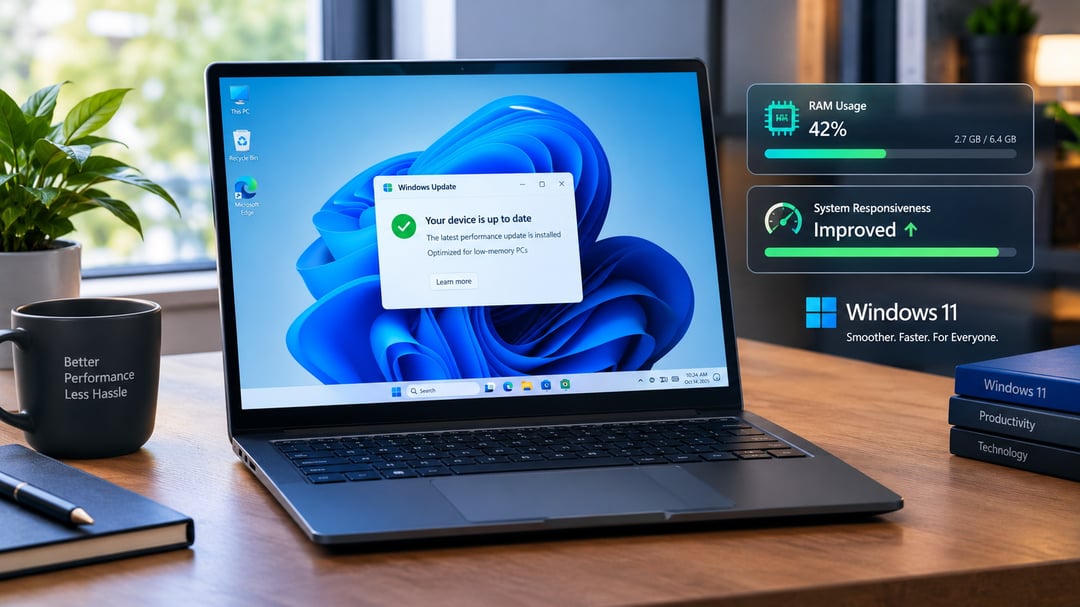
Microsoft says Windows 11 can respond up to 20% faster across areas such as Start, Search, File Explorer, and Edge. The update also includes memory changes designed to help PCs with 8GB of RAM or less, alongside updates to Photos, phone connections, and supported games.
Windows 11 Responsiveness Could Improve by Up to 20%
Microsoft reports that Windows 11 responsiveness may improve by as much as 20%. This refers to how quickly the system reacts to actions such as clicking, typing, opening Search, using Start, or right-clicking.
The figure comes from comparisons between two Windows builds that measured response times for Search, Start, and right-click menus. It represents a best-case result rather than a performance promise for every PC or situation.
Still, the changes focus on the small delays people notice during everyday use: waiting for a menu to appear, a search to react, or a window to respond after an input.
Memory Improvements for Windows 11 PCs With 8GB of RAM
The memory-related changes may matter most for lower-memory Windows 11 systems.
Windows 11 can now keep up to 2GB more data from open applications in RAM instead of moving that data to a slower drive. RAM is a PC’s working memory, and this adjustment is intended to reduce the amount of active app data that needs to be stored elsewhere.
The change may be particularly useful on PCs with 8GB of RAM when several applications and browser tabs are open at once.
Widgets and the News-and-Weather Panel Use Less Memory Until Opened
On systems with 8GB of RAM or less, Widgets and the Windows news-and-weather panel will remain unloaded until you open them. According to the update, this saves more than 200MB of RAM.
That means these features will not use that portion of working memory in the background before you choose to access them. For lower-memory machines, freeing even a few hundred megabytes can make a difference when several apps are already open.
New Windows 11 Photos App Features
Microsoft’s redesigned Photos app is also part of the broader Windows 11 update.
The app includes:
- A faster gallery
- Object removal
- The Relight feature
These Photos changes will first reach Windows Insiders, Microsoft’s early-testing group. A wider release is planned for later this year.
Windows Search Gets New Actions
Windows Search is receiving new actions intended to let it do more than direct users through menus. These Search additions will also arrive first for Windows Insiders, with a broader release planned later this year.
Microsoft has not provided a more specific date in the available information.
Deeper Phone Links in the Windows 11 Start Menu
Phone integration is expanding in Windows 11.
Users will be able to read and reply to messages from Android phones or iPhones through Start. Supported Android phones can also run apps in resizable windows.
Microsoft has not announced specific release dates for these phone-link features.
Advanced Shader Delivery for Supported PC Games
Microsoft is adding Advanced Shader Delivery for supported games. The feature uses pre-built graphics code, and Microsoft says it can reduce load times to seconds in supported titles such as Forza Horizon 6.
The stated load-time result applies to supported games, rather than every game on Windows 11.
What the Windows 11 Update Means for Everyday Use
The update combines faster system responses with changes intended to reduce memory pressure on PCs with limited RAM. The up-to-20% responsiveness figure is based on specific comparisons involving Search, Start, and right-click menus, so results will vary.
For systems with 8GB of RAM or less, the changes to open-app memory handling and the delayed loading of Widgets and the news-and-weather panel are the most directly targeted improvements. Meanwhile, the Photos app, Search actions, phone features, and Advanced Shader Delivery expand what Windows 11 can do in other parts of the experience.