
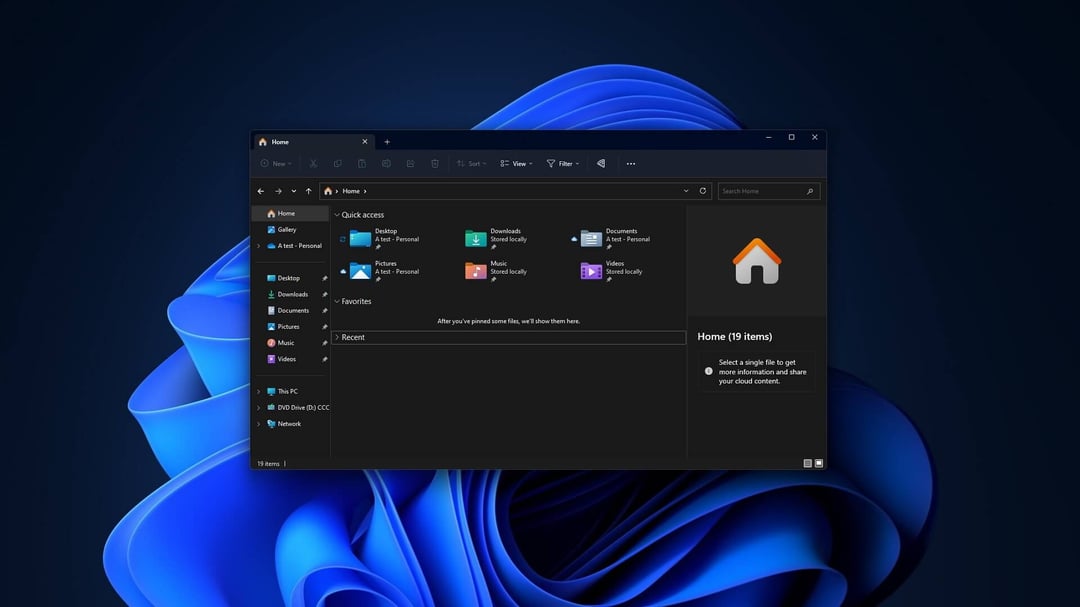
Cutting Windows 11 RAM Waste With Improved Memory Efficiency
A major piece of Microsoft’s push to improve Windows 11 performance and reliability is tighter memory efficiency. The goal is to reduce the baseline amount of RAM Windows uses on its own, so more memory stays available for everything else you actually want to run.
In practical terms, that’s about freeing up capacity for other applications by lowering how much memory Windows consumes as a starting point.
Making Windows 11 Feel Faster, Smoother, and More Reliable
Microsoft says the focus is on making Windows 11 feel more responsive and more consistent, with performance that comes across as smooth and dependable.
That promise shows up in a few specific ways:
Faster App Launching and Snappier Core Windows Components
The plan includes a Windows experience that’s quicker and more responsive, especially when launching applications and when opening key parts of Windows itself—like File Explorer.
Better Performance Under Load (Less Locking Up)
The performance improvements are also meant to hold up more when the system is under load. The idea is simple: when Windows is busy with a task, your PC should be less likely to lock up.
Reducing App Interaction Latency by Moving to WinUI3
Alongside memory-efficiency improvements, Microsoft also says it wants to reduce latency in how apps interact by moving core Windows apps to the WinUI3 framework.
WinUI3 is described as Microsoft’s modern native UI framework for Windows applications. The problem Microsoft is pointing at is that many existing Windows apps are built on legacy frameworks and web-based layers.
Those older and web-based layers come with a tradeoff:
- They help keep Windows flexible
- They support backward compatibility
- But they also hold back performance
Shifting legacy apps to WinUI3 is positioned as a way to reduce the performance hit that comes with those older frameworks and web layers.
Smoother Animations, Especially in File Explorer
One expected outcome is smoother animations when opening apps and switching between them, with File Explorer called out as a key example.
There’s also a specific comparison mentioned: File Explorer has been found to start slower in Windows 11 than in Windows 10, even after changes intended to speed it up by pre-loading the app.
Fixing Windows Search: Better Latency, Better Accuracy, More Consistency
Microsoft also points to Windows search as a key area to improve.
Right now, Windows search returns web results alongside installed apps, files, and folders. That mix can make it frustratingly obtuse, rather than straightforward.
Microsoft’s stated aim is to:
Improve Windows Search Latency and Accuracy
The focus is on making search faster and more accurate—so it surfaces what you’re actually trying to find, instead of “almost anything else.”
Standardize Search Across Windows Surfaces
Microsoft also wants the search experience to feel consistent across:
- the taskbar
- File Explorer
- Settings
So no matter where you search in Windows, the behavior should feel more uniform.
Why Microsoft Is Pushing These Windows 11 Performance Changes
Over the past year, Microsoft has taken repeated criticism for its focus on AI, including what some see as an increasingly intrusive Copilot.
At the same time, the MacBook Neo is described as undercutting typical Windows pricing and quality in the sub-$1,000 laptop market. Against that backdrop, Microsoft has pledged to make Windows a more attractive operating system for both new and existing users.