
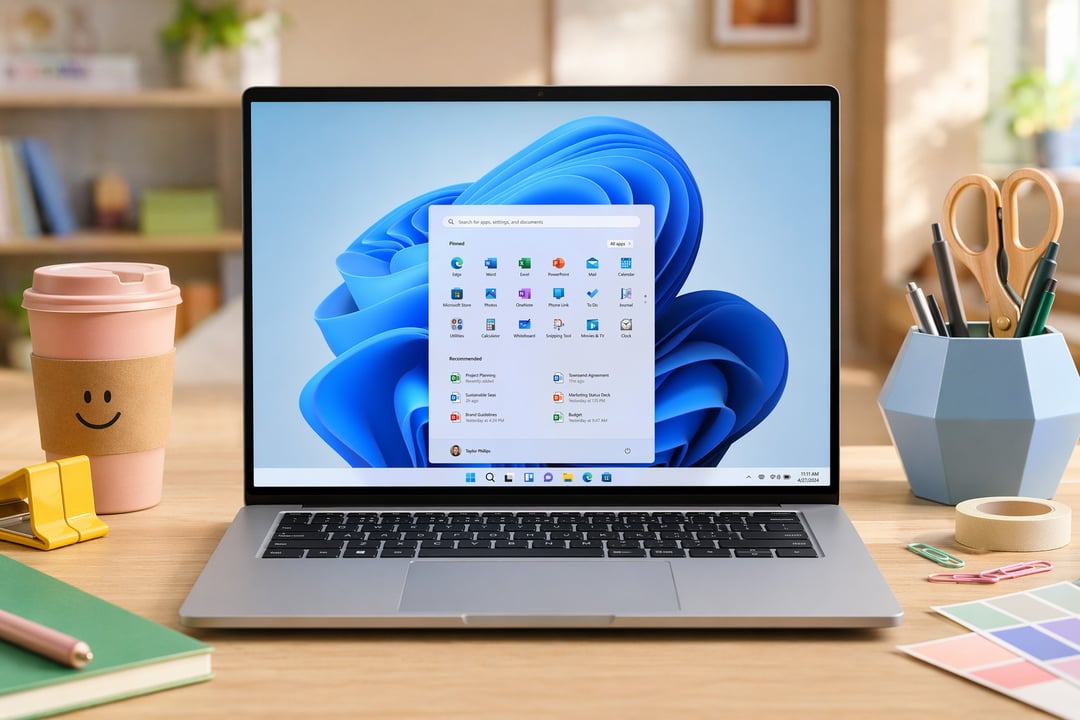
That Sluggish Feeling Is Real — And Microsoft Finally Knows It
You know that tiny hesitation when you click the Start menu and it just... takes a beat too long? Or when you right-click and the context menu kind of crawls into view? It's not your imagination. Even on genuinely powerful hardware, Windows 11 has always had this slightly heavy, slightly sluggish quality to it — like the OS is thinking about doing the thing before actually doing it.
It's the kind of friction that's hard to describe to someone who hasn't felt it, but the moment you point it out, you can't stop noticing it. Compared to macOS, Windows 11 has always felt a little less snappy in those small, everyday interactions.
Microsoft apparently agrees. And they're working on a fix.
What Low Latency Profile Actually Does
The feature being tested is called Low Latency Profile, and the concept behind it is pretty elegant. Whenever Windows detects you're doing something high-priority — opening an app, pulling up the Start menu, hitting a context menu, triggering a system flyout — it briefly pushes the CPU to its maximum frequency for a short burst.
That's it, really. The CPU goes all out for one to three seconds, the action completes faster, and then everything settles back to normal. No sustained performance mode, no always-on boost draining your battery. Just a quick, targeted sprint when the system needs it most.
And the results are... honestly kind of impressive for such a simple idea.
The Real-World Speed Gains Are Hard to Ignore
Windows Central tested Low Latency Profile with and without it enabled, and the numbers are pretty striking. Built-in apps like Microsoft Edge and Outlook launched up to 40% faster. Start menu and context menu actions improved by as much as 70%.
Seventy percent. On actions you do dozens of times a day.
That's not a marginal improvement — that's the difference between an OS that feels responsive and one that feels like it's catching up with you. The benchmarks were even captured on video, so it's not just numbers on a spreadsheet. You can see the difference.
What About Battery Life and Heat?
Here's the concern that probably popped into your head: if the CPU is maxing out — even briefly — isn't that going to cook your laptop or tank your battery life?
It's a fair question. But because the boost only lasts one to three seconds per trigger, the actual thermal and battery impact is expected to be minimal. Short bursts just don't generate the sustained heat or power draw that would cause real problems. Think of it like sprinting to grab something across the room versus running a marathon — one barely registers.
That said, Microsoft is still reportedly fine-tuning how often the boost activates and exactly how long it runs. So the version that eventually ships to users might look a little different from what's being tested now.
What We Still Don't Know
One thing that's still unclear is whether users will have any control over Low Latency Profile once it rolls out. Will it be a toggle you can flip in Settings? Will it be on by default for everyone? Will power users be able to tune it?
No answer yet. Microsoft is still adjusting the feature, and it hasn't been officially announced or dated for a public release. Right now it exists in that testing-and-tweaking phase where things can change pretty significantly before they actually land in your hands.
But honestly, even the fact that it's being tested is encouraging. Microsoft has been quietly chipping away at Windows 11's responsiveness — faster right-click menus, quicker Quick Settings, File Explorer improvements — and Low Latency Profile feels like the most direct, visible version of that effort yet.