
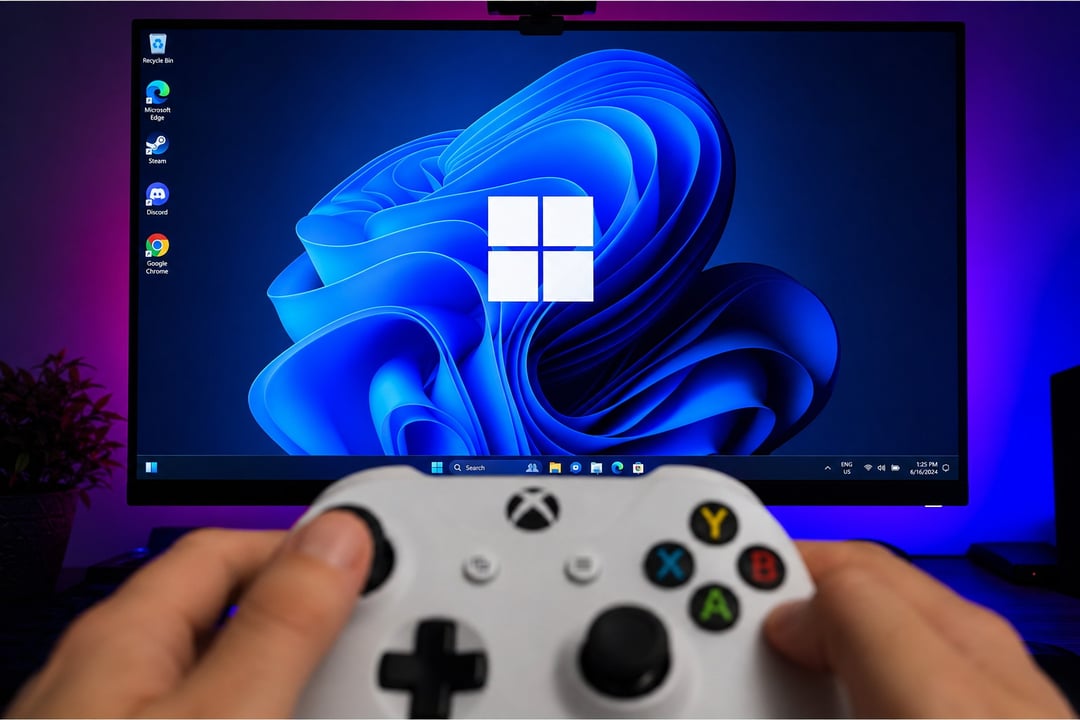
Windows 11’s August update is turning into a risky install for certain players. KB5121003 has been tied to crashes in The Finals, even as Microsoft’s support page continues to list no known issues.
Embark, the game’s developer, has already released troubleshooting steps for those running into the problem. The company traced the crashes to inpoutx64.sys, a third-party driver that can clash with the update. Its workaround removes that driver while keeping KB5121003 in place. That’s a clearer option than rolling the entire update back.
The update also includes security fixes. That detail matters. Microsoft still shows no known issues on its support page, despite Embark confirming at least one gaming-related conflict.
Confirmed Issues in The Finals
The Finals shows the strongest confirmed link so far. Embark reports that crashes began appearing after KB5121003 rolled out. The studio has given affected players a temporary fix while it develops a lasting solution.
Reports Involving ARC Raiders
ARC Raiders, another Embark title, has also surfaced in reports about the update. Windows Latest recorded crashes and full PC reboots. Embark reportedly acknowledged the issue on Discord.
Windows 11 has seen gaming problems after earlier updates. The public response from Embark makes the The Finals case stand out. Broader reports still call for caution until Microsoft or the developers document them more formally.
Why Removing the Update Isn’t the First Choice
Uninstalling a Windows 11 update can clear serious problems. Taking out KB5121003, though, also removes the security fixes that came with it. Microsoft advises trying other recovery steps before dropping security updates.
Embark’s targeted workaround therefore serves as the better opening move for players hit by the The Finals crashes. It addresses the known driver conflict without forcing anyone to give up the August security patches.
What Gamers Should Do
If your games are running without trouble, there’s little reason to remove KB5121003 ahead of time. The confirmed issue remains fairly specific. Nothing shows that every gaming PC will run into the same trouble.
Players chasing better performance rather than fixing a crash can look at safer ways to tune Windows 11 for gaming instead.
If The Finals is crashing, start with Embark’s workaround and watch for its permanent fix. Uninstalling KB5121003 makes more sense only as a last step, especially when stability comes at the cost of those security patches.