
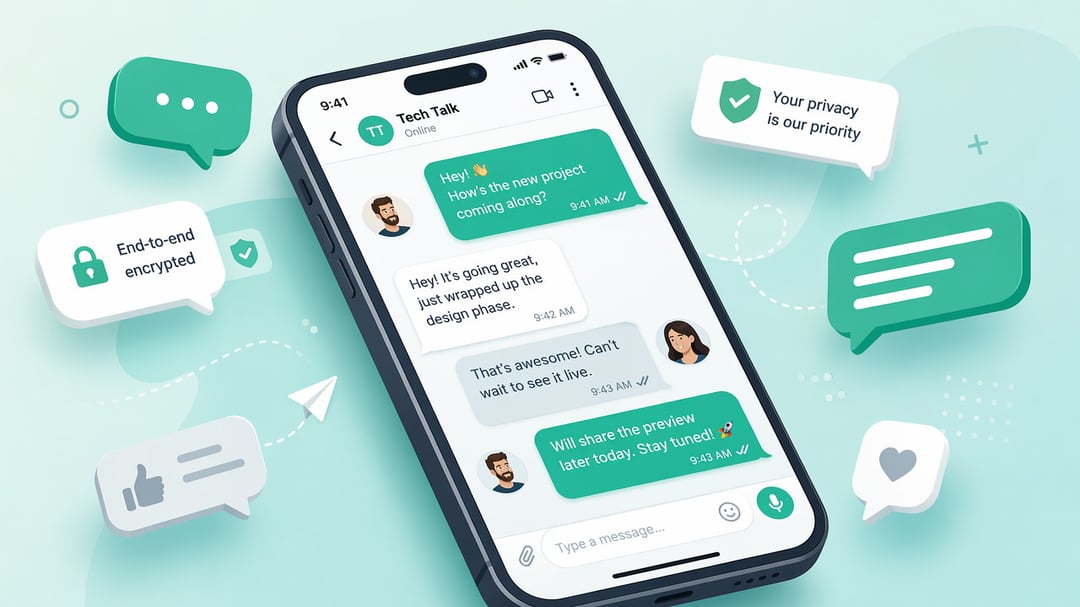
If you've ever gotten a text from a friend traveling abroad and wondered how they're messaging you without racking up international fees, the answer is almost always WhatsApp. It's one of the most widely used messaging apps in the world, and if you're new to it, getting started takes just a few minutes.
What Is WhatsApp?
WhatsApp is a free messaging and calling app that works over Wi-Fi or mobile data instead of your phone's standard texting or calling plan. That's the key difference from regular SMS: instead of your carrier charging you per message or per minute, WhatsApp sends everything over the internet.
That's part of why it's so popular globally. It works the same way no matter which country you're in, so friends and family scattered across different countries can message and call each other without worrying about international rates. It's owned by Meta, the same company behind Facebook and Instagram, and it works across iPhone, Android, and desktop computers.
People use WhatsApp for text conversations, voice and video calls, group chats, and sharing photos, videos, and documents. Plenty of small businesses also use it to talk directly with customers, which is part of why you may have encountered it even if you didn't set out looking for a new messaging app.
Getting Started: Installing and Setting Up
Setting up WhatsApp is straightforward. Here's what the process looks like.
Download the app. WhatsApp is available on the Apple App Store, Google Play Store, and as a desktop application for Windows and Mac.
Create your account. Unlike many apps, WhatsApp doesn't require you to create a separate username or password. Instead, you verify your account using your phone number. You'll enter your number, and WhatsApp sends a verification code by text message or automated call to confirm it's really you.
Set up your profile. Once verified, you can add a profile photo and display name, along with a short "About" line that appears on your profile. None of this is required, but it makes it easier for contacts to recognize you.
Let it find your contacts. WhatsApp will ask for permission to access your phone's contact list. If you allow it, the app automatically shows you which of your existing contacts are already using WhatsApp, so you don't have to add anyone manually.
How to Use WhatsApp: Core Features
Once you're set up, here's what you can actually do with the app.
Sending messages. You can send text messages, photos, videos, voice notes, and documents, all within the same conversation thread. Voice notes are especially popular for quick updates when typing feels like too much effort.
Voice and video calls. WhatsApp supports both one-on-one and group calls, and because they run over the internet rather than your phone plan, they don't use your call minutes. Group calls support multiple participants at once, making the app a common stand-in for video meetings among friends and family.
Group chats. You can create a group chat with multiple contacts, which is useful for anything from planning a trip to staying in touch with extended family. As the group creator, you control who gets added or removed and can adjust settings like who's allowed to change the group name or photo.
Status updates. Similar to Instagram or Facebook Stories, WhatsApp's Status feature lets you post photos, videos, or text updates that disappear after 24 hours. It's a lightweight way to share what you're up to without cluttering anyone's main chat list.
WhatsApp Web and Desktop. If you'd rather type on a full keyboard, you can link your phone to WhatsApp Web or the desktop app. Your phone still needs to be connected to the internet for this to work, but it lets you send and receive messages directly from your computer.
Is WhatsApp Safe to Use?
One of WhatsApp's biggest selling points is end-to-end encryption, which is turned on by default for every conversation. In plain terms, this means your messages are scrambled in a way that only you and the person you're messaging can read them. Not even WhatsApp itself can see the contents of your chats.
Beyond encryption, the app gives you some basic privacy controls. You can decide who sees your "last seen" status, your profile photo, and your Status updates, choosing between everyone, only your contacts, or no one. You can also block or report any contact who's messaging you unwantedly, which is useful given how often phone numbers get passed around or leaked.
Getting Comfortable with WhatsApp
At its core, WhatsApp is a simple idea executed well: free messaging and calls that work the same way anywhere in the world, wrapped in strong privacy protections. Setup takes a few minutes, and most of the features are intuitive enough to pick up just by using the app. If you haven't tried it yet, downloading it and sending a message to a friend who's already on it is the easiest way to see what the appeal is about.