
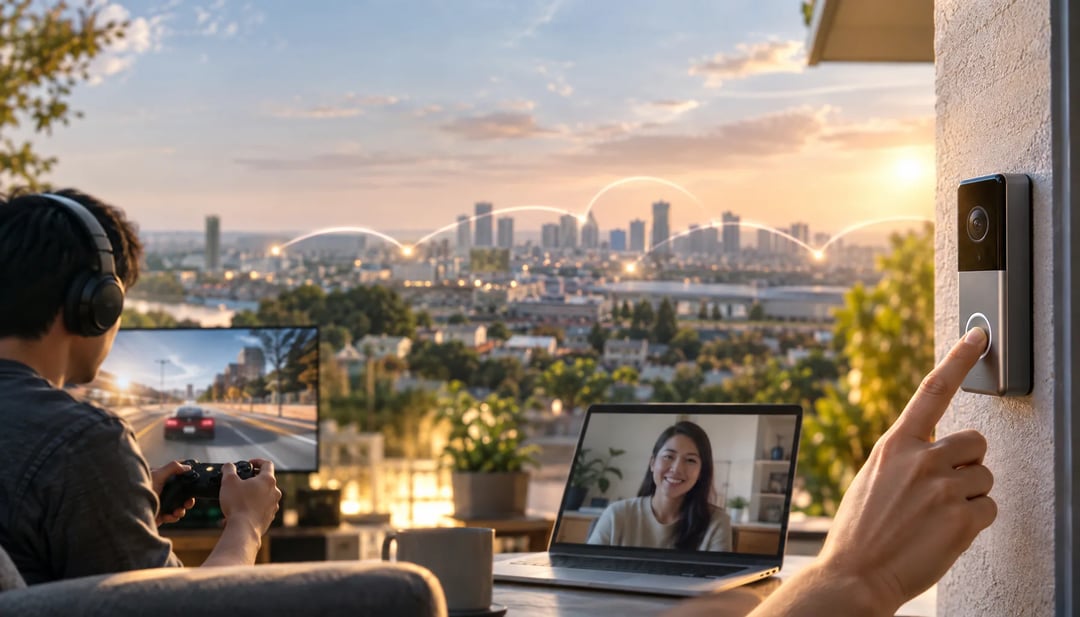
When a game stutters, a video call freezes, or a smart doorbell takes too long to respond, the problem may be the distance between your device and the server handling the request. This guide to edge computing explained in plain English shows how processing data closer to you can reduce delays and keep services working when connections are unreliable.
You’ll learn how edge computing differs from cloud computing, why lower latency makes devices feel faster, and where you already encounter it in gaming, streaming, and smart homes. We’ll also cover privacy, security, and the tradeoffs of moving more processing closer to users, so you can better judge the technology behind the devices and services you use.
What edge computing means in plain English
Edge computing means processing data closer to the device, person, or place where that data is created and used. Instead of sending every request to a distant data center, some work happens on nearby hardware: a phone, gaming PC, Wi-Fi router, smart home hub, cell tower, or retail system at a store. Other edge devices can include local cameras, factory controllers, and network equipment.
That location matters because a shorter trip can produce a faster response. A game can react to an input using local processing, a smart doorbell can identify activity without waiting for a remote server, and a store can keep essential systems running during a weak internet connection.
Edge computing does not replace the cloud. A system may handle urgent actions locally, then send selected data to the cloud for storage, coordination across devices, software updates, or demanding tasks that need more computing power. In practice, edge and cloud computing often work together: the edge handles time-sensitive work, while the cloud manages the bigger picture.
Edge computing vs. cloud computing
Where the processing happens
Cloud computing sends data to remote data centers for processing and storage. Edge computing handles at least part of that work closer to you, such as on a phone, router, camera, or nearby server. That distance affects latency: a game controller or security camera can receive a response sooner when it does not wait for a distant server. Local processing can also keep some features working during an unreliable internet connection, reduce the amount of video or sensor data sent upstream, and limit what leaves your home. It does not automatically make a system private or secure, since devices and edge nodes still need protection.
 Why many systems use both
A hybrid setup assigns each task to the most suitable location. A smart camera might detect motion locally and send only an alert, while cloud servers store recordings, deliver software updates, and analyze longer-term patterns. A game or AI app can respond to immediate input at the edge, then use the cloud for backups or a larger job that needs more computing power. This arrangement reduces delay and bandwidth use while preserving centralized storage and management.
Why lower latency makes devices feel faster
Latency is the delay between an action and a system's response. It is different from internet speed: a fast connection can still feel slow if data takes too long to travel to a distant server and return. Edge computing places some processing closer to the device, which can shorten that trip.
That matters when timing affects the experience. In multiplayer gaming, a nearby edge server may register your move and send the updated game state sooner, reducing the lag between a button press and what appears on screen. A video call can respond more naturally, while a voice assistant or interactive app can process a request without waiting as long for a faraway data center.
Edge computing cannot remove every delay, though. Congested networks, weak Wi-Fi, device performance, and software processing can still slow a response. It reduces one source of delay rather than making every connection instantly fast.
How edge computing improves reliability
Edge computing can keep some features working when the internet is slow, congested, or temporarily unavailable. A smart thermostat may continue following its schedule from local storage instead of waiting for a cloud service before adjusting the temperature. A security camera with on-device processing might still detect motion and save footage to local storage, although remote viewing and cloud backup could stop.
Mobile devices can also handle limited tasks locally. A navigation app may continue guiding you along a downloaded route after your connection drops, while features that require fresh traffic data or online searches stop working. The same principle can help mobile apps respond when a network is overloaded, because some processing happens on the phone instead of at a distant server.
Offline capability depends on the device and its software design. Some products store schedules and rules locally; others require an active connection for nearly every feature. Edge computing also cannot prevent failures caused by power loss, damaged hardware, a broken local network, or faulty software.
Where you encounter edge computing every day
Gaming and game streaming
A gaming PC or console usually renders graphics locally. Nearby edge locations can shorten the round trip to an online game service, making multiplayer controls more responsive. Cloud game streaming is different: remote servers render the frames and send video to your screen, so latency affects both gameplay and picture delivery.
Streaming video and audio
Streaming platforms can place popular shows, movies, and songs on edge servers closer to viewers. A nearby copy avoids sending every request to a distant data center, reducing congestion and helping playback stay smooth when local network capacity is limited.
Smart homes and phones
Smart speakers may recognize wake words locally, while cameras can detect motion before sending selected clips or alerts to the cloud. Thermostats can use local temperature readings to adjust heating. Phones may process photos or voice commands on-device. Sending only necessary data cuts uploads and keeps some information local, though cloud processing handles heavier tasks.
What edge computing means for privacy and security
Privacy considerations
Edge processing can keep some information inside a device or nearby hub instead of sending every raw video frame, voice command, or sensor reading to a remote server. A security camera might analyze motion at home and upload an alert or short clip, not its continuous feed. That reduces exposure during transmission and limits what a cloud provider receives. It does not automatically make the product private: the device may still upload logs, backups, account data, or recordings.
 Security tradeoffs
Local computation also spreads responsibility. A camera, router, smart speaker, or edge gateway needs updates, access controls, monitoring, and physical protection. An attacker reaching an unattended device could access data or use it to reach other devices.
When comparing products, check:
- whether local processing is optional and which features still need the cloud;
- how long recordings, diagnostics, and account data are retained;
- the promised software support period and update process;
- whether the account supports a unique password and multifactor authentication.
The limits and tradeoffs of edge computing
Edge devices are closer to users, but they are not usually as powerful as a cloud data center. A smart camera might analyze motion locally, for example, yet a demanding AI model or large video archive may still need remote servers with more processing power and storage.
Running one local device is simple. Managing thousands of edge devices is not. Each unit may need physical maintenance, software updates, security patches, reliable connectivity, and monitoring. Hardware can also vary by location, so an update that works on one device may need testing or adjustment on another. If a remote site loses its connection, local processing can preserve basic operation, but staff may not be able to manage the device until it reconnects.
Edge computing makes the most sense when fast response times, local availability, lower bandwidth use, or careful data handling matter. A game, security camera, or factory control system may benefit from quick local decisions. An application that runs occasional, non-urgent tasks may gain little from the added hardware and management burden.
Edge computing FAQ
Is edge computing the same as cloud computing?
No. Cloud computing uses data centers; edge computing processes data near the device or user. They often work together: a camera can detect motion locally while sending clips to cloud storage. Benefits depend on the device, application, network, and design.
Does edge computing require an internet connection?
Not always. A thermostat can follow its schedule offline, but internet access may support remote control, syncing, updates, or cloud processing.
Does edge computing make gaming faster?
Sometimes. Local processing can reduce delay, but gaming also depends on your device, server location, connection quality, and game design.
Is edge computing more private?
It can be. Keeping data on the device may reduce uploads, but providers may still collect data for storage, analysis, support, or updates.
Will edge computing replace the cloud?
No. Edge and cloud systems usually complement each other. Check what runs locally, what requires the cloud, and how the provider handles data and updates.
Edge computing explained: what to check first
When comparing a device or service, start by asking where its processing happens. Local processing can reduce delay, keep some features working during a poor connection, and limit how much data travels to a remote server. Those benefits depend on the product, though. Check which features work without the cloud, what data the provider stores, how long it keeps that data, and how long it provides software updates. Also look at account security and the device's local network, since edge systems add more hardware that needs protection. Edge computing is not a replacement for cloud computing. The strongest setups usually divide the work: nearby devices handle time-sensitive tasks, while cloud servers manage storage, coordination, updates, analytics, or demanding workloads. Use that split, rather than the label alone, to judge whether a product fits your needs.
Frequently asked questions
Is edge computing expensive to implement?
It can cost more upfront because organizations may need local servers, specialized devices, software, and maintenance. The potential savings come from sending less data to distant cloud systems and reducing downtime or bandwidth use. For consumers, edge computing usually appears as a feature built into a product or service rather than a separate expense.
Can edge computing work without an internet connection?
Yes, some edge systems can keep processing data when the internet connection is slow or temporarily unavailable. A local device or nearby server handles tasks on its own, then may sync with the cloud when connectivity returns. The exact offline capability depends on how the product or application was designed.
Where are edge servers located?
Edge servers can sit inside a factory, store, hospital, office, cell tower, or data center close to users. Their location depends on the application. A gaming service may use a nearby regional facility, while a smart factory may process data on-site so machines can respond without sending every request elsewhere.
How can I tell whether a product uses edge computing?
Look for descriptions such as local processing, on-device AI, offline operation, real-time response, or processing at the network edge. Technical documentation may also mention gateways, edge servers, or regional data centers. Marketing language is not always precise, so check where the product says data is processed and what happens when the connection fails.
Does edge computing use more electricity?
It can increase electricity use at the edge because more devices, gateways, and local servers must run and be maintained. However, it may reduce the energy and network capacity required to move large volumes of data to distant cloud facilities. The overall effect depends on the equipment, workload, and system design.