
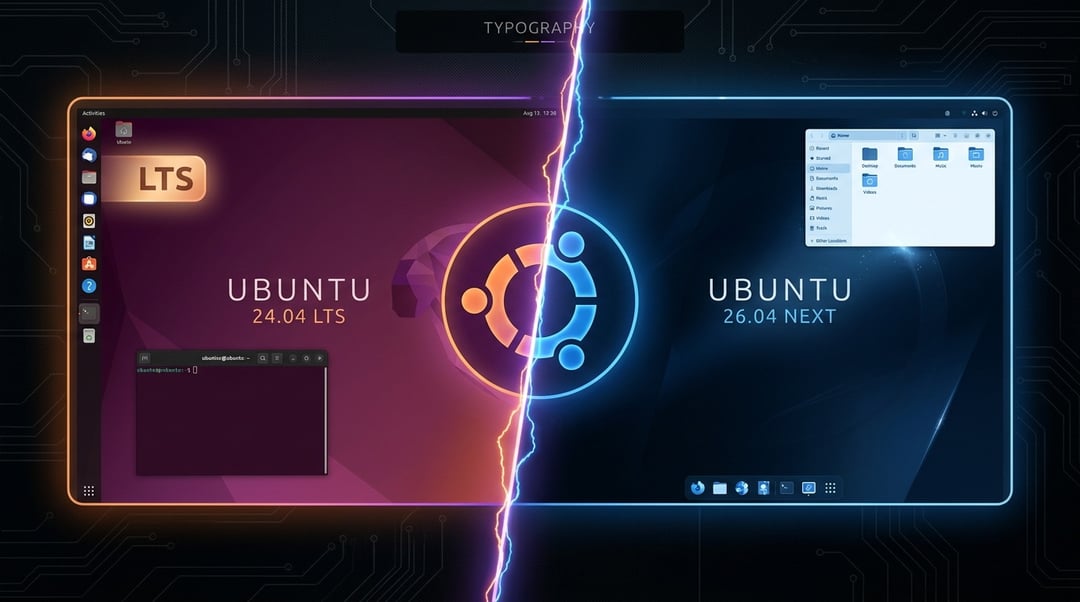
You know that moment when a new software update drops and your brain immediately goes: "Do I have to deal with this right now?"
Yeah. That moment.
Ubuntu 26.04 is here — or nearly here — and if you're currently running 24.04, you're probably wondering whether to jump on it or just... not. Honestly, that's a completely valid question. So let's walk through what's actually different, what actually matters, and what you should probably do.
What's New in Ubuntu 26.04?
The headline upgrade is the kernel. Ubuntu 26.04 ships with Linux kernel 6.14 (or newer), which sounds like a dry technical detail but has real consequences. It means better support for hardware released in the last year or two — newer AMD and NVIDIA graphics cards, recent Wi-Fi chips, and USB peripherals that 24.04 sometimes struggles to recognize out of the box.
Beyond hardware, you get a newer version of GNOME, Ubuntu's default desktop environment. The changes are subtle — tighter animations, a cleaner settings panel, some UI polish that you'll notice in a good way without being able to explain exactly why. It just feels more modern.
Under the hood, core developer tools like Python and GCC get bumped to newer versions too. If you're not a developer, that won't change your daily experience much. But it does mean the software ecosystem slowly starts building around 26.04 instead of 24.04.
But Here's the Thing About 24.04
Ubuntu 24.04 is a Long-Term Support (LTS) release. Canonical supports it with security patches and updates until April 2029. That's not a small thing. Five years of guaranteed support means your system stays secure and functional without you having to think about it.
It's also been out long enough that most software, drivers, and tools have been tested against it. The rough edges got sanded down months ago. If you installed it sometime in the last year, your system is probably running smoothly — and there's real value in that.
Ubuntu 26.04 vs 24.04: What Actually Differs
Let's get specific, because "new features" means nothing without context.
Performance: In real-world use, 26.04 is marginally faster on newer hardware. Boot times are slightly quicker and RAM management has improved for machines with 8GB or less. On older hardware, the difference is negligible — and occasionally, newer kernels introduce quirks on older machines before those get ironed out.
Software compatibility: Most popular apps — browsers, office suites, media players — work fine on both. But niche software, especially professional tools with slower release cycles, sometimes lags a version behind. Worth checking before you leap.
The LTS question — and this is the big one: Ubuntu 26.04 is an interim release, not an LTS. Its support window closes in January 2027. That's roughly 18 months from launch. After that, you'd need to upgrade again. Compare that to 24.04's runway to 2029 and you start to see the tradeoff clearly.
Hardware support: This is where 26.04 genuinely wins. If you bought a laptop or desktop in 2024 or later, there's a real chance 26.04 handles your hardware more gracefully — especially graphics cards and wireless adapters.
Should You Upgrade? Here's the Honest Answer
Upgrade to 26.04 if:
- Your hardware is new (purchased 2024 or later) and you've had driver headaches on 24.04
- You enjoy having the latest features and don't mind occasional rough patches
- This is a secondary machine, a home lab setup, or you just like tinkering
Stay on 24.04 if:
- This machine is your daily driver for work or anything important
- You rely on specific software that hasn't confirmed 26.04 compatibility yet
- You just want a system that quietly does its job — no drama, no surprises
- You upgraded to 24.04 less than a year ago. Seriously. Just relax.
The middle ground: Try 26.04 in a virtual machine first. Tools like VirtualBox or GNOME Boxes make this easy. Alternatively, wait two or three months post-release. The "early adopter tax" is real — the first wave of users discovers the bugs so the rest of us don't have to.
If You Do Decide to Upgrade
Back up your data first. Non-negotiable. Then run:
sudo do-release-upgrade
That said — a clean install almost always produces a smoother result than an in-place upgrade. If you have time for it, it's worth the extra hour. Canonical's official upgrade documentation walks you through both paths clearly.
The Bottom Line
For most people? Stick with 24.04 for now. It's stable, secure, and fully supported for years. Ubuntu 26.04 is a genuinely good release but it's not a mandatory one — and the shorter support window is a real consideration.
But if your hardware is new, or you're just curious and have an afternoon to spare? Go for it. Just back up first.


