
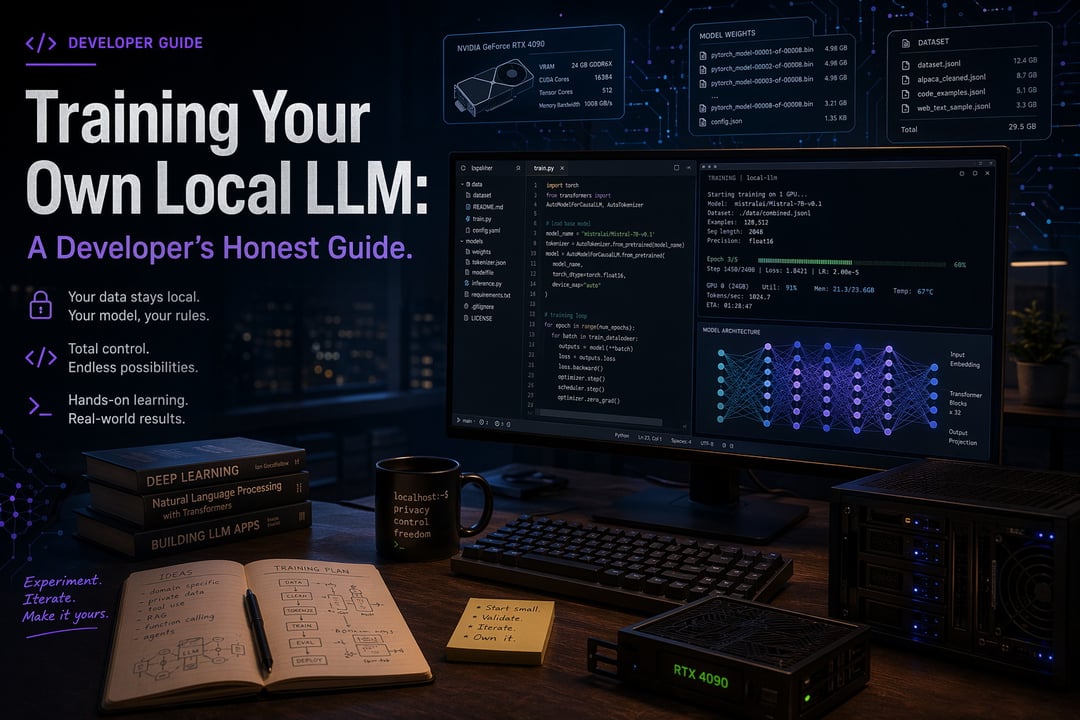
There's a moment most developers hit. You're piping yet another prompt through somebody else's API. The token counter keeps ticking. And you think — why am I sending this stuff to a server I don't control?
That itch is real. And training your own local LLM is more accessible than it used to be. But before you spend a weekend (or a paycheck), it's worth being honest about what you're actually getting into.
Understanding What "Training" Really Means
Here's something almost nobody clarifies up front: "training an LLM" is three different things, and people mix them up constantly.
There's pretraining from scratch — building a model from nothing. That costs millions of dollars and needs a data center. You're not doing this. Nobody reading a blog post is doing this.
There's fine-tuning — taking an existing open model and teaching it your specific task or style. It's doable on a single decent GPU.
And there's running a model locally — no training at all, just inference. Plenty of folks say "I want to train my own LLM" when really they just want their data to stop leaving their laptop.
Figure out which one you actually want before you read another tutorial.
The Hardware Reality
VRAM is the thing that matters. Not RAM, not CPU. VRAM.
Rough rules of thumb: 8GB lets you run small quantized models. 16 to 24GB makes real fine-tuning possible. 48GB and up gets comfortable. Apple Silicon is surprisingly good for running models but weaker for training them.
Don't have the hardware? Rent it. An A100 on a cloud provider runs a few bucks an hour. That beats buying a GPU you'll outgrow in six months. Also — local doesn't mean fast. Set your expectations.
Pick a Base Model
The open-weight landscape is genuinely good right now. Llama, Mistral, Qwen, Gemma, Phi — all credible starting points. Check the license carefully. "Open" doesn't always mean you can use it commercially.
Size guidance: 7 to 8 billion parameter models are the sweet spot. Big enough to be useful. Small enough to actually run.
Hugging Face Hub is where you'll find them. Read the model cards. Skip the temptation to start with the biggest thing your machine can fit.
Your Data Is the Whole Game
Here's the part nobody wants to hear: data quality decides almost everything.
A few hundred well-curated examples will outperform thousands of messy ones. Consistent formatting. Real instruction-response pairs. The right chat template applied properly.
The boring work — deduplication, cleaning, making sure your examples actually represent what you want the model to do — that's where the magic comes from. Scraping a pile of text and hoping the model figures it out almost never works. If you skip this part, nothing else matters.
The Actual Fine-Tuning
LoRA and QLoRA are why any of this is feasible on consumer hardware. Instead of updating every weight in the model, you train small adapter layers. A fraction of the memory. Most of the result.
Tools worth knowing:
- Unsloth — fast and beginner-friendly
- Axolotl — config-driven, more reproducible
- Hugging Face TRL — maximum flexibility
The loop is straightforward. Load the model, tokenize your data, configure LoRA, train, save the adapter. Hyperparameters that actually matter: learning rate, epochs, batch size. Plan on retraining a few times. First runs are almost always underwhelming.
Evaluate, Quantize, Deploy
Build a small evaluation set of real prompts before you celebrate. Don't trust vibes. Look for the classic failure modes — overfitting, weird repetition, the model forgetting basic things it used to know.
Quantization (GGUF, 4-bit) is what shrinks your trained model down to something that fits on normal hardware. Then pick how you want to serve it:
- Ollama — one command, you're running
- llama.cpp — more control, lighter
- LM Studio — GUI option
Most of these expose an OpenAI-compatible API. Wiring it into existing code takes minutes.
When This Is Actually Worth It
Worth it: sensitive data you can't send anywhere. Narrow tasks you do repeatedly. Offline requirements. Genuinely wanting to understand how this stuff works.
Probably not worth it: replacing a frontier model for general chat. Trying to save money on a workload that doesn't have much volume.
Honest math? You'll spend more developer time than you save in API costs. The real payoff is control and privacy. Not dollars.
Where to Start
Pick one model. Build one small clean dataset. Run one fine-tune. See what comes out.
It'll probably be rough. That's how it goes. Iterate from there — the Hugging Face docs, the Unsloth notebooks, and the original model papers are all worth your time when you hit the inevitable confusing parts.
Roughly 800 words. Want me to tighten it further, expand a specific section, or shift the tone?


