
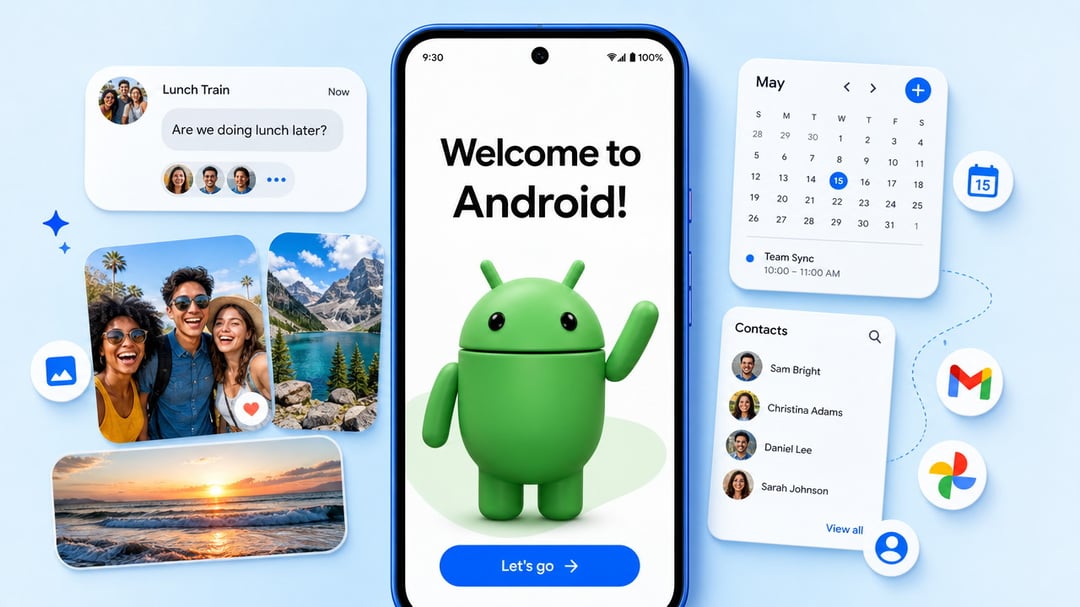
Anyone who has thought about leaving the iPhone behind knows where the hesitation comes from. It isn't the phone. It's the years of stuff attached to it — the photos, the message threads, the saved Wi-Fi networks you haven't typed a password for since 2019. Google is going after exactly that friction with a new migration experience built straight into Android 17, designed to move far more of your data off an iPhone without the usual scavenger hunt.
The pitch is simple: fewer steps, fewer downloads, more of your digital life making the trip intact.
What the New Android 17 Migration Actually Does
The headline change is that the transfer happens wirelessly and lives inside the operating system itself. There's no separate app to hunt down and install before you can start. You pick up the new Android phone, begin setup, and the migration path is already there waiting for you.
That matters more than it sounds. The old routine — download a companion app, connect the two devices, hope it holds — was a small tax paid at the worst possible moment, right when someone is deciding whether the switch was a good idea in the first place. Building the process into Android 17 removes a decision point that never should have existed.
The Data Types That Now Come With You
The basics are covered, as you'd expect. Photos, videos, contacts, messages, and calendars all transfer over. But the more interesting additions are the ones that used to require manual cleanup on the other side:
- Your Google Account, carried into the new device during setup
- Passwords, so you're not resetting a dozen logins on day one
- Wi-Fi credentials, meaning your home and office networks reconnect without a hunt through a router label
- eSIM, which moves your cellular line over as part of the same flow
That last one is the quiet standout. An eSIM transfer has historically been its own separate errand, and folding it into the same wireless handoff turns a multi-day migration into something closer to a single sitting.
Why Google Is Solving the Onboarding Problem First
Look at what this feature is really targeting. It isn't a camera spec or a chip benchmark — it's the moment of doubt. People don't stay on a platform purely because they love it. They stay because leaving feels like work, and the cost of that work is paid up front while the benefits are theoretical.
By simplifying onboarding and widening the list of supported data types, Google is lowering the barrier to jumping between smartphone ecosystems. The company is openly aiming to pull more iPhone users over, and the strategy here is less about persuasion than removal — take away the reasons someone talks themselves out of it at the setup screen.
Switching Costs Are the Real Competitive Moat
There's a broader lesson buried in this for anyone who thinks about user retention. The strongest lock-in usually isn't a feature. It's accumulated data and the hassle of moving it. Passwords, saved networks, message history — none of it is glamorous, and all of it is sticky.
Attacking that stickiness directly is a more honest competitive move than most feature wars. It says: we think people would try the other side if leaving weren't annoying, so let's make leaving easy and find out.
Where You Can Get It Right Now
The upgrade has already begun rolling out to select Pixel devices. It's also available on the newly unveiled Samsung Galaxy Z Flip8 and Z Fold8 series, putting the improved migration flow in front of buyers at the exact moment it's most useful — first boot on a brand-new foldable.
Google says the new migration method will reach more Android devices soon, though the rollout is staged rather than universal at launch.
|
Device
|
Availability
|
|
Select Pixel devices
|
Rolling out now
|
|
Samsung Galaxy Z Flip8
|
Available
|
|
Samsung Galaxy Z Fold8
|
Available
|
|
Additional Android devices
|
Coming soon
|
What to Check Before You Switch
If you're weighing a move, the practical read is this: the transfer covers considerably more ground than it used to, and it does it without a middleman app. Confirm your target device is running Android 17 and is on the list of models that have received the feature. Since availability is still expanding, a phone that isn't covered yet may simply need to wait for the broader rollout.
Everything else — photos, videos, contacts, messages, calendars, your Google Account, passwords, Wi-Fi credentials, eSIM — is meant to make the crossing with you, wirelessly, in one pass.


