
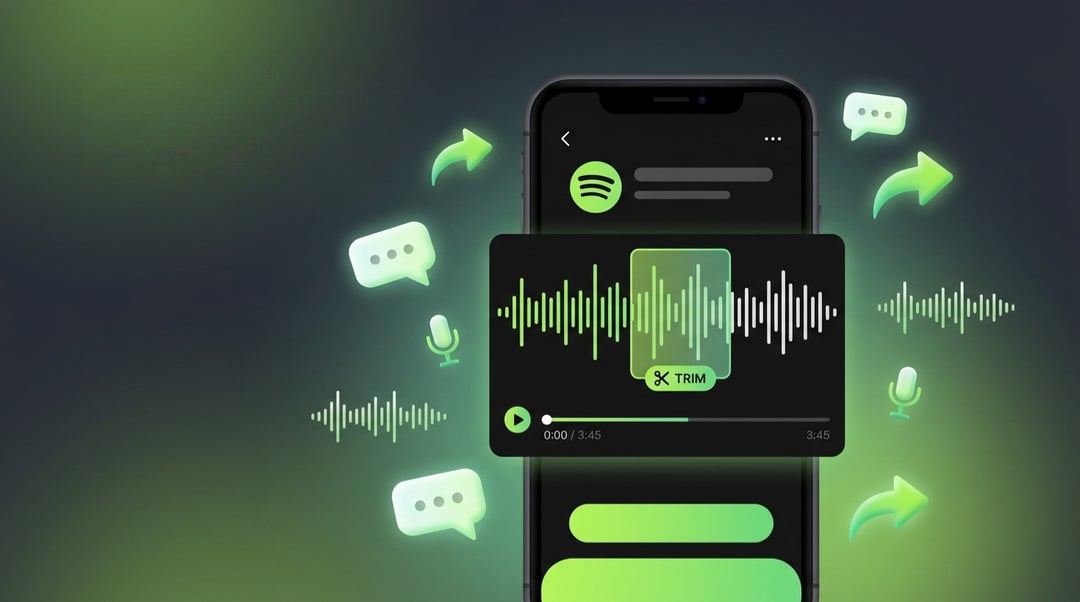
You know that feeling when someone drops a wild quote on a podcast and you immediately want to text it to your group chat? But then you're fumbling with screenshots, timestamps, and awkward "skip to 47:23" instructions that nobody actually follows? Yeah. Spotify just fixed that.
The company has rolled out Podcast Clips, a feature that lets you grab, trim, save, and share specific moments from any supported podcast right inside the app. And here's the best part: it's going live globally for both Free and Premium users on mobile.
How Spotify Podcast Clips Works on Mobile
The whole thing lives behind a small scissors icon. While you're listening to a supported podcast, just tap that icon in the Now Playing view. From there, you'll get an interface where you can pick the exact moment you want, trim it down to the right length, and preview it before saving.
Honestly, it's the kind of feature that feels obvious in hindsight. The clip you save then lives in Your Library, so you can come back to it later or drop it into a podcast playlist. No more digging through hours of audio to find that one line that made you laugh on your commute.
Where Your Saved Clips Live and How to Find Them
Everything you save ends up in Your Library. That means clips aren't a one-and-done thing you share and forget. You can revisit them, organize them, or add them to a podcast playlist for later. Think of it less like a quick share button and more like building your own greatest-hits collection.
The New Share Menu: Four Ways to Send a Podcast
When you tap the share button, Spotify now gives you four options instead of the old one-size-fits-all approach:
- Full episode — for when the whole thing is worth it
- Chapter — for sending a specific segment
- Timestamp — for pointing someone to a precise moment
- Clip — for sending the actual trimmed audio
You can fire it off through Spotify Messages or any other supported platform. So if your friend lives in Instagram DMs and your sister only reads texts, you're covered either way.
Why Podcast Clips Actually Matters Right Now
Here's the thing. A growing number of major tech and AI executives now skip traditional media interviews entirely and sit down with podcasters instead. That means a lot of real news is breaking inside long, sprawling podcast episodes that most people just don't have time to listen to in full.
Podcast Clips makes it way easier for the best moments from those conversations to actually find an audience. And for the creators themselves, a shared clip becomes a kind of discovery tool. Instead of asking a stranger to commit to a two-hour episode, you can pull them in with a single standout moment. Sometimes that's all it takes.
What This Means for Podcast Creators and Listeners
For listeners, it's about convenience and connection. You get to share what hit you without making your friends do homework. For creators, it's about reach. One good clip can travel further than a whole episode ever could, because clips are built for how people actually move through their feeds.
Spotify's Recent Feature Push
Podcast Clips isn't the only thing Spotify has been working on lately. The platform launched Studio by Spotify Labs, an AI app that generates personalized podcasts and daily briefings. It's also added narrated magazine articles from major publishers like Rolling Stone and Vogue, so you can catch up on long reads without actually reading.
And there's an AI tool that lets Premium subscribers create covers and remixes of licensed songs, though that one comes with an extra cost. The pattern is pretty clear: Spotify wants to be the place where you do more than just press play.