
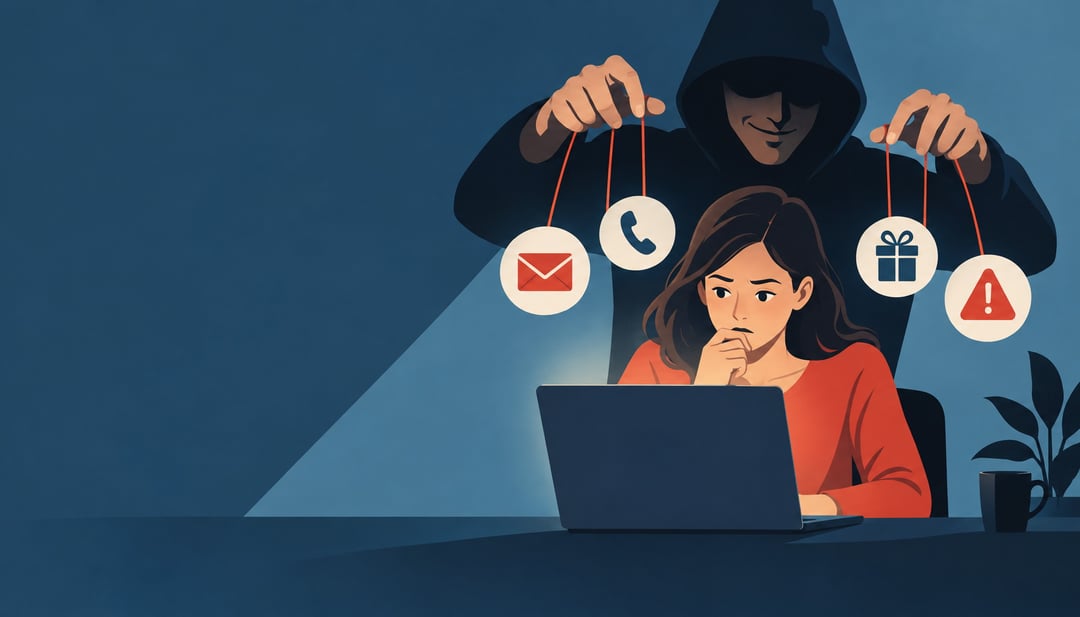
A convincing email, phone call, or urgent message can make careful people share information, open a harmful link, or approve a risky request before they have time to think. Social engineering attacks exploit that moment by using trust, fear, urgency, or curiosity instead of breaking through technical defenses.
Some attempts rely on pretexting, where the attacker invents a believable story. Others use baiting to tempt you into an unsafe action or vishing to manipulate you over the phone. This guide explains why these tactics work, the warning signs to watch for, and the practical steps that reduce your risk. You will also learn how to respond if you have already shared information or followed an attacker’s instructions.
What social engineering attacks are
Social engineering attacks are attempts to influence people into revealing information, approving access, sending money, or taking another unsafe action. Instead of breaking through a system directly, an attacker may persuade an employee to share a one-time code, convince a customer to change payment details, or pressure an executive to approve an urgent transfer.
How manipulation replaces technical exploits
Attackers often target human trust and judgment rather than relying on a software vulnerability. They may pose as a manager, bank representative, coworker, or IT technician. A convincing pretext, urgent deadline, or familiar-looking request can make a dangerous action seem routine. The attacker succeeds when the target stops checking the request and acts on the story.
Social engineering is the broader manipulation technique. Malware is malicious software that infects or abuses a device, while phishing is a common delivery method that uses deceptive messages or websites to steal information or trigger an action. A phishing email may contain malware, but it may also simply persuade you to enter credentials on a fake login page.
The practical skill is recognizing the pressure pattern before responding: an unexpected request, a demand for secrecy, or an unusual payment or login instruction.
Why social engineering attacks work
The pressure tactics attackers use
Social engineering attacks work because they turn ordinary social instincts into shortcuts. An attacker may claim authority, create urgency, trigger fear, or appeal to curiosity. They may pose as someone familiar, offer help, or frame a request as a simple favor. Each cue can push a person to click, disclose information, approve access, or bypass a verification step before checking whether the request is genuine.
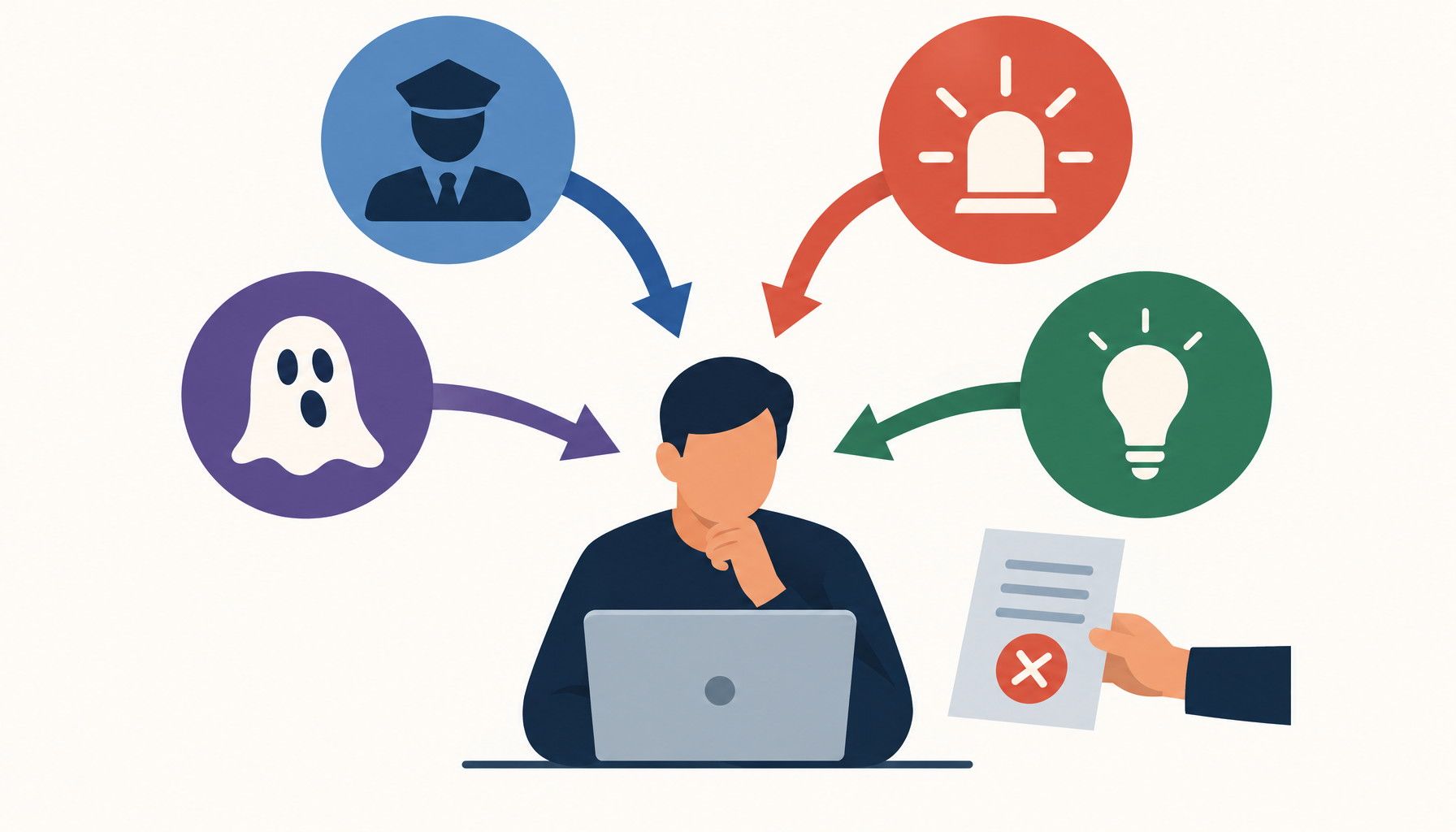
The story often matters more than the attacker’s technical skill. A convincing explanation can make an unusual login prompt or payment request seem reasonable, especially when it fits the recipient’s role or current conversation. Familiar language and accurate details can lower skepticism even when the requested action is unusual. Attackers build that credibility by collecting context from public profiles, company websites, previous messages, and exposed personal information. A job title, project reference, colleague’s name, or detail from an earlier exchange can make a message feel specific rather than suspicious.
Careful, experienced users are not immune. These attacks exploit normal responses to authority and time pressure, not a lack of intelligence. Verification interrupts the shortcut: contact the person through a trusted channel, inspect the request separately from the message, and resist acting while a caller or sender is pushing for speed.
Pretexting: the fake story behind the request
Pretexting is the creation of a false identity, situation, or reason to obtain information or persuade someone to take an action. The story gives the request a believable explanation, so the target may focus on being helpful instead of checking whether the person is genuine.
Common pretexts
Examples include a supposed bank representative asking you to confirm account details, a coworker requesting access to a file, an IT technician claiming to need remote access, a delivery service asking you to resolve an address problem, or an account support agent requesting a verification code. These are examples of possible pretexts, not claims about a specific incident.
Watch for an unusual request that arrives without context, pressure to bypass normal procedures, or demands for passwords, one-time codes, payment details, or sensitive records. A familiar name or professional tone does not prove the request is legitimate.
How to verify the story
End the conversation rather than trying to expose the person. Do not use contact details, links, or phone numbers supplied in the message.
- Find the organization's contact information independently, such as through its official website, app, or a known internal directory.
- Contact the organization through that trusted channel.
- Confirm whether the request is genuine and ask what action, if any, you should take.
A legitimate employee should accept reasonable verification instead of insisting that you act immediately.
Baiting: tempting people into unsafe actions
Baiting uses something appealing, such as a file, device, free item, or exclusive access, to persuade someone to take a risky action. The offer gives a target a reason to lower their guard: a document that looks relevant to work, a device left where someone might plug it in, or a link promising access to restricted content.
Digital and physical bait
A download advertised in an unsolicited message may contain malware or ask you to sign in to a fake page, exposing your credentials. A suspicious link can lead to a similar login trap. An unknown USB drive or other storage device can run malicious software when connected, potentially giving an attacker access to the computer or files.
Pause when an offer arrives unexpectedly, even if it seems useful or urgent. Don’t connect devices you can’t verify, open unexpected files, or install software offered through an unsolicited message. If a file appears to come from someone you know, confirm through a separate channel before opening it. For example, contact the sender using a number or address you already have, rather than replying to the message.
If you took the bait and suspect an infection, see "What Is Malware? Types, Warning Signs, and Removal" for help with malware identification and removal.
Vishing: social engineering over the phone
How voice calls create pressure
Vishing is voice-based social engineering. It includes fraudulent phone calls and voicemail messages in which attackers impersonate banks, employers, government agencies, delivery companies, or technical support. The goal is to make a request feel legitimate before you have time to verify it.
A caller might know your name, workplace, or the last few digits of an account number. They may use a familiar local number, claim suspicious activity requires immediate action, or ask you to read back a one-time authentication code. For example, someone posing as your bank could say a transfer is waiting for approval and request the code just sent to your phone. That code may actually authorize the attacker's own login.
Never share a password, authentication code, payment details, or remote-access approval because a caller claims to be from support or security. Legitimate staff should not need you to disclose secret credentials or approve access for an unsolicited call. Voicemail creates the same pressure when it threatens account closure or urges you to call a supplied number.
Hang up, then contact the organization through a verified number from its official website, app, payment card, or account statement. Do not use a callback number or link provided by the caller. If the request was genuine, the organization can confirm it through the trusted channel.
Red flags that reveal a manipulation attempt
A quick verification checklist
Treat unexpected messages and calls as untrusted until you check them. Warning signs include a coworker asking for a login code, a bank caller demanding an immediate transfer, or an executive insisting that you keep a request secret. Threats of account closure, legal action, or lost access are designed to rush your judgment. Be cautious with unusual payment instructions, such as gift cards, cryptocurrency, or a new bank account. Requests to bypass approval steps or ignore normal procedures should end the conversation.
Inspect the request itself. Does the sender's address or display name match the real person? Does the phone number fit their usual contact details? Hover over links to check their destination before opening them. Look for unusual language, awkward phrasing, or a tone that does not match the supposed sender. Ask whether the request makes sense for that person's role. A company executive may approve a budget, for example, but should not normally need your one-time login code.
Pause when a message creates fear, excitement, guilt, or pressure to act immediately. Use this checklist before responding:
- Pause and do not click, pay, or share information.
- Verify independently through a known website or phone number.
- Ask a colleague, friend, or family member for a second opinion.
- Report the contact when appropriate, then block or delete it.
How to prevent social engineering attacks
Build safer habits
Agree on a verification step before an urgent request arrives. If someone claiming to be a bank, employer, or family member asks you to change payment details or share information, call them back using a number you already have, not one in the message. At work, require a second approval for unusual transfers or requests for sensitive records. At home, set a simple check, such as asking a family member a question only they can answer.
Share less information publicly. A job title, manager’s name, travel plans, or details about a company’s tools can help an attacker make a pretext sound familiar. Review social media and professional profiles, and remove details that strangers do not need.
Protect accounts and information
Use a different password for every account and turn on multifactor authentication. Keep phones, computers, and apps updated, and review privacy settings so personal details are visible only to the people who need them. These steps cannot stop every deception, but they can limit what an attacker can access if someone is fooled.
Treat authentication codes and account recovery links like keys: a legitimate support agent should not need you to read them out. Employee records and internal procedures also need protection. A harmless-looking staff list or routine process can help an attacker impersonate a coworker or make a request seem authorized. Share these details only through approved channels and with people who need them.
What to do after a social engineering attack
Contain the damage
Stop communicating with the attacker, even if they claim urgency or threaten consequences. Save emails, texts, screenshots, voicemails, usernames, phone numbers, call times, links, files, and payment details. Record what happened and what information you shared before deleting anything. This can help your bank, employer, or service provider investigate.
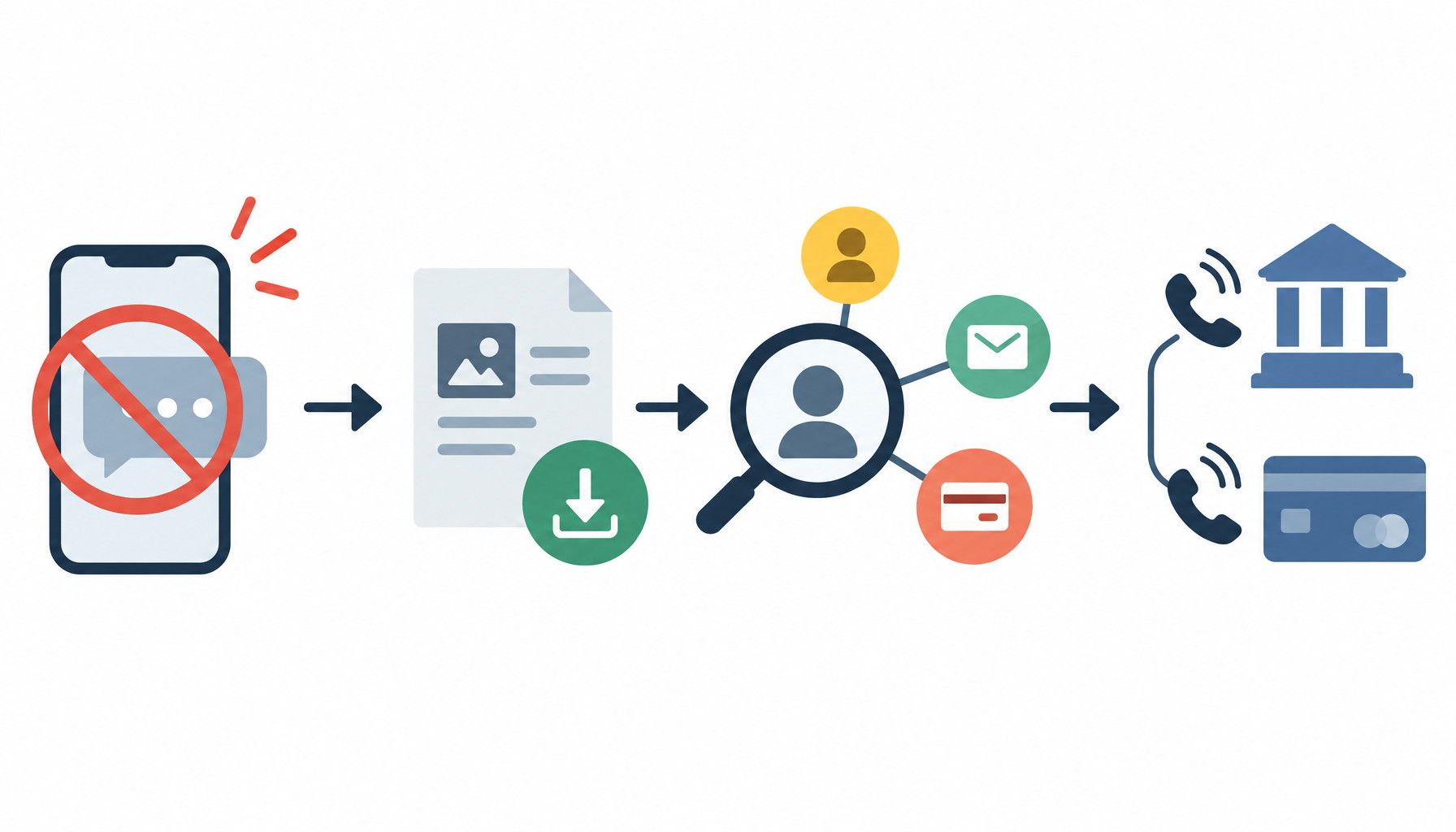
Take the steps that match your actions:
- Change every exposed password, especially reused ones, and enable multifactor authentication.
- Revoke suspicious sessions and remove unfamiliar devices.
- Contact your bank immediately about unauthorized payments or changed payment details.
- Notify your employer if you used a work account or device. Contact the affected bank, email service, marketplace, or other provider.
Report and recover
Use the affected service's official website or app, not contact details from the attacker. Ask whether the account can be secured, transactions reversed, or access logs reviewed. Watch for password reset messages, new login alerts, unfamiliar charges, and follow-up calls. Attackers may use one conversation to prepare a second attempt.
Next time, pause, verify unusual requests through an independent channel, and involve someone you trust when pressure makes clear thinking difficult.
How to respond to social engineering attacks
When an unexpected request creates urgency, fear, or excitement, pause before acting. Don’t share passwords or authentication codes, send money, open unexpected files, or approve access just because someone claims to be trustworthy. Verify the request through a contact method you find independently, and ask a trusted person to check if you still feel pressured. If you already responded, stop communicating with the sender and save messages or call details. Then address the specific risk: change exposed passwords, revoke suspicious sessions, contact your bank about unauthorized payments, or notify the relevant employer or service provider. Use the affected service’s official reporting channel, and follow the data breach checklist if sensitive information may have been exposed. A brief pause and independent check can interrupt the manipulation before it leads to further harm.