
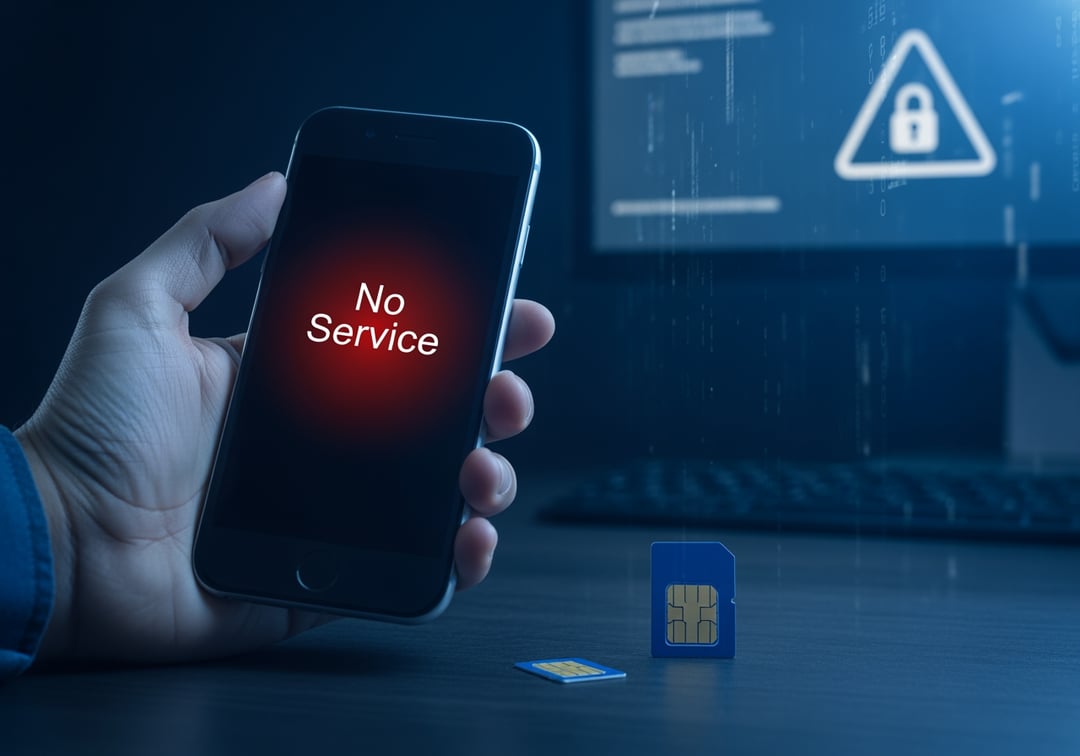
Your phone suddenly drops to “No Service.” You assume it’s a carrier glitch. Then your email pings. Password reset requested. Then another. And another.
That sequence often points to a SIM swap attack. It’s not flashy hacking. It’s someone talking their way into your phone number and then using it like a master key. The good news is you can build real SIM swap protection without turning your life into a cybersecurity hobby.
What a SIM Swap Attack Is and Why It Hits So Hard
A SIM swap attack happens when a criminal convinces your mobile carrier to move your phone number to a SIM card they control. You keep your phone. They get your number. Consequently, they get the texts and calls that many services still use for login codes and account recovery.
You may also hear “SIM hijacking” or a “port-out scam.” The names vary, but the core idea stays the same. The attacker targets the carrier’s identity checks, not your phone’s security. That’s why this attack feels unfair. You can run antivirus, use strong passwords, and still lose.
The damage can spread fast because your number sits in the middle of modern identity systems. SMS-based two-factor authentication, password reset links, and “verify it’s you” prompts often route through your phone number. When a criminal controls that number, they can impersonate you in seconds.
How SIM Swap Attacks Work, Step by Step
SIM swap attacks usually follow a predictable chain. Once you see the pattern, you can break it.
Step 1: They gather your personal information
Attackers start by collecting details that carriers and websites treat as “verification.” They pull this data from breaches, phishing emails, data broker listings, and overshared social profiles. Names, addresses, birthdays, and even carrier-related answers can be enough to pass weak checks.
Think about it this way. Many account recovery systems still assume personal facts equal identity. Criminals love that assumption.
Step 2: They persuade the carrier to move your number
Next, they contact your carrier and claim they lost their phone or they need a new SIM. Sometimes they use urgency. Sometimes they use fake ID. Sometimes they exploit insider access. Regardless of the method, they push for a number transfer.
Two paths show up most often:
- SIM swap: Your number moves to a new SIM on the same carrier.
- Port-out: Your number transfers to a different carrier entirely.
Both produce the same outcome. Your number stops belonging to you in practice.
Step 3: They intercept your calls and texts
At this point, your phone may show “No Service” or “SOS only.” Calls may fail. Texts never arrive. Meanwhile, the attacker receives your verification codes and password reset texts.
That’s why SIM swap protection starts with reducing what your phone number can unlock.
Step 4: They take over your most valuable accounts first
Attackers usually go for your email account before anything else. If they control your email, they can reset nearly every other password. After that, they target banking apps, payment services, and crypto exchanges. They may also grab social media accounts because those accounts help them scam your contacts convincingly.
Step 5: They lock you out and move fast
They change passwords. They update recovery settings. They add forwarding rules in email. Then they transfer money quickly because time favors them. Conversely, your ability to recover drops sharply once they secure those footholds.
Red Flags That a SIM Swap Attack Is Happening
SIM swap attacks feel like “random phone issues” right up until the account alerts hit. Watch for these signals.
Phone-level warning signs
- Sudden loss of cellular service in an area that normally works
- Calls fail instantly or go straight to voicemail for others
- Unexpected carrier notifications about SIM changes or number transfers
Account-level warning signs
- Password reset emails you did not request
- New device login alerts for email or social accounts
- Two-factor settings changed without you
If those happen near the same time, treat it as one incident, not a string of coincidences.
SIM Swap Protection That Actually Works
You don’t need perfect security. You need a few high-leverage upgrades that remove the easy win.
Stop relying on SMS for two-factor authentication when possible
SMS-based 2FA helps against basic password guessing. It fails against SIM swaps because the attacker steals the phone number itself. Furthermore, many services now support safer options.
Prioritize this upgrade order:
- Security keys (strongest and resistant to phishing)
- Authenticator apps (strong and practical for most people)
- SMS codes (better than nothing, but weakest)
For deeper technical guidance, NIST discusses modern authentication expectations here: https://pages.nist.gov/800-63-3/
CISA also explains why multi-factor matters and how to use it well: https://www.cisa.gov/secure-our-world/use-multi-factor-authentication
Add a carrier account PIN and block number transfers
Most carriers let you set an account PIN or passcode. That PIN should not match your phone unlock code. Ask your carrier about “port-out protection” or a “number lock.” The exact name varies by carrier, but the goal stays consistent. Make number transfers require a secret an attacker cannot scrape from public data.
This step often delivers the biggest SIM swap protection payoff for the least effort.
Lock down your email like it’s the master key
Email resets everything. Secure it first.
- Use an authenticator app or a security key for email MFA
- Review recovery email and recovery phone settings
- Remove old numbers you no longer control
- Check for suspicious forwarding rules and filters
And yes, it feels boring. That’s why it works.
Reduce the data that makes social engineering easy
Attackers love “security questions” and personal trivia. Limit what they can learn.
- Hide your birthday and phone number on social profiles
- Consider opting out of data broker sites when possible
- Use unique answers for security questions, even if they sound fake
If You Get SIM Swapped, Act Fast and Stay Calm
Speed matters. Panic does not.
- Call your carrier immediately from a different line and say you suspect a SIM swap or port-out fraud. Ask them to reverse it and lock the account. Get a case or ticket number.
- Secure your email from a safe device. Reset the password, sign out of all sessions, and remove unknown devices.
- Contact banks and payment apps to pause transfers and flag fraud. Change passwords and remove the phone number from recovery if you can.
- Move 2FA off SMS for critical accounts as soon as you regain control.
- Document everything with dates, screenshots, and ticket numbers. You’ll want that record for disputes.
The Core Idea Most People Miss
A phone number works well for convenience. It works poorly as identity. Treat it like a door key that can be copied if the locksmith gets fooled.
If you do one thing today, do this: set a carrier PIN and switch your most important accounts away from SMS codes. That combo delivers meaningful SIM swap protection, and it closes the easiest attack path.