
Choosing between a Samsung Galaxy and a Google Pixel is rarely as simple as comparing specifications. The real Samsung Galaxy vs Google Pixel decision comes down to how each phone handles the things you do every day: software, photography, battery life, performance, and the devices you already use.
Samsung often gives you more hardware options and customization, while Google Pixel phones focus on a cleaner Android experience and computational photography. Those differences can matter more than processor names or megapixel counts, especially when two similarly priced phones produce very different results in daily use. We will compare the software, cameras, displays, performance, battery life, ecosystems, and pricing so you can identify which phone fits your priorities before you buy.
Samsung Galaxy and Google Pixel: What Are You Actually Comparing?
Choose comparable models
This comparison pairs Samsung's Galaxy S25 Ultra with Google's Pixel 9 Pro XL. Both are premium flagship phones. The Galaxy offers 256GB, 512GB, and 1TB storage tiers, while the Pixel ranges from 128GB to 1TB, depending on configuration. That is a fairer match than comparing a budget Galaxy A-series phone with a premium Pixel Pro, or a standard Pixel with Samsung's most expensive Galaxy. Comparing phones in the same price category makes differences in cameras, materials, performance, and storage easier to judge.
The comparison criteria
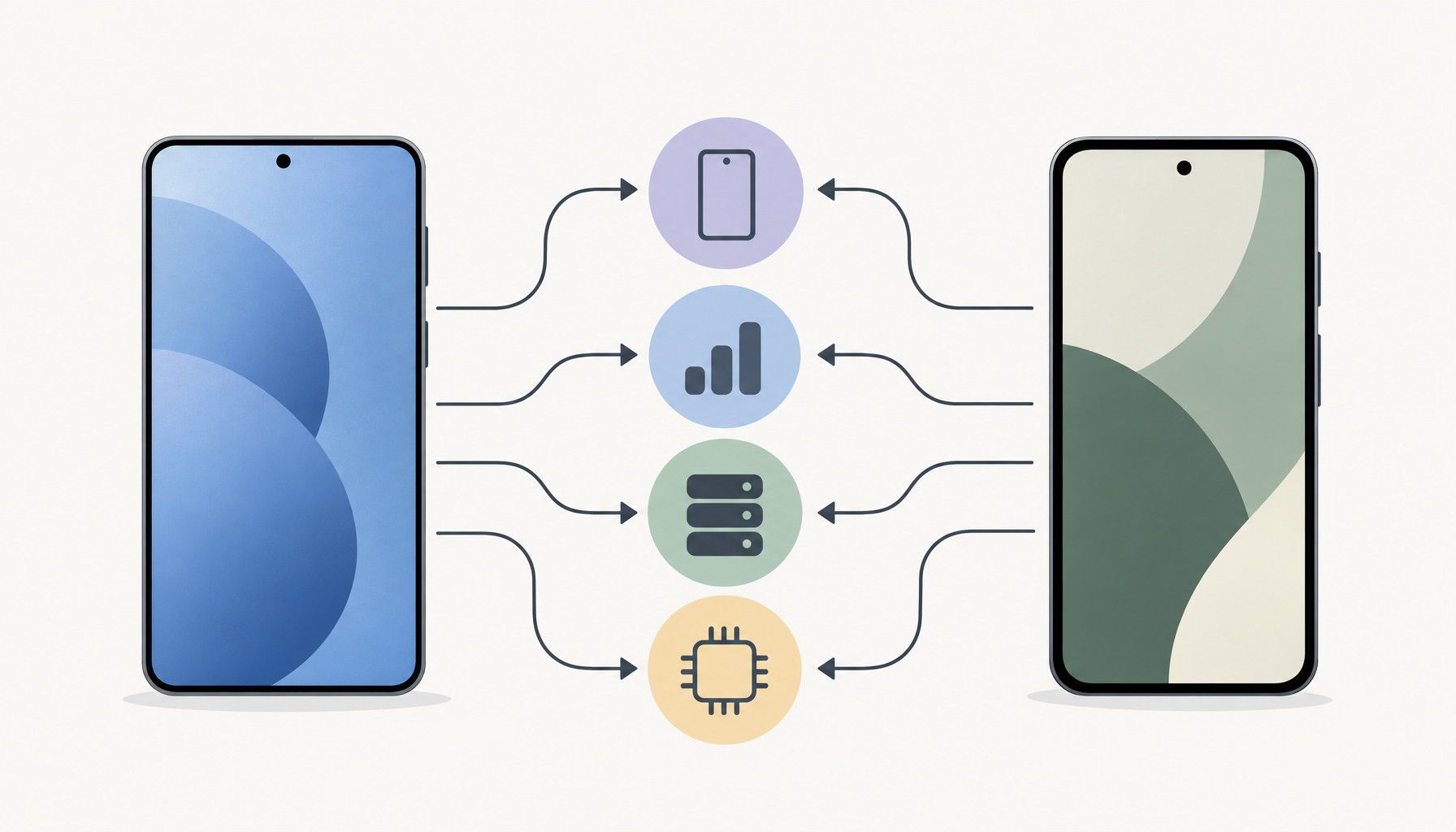
The less obvious question is how each phone handles everyday ownership after setup. We will compare Samsung's One UI with Pixel software, camera results, hardware, battery life, ecosystem compatibility, and overall value. That includes how each phone manages notifications, photo editing, file transfers, connected watches and earbuds, and the features you actually use. Specifications matter, but the better choice is the phone that creates fewer compromises in your routine.
Samsung Galaxy vs Google Pixel Software Experience
One UI and customization
Samsung's One UI gives you more control over navigation, home-screen layouts, widgets, icon packs, split-screen apps, and floating windows. Its preinstalled tools include Samsung Notes, Gallery, Internet, and device-management features, so a Galaxy can feel ready for work without extra downloads. The tradeoff is a busier interface and more settings to learn. Multitasking is especially strong if you regularly use two apps together. Most Android users will become familiar quickly, but One UI offers more to explore.
Pixel software and Google services
Pixel software keeps the interface simpler and puts Google apps, Assistant features, Photos, Drive, and the Play Store at the center. Menus are less crowded, and the phone usually feels familiar quickly if you already use Google's services. Samsung apps still work on Pixel, while Galaxy phones add useful links with Galaxy Buds, tablets, Windows PCs, and other Samsung devices.
Update policies differ by model and release date. Verify current support details for the specific Galaxy and Pixel models in this article before publishing, since coverage can change.
Camera Results Beyond the Megapixel Count
Point-and-shoot photography
Daylight shots from Samsung Galaxy and Google Pixel phones can both look sharp, but the differences appear in color, contrast, and consistency. Pixel often favors natural-looking processing, while Galaxy may produce more vivid color. Compare skin tones, moving children, portrait edges, and shadows in low light rather than judging one bright outdoor sample. Also check whether the ultrawide and standard rear cameras produce matching colors and detail. Computational photography affects exposure, faces, and night scenes, so hands-on testing matters more than sensor size.
Zoom, video, and editing tools
Test zoom at common distances, since digital crops can lose fine detail quickly. Assess video separately: stabilization, autofocus, microphone quality, motion, and exposure changes matter more than still-photo resolution. Samsung's editing tools and Pixel's AI-assisted edits can change the final image, but availability and results vary by model and scene.
Casual photographers should prioritize reliable point-and-shoot results. Social media users should check skin tones and ready-to-share color. Parents need motion handling. Travelers should compare zoom and ultrawide cameras. People who record more video should choose the phone with steadier footage and more dependable autofocus.
Display, Performance, Battery, and Everyday Hardware
Which Samsung Galaxy and Google Pixel models should this section compare? Verified specifications for display, performance, battery, charging, biometrics, speakers, durability, weight, storage, and accessories depend on the exact models.
Which Phone Fits Your Ecosystem and Budget?
Choose Samsung Galaxy if...
Choose Samsung Galaxy if you already use a Windows laptop, Galaxy tablet, Galaxy Watch, or Galaxy Buds. Samsung phones also suit owners of SmartThings products, especially when controlling compatible lights, appliances, and other smart home devices matters. They are the stronger choice for customization and gaming, with more interface controls and features built around demanding use. Check the purchase price, storage tier, included features, trade-in offer, expected support period, and likely resale value together rather than judging the phone alone.
Choose Google Pixel if...
Choose Google Pixel if you rely on a Google account, Chromebook, Google Photos, Google Home, or Wear OS devices and want a cleaner software experience. Pixel is the better fit for buyers who prioritize camera processing, simpler menus, and less setup. Long-term convenience can outweigh a lower launch price, but compare storage because upgrading later may be limited. Your final rule: choose Galaxy for customization and gaming, or Pixel for clean software and point-and-shoot photography. Before buying, compare the exact model, storage tier, current price, and available promotions.
How to choose between Samsung Galaxy and Google Pixel
The better choice depends less on the logo and more on how you use your phone. Start by matching comparable Samsung Galaxy and Google Pixel models, then check the exact storage tier, current price, trade-in value, promotions, and support period. Choose Samsung Galaxy if you want deeper customization, built-in tools, stronger multitasking options, or closer integration with your Samsung devices and accessories. Choose Google Pixel if you prefer a simpler Google-focused experience, straightforward software, and computational photography that suits your everyday shooting. Camera processing, gaming performance, battery endurance, charging, comfort, and ecosystem fit can change the decision, so prioritize the areas you notice after the first week of ownership. Before buying, compare the specific models side by side and confirm that each one fits your existing devices, services, and budget.