
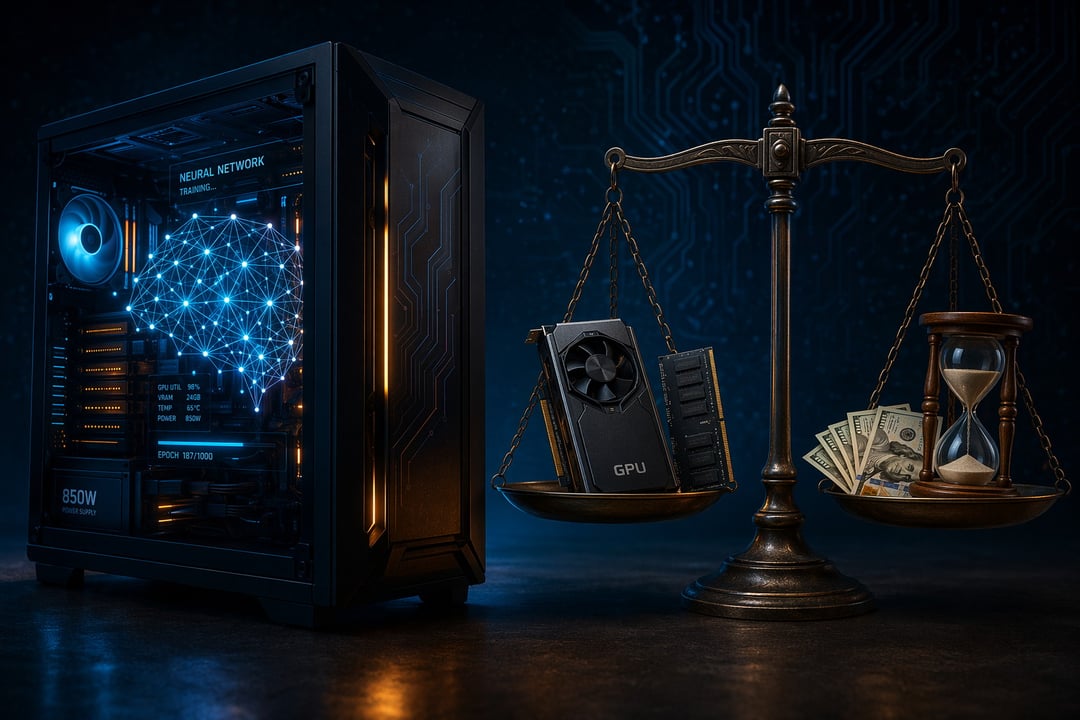
The pitch sounds irresistible. Your own private AI assistant, running entirely on your machine. No monthly subscription. No internet required. No company quietly harvesting your prompts. But an irresistible pitch and a smart decision are not the same thing. Before you spend a weekend, or a paycheck, on this, the real question isn't whether you can run local AI on your PC. It's whether you should. Here's the honest breakdown.
What It Really Means to Run AI on Your Own Device
Running local AI simply means downloading an AI model and running it on your own computer, instead of sending requests to a cloud service like ChatGPT or Claude. The model lives on your hard drive and thinks using your hardware.
One spec matters more than any other: VRAM, the dedicated memory on your graphics card. The entire model has to fit inside it to run at a usable speed. A small model needs only a few gigabytes. A large one can demand more memory than most consumer machines carry.
The good news is that getting started no longer requires deep technical skill. Tools like Ollama, LM Studio and llama.cpp have turned a once-intimidating process into a few clicks. You can run a capable model on a modern laptop today.
The Case for Running Local AI on Your PC
The appeal is real and it rests on four pillars.
Privacy comes first. When you run AI models locally, your prompts never leave your device. Nothing gets logged on a distant server. For anyone handling sensitive notes, confidential code or regulated data, that isolation carries genuine weight.
Cost is the second draw. After the hardware, you pay nothing per use. There are no tokens to meter and no subscription renewing each month. Heavy users feel this benefit most.
Offline access follows naturally. A local LLM works on a plane, in a remote cabin or at 3 a.m. when your connection drops. It never imposes rate limits or "you've reached your cap" walls.
Finally, there's control. A cloud model can change overnight or disappear entirely. Yours stays exactly as you downloaded it, for as long as you keep it.
The Catch Nobody Mentions
Now for the part the enthusiast videos tend to skip.
Quality is the biggest trade-off. A small local model is genuinely impressive but it falls short of the frontier cloud systems. For deep reasoning, very long documents or image generation, the cloud still wins comfortably. Set your expectations accordingly.
Then comes the hardware bill that quietly undercuts the "free" promise. A decent setup means a capable graphics card. Those range from roughly $400 for an entry-level option to well over $2,000 for the newest high-end cards. A used previous-generation card remains the value sweet spot for most people who are serious about this.
The hidden costs add up too. Electricity, setup time, model updates and the occasional driver headache all count against you. One bright exception is worth noting: Apple Silicon Macs punch far above their price for local AI, because their shared memory doubles as graphics memory.
The Honest Math: Who It's Actually Worth It For
Strip away the hype and the decision becomes a simple self-assessment.
Running local AI on your PC is worth it if you prize privacy, use AI constantly, already own a capable graphics card, enjoy tinkering with technology or face strict data-handling rules at work. For these users, the benefits compound and the hardware pays for itself over time.
It is probably not worth it if you're a light or occasional user, if you depend on top-tier reasoning quality, or if you'd be buying expensive hardware purely for this one purpose. The math rarely favors the casual user. A $20 monthly subscription takes years to match the cost of a new graphics card. The cloud service will likely stay smarter the whole time.
The Verdict
So, is local AI worth it? For most casual users, cloud tools remain the rational default. They cost nothing to start, stay sharper and demand zero setup. For privacy-conscious power users and curious tinkerers, running AI models locally is genuinely rewarding, and that case strengthens every month as small models improve at a remarkable pace.
The smartest first move costs nothing at all. Before buying a single component, install a free tool like Ollama and run a small model on the PC you already own. Spend a week with it. You'll learn more about whether local AI belongs in your workflow in those seven days than any spec sheet or review could ever tell you.