
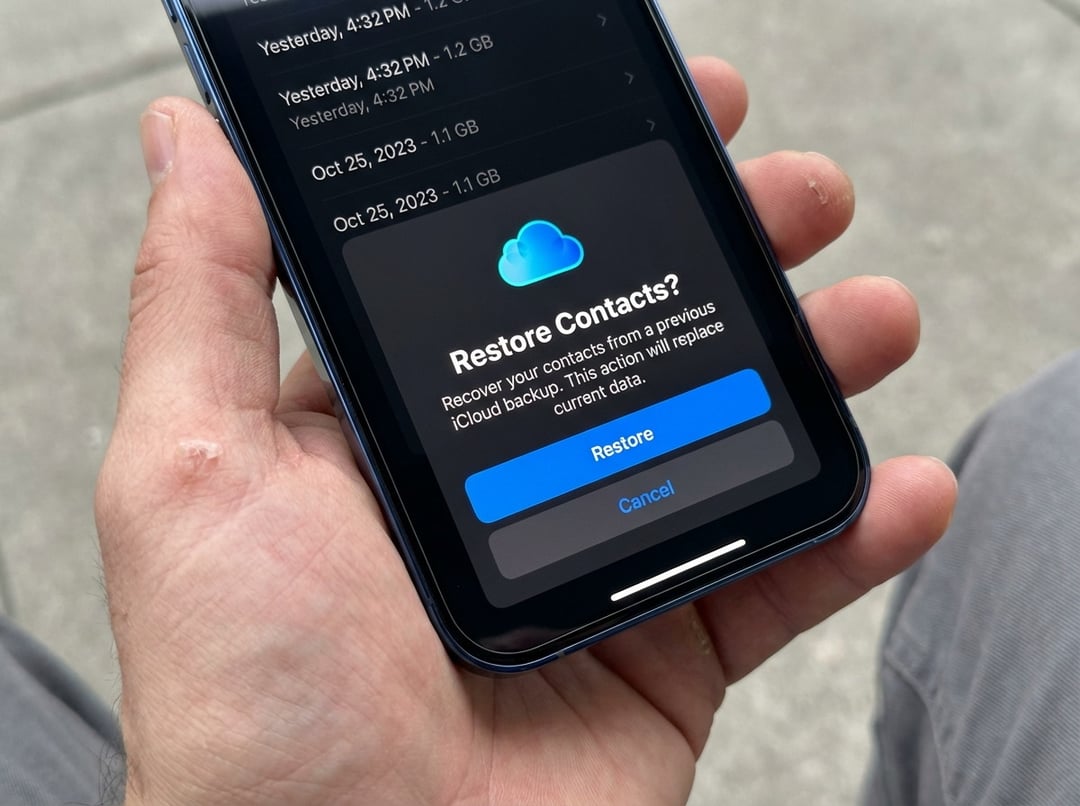
Restore Missing iPhone Contacts Through iCloud Sync
When contacts disappear because of a sync problem, the quickest fix is to turn contact syncing off and then back on again in iCloud settings. This can bring your contacts back to your iPhone without much effort.
Open iCloud Settings on Your iPhone
Start by opening the Settings app on your iPhone. Tap your name at the top, then go into iCloud settings.
Turn Off Contacts Sync
Tap See All, then switch off the toggle next to Contacts. When your iPhone asks what you want to do, choose Keep on My iPhone.
Turn Contacts Sync Back On
Switch the Contacts toggle back on and choose Merge. Give it a little time. Your deleted or missing contacts should show up again shortly after.
Recover Deleted Contacts Using iCloud.com
If you accidentally deleted a contact, you can restore it through iCloud. But there’s one extra step if you’ve turned on Advanced Data Protection for iCloud or updated to iOS 26.4, since that setup requires web access to iCloud data to be enabled first.
Enable iCloud Data Access on the Web
Open the Settings app, tap your name, and go to iCloud settings. Scroll to the bottom, tap iCloud.com, and turn on the Allow Data Access toggle.
Sign In to iCloud.com in Safari
After that, open Safari on your iPhone, go to iCloud.com, and sign in with your credentials.
Open Data Recovery
Tap the menu dots in the top-right corner, scroll down, and open Data Recovery.
Restore Your Contacts
From there, go to the contacts recovery option and restore the deleted contacts available in iCloud.
When to Use Each Contact Recovery Method
The right recovery method depends on how your contacts disappeared.
Use iCloud Sync Reset for Missing Contacts
If your contacts vanished because of a sync issue, resetting the Contacts toggle in iCloud settings is the simple fix. It’s fast, and your contacts should reappear soon after.
Use iCloud.com for Accidentally Deleted Contacts
If a contact was deleted by mistake, iCloud.com is the better route. Once web access is enabled, you can sign in, open Data Recovery, and restore the deleted contact from there.
Why Acting Fast Matters When Contacts Disappear
Losing contacts can feel like a real problem, especially now that most people don’t keep phone numbers memorized. The good news is that deleted or missing contacts on an iPhone can often be recovered quickly if you act fast and use the right recovery method.