
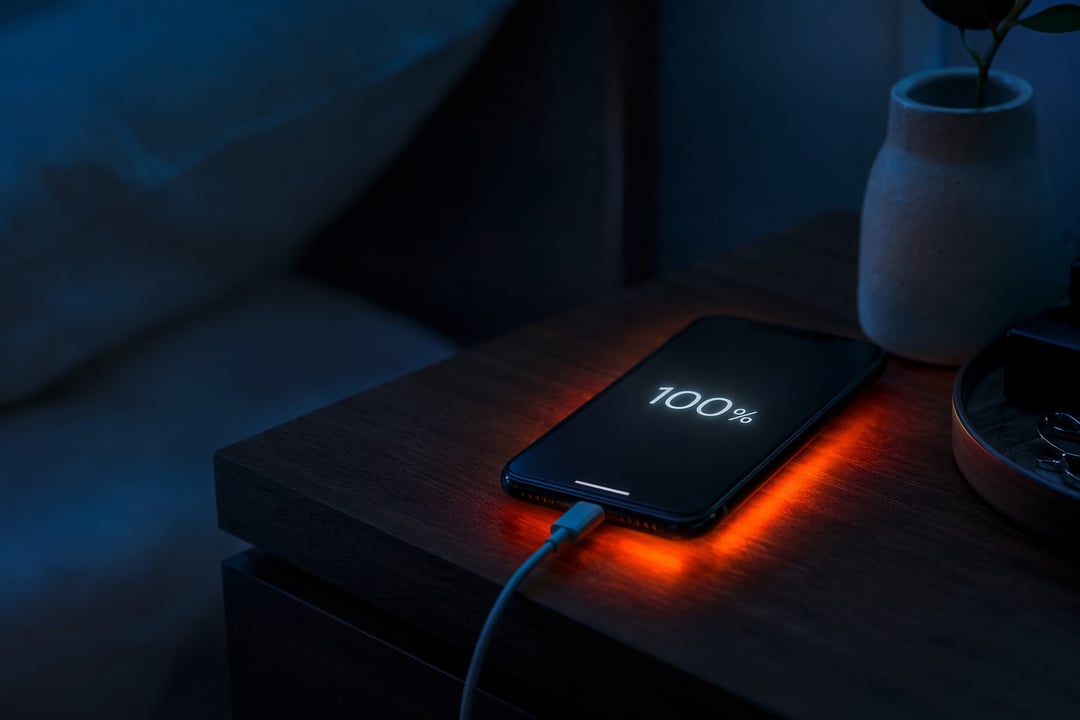
Your phone used to make it from morning coffee to bedtime on a single charge. Now it's gasping for a cable by mid-afternoon. Most people shrug and blame the age of the device. The truth is less about time and more about routine. A handful of ordinary charging habits do quiet, cumulative damage to your phone battery — and they're almost always fixable once you know what to look for.
Why Phone Batteries Wear Out in the First Place
Every phone runs on a lithium-ion battery, and every lithium-ion battery is a consumable part. It wears down with use the way tires wear on a car. Manufacturers measure that wear in charge cycles. One full cycle equals a complete 0-to-100% charge. Most phones are rated for roughly 500 cycles before capacity drops to around 80% of what they started with.
Two forces drive that decline. The first is voltage stress, which builds whenever the battery sits at a very high or very low charge. The second is heat. Nearly every bad charging habit below traces back to one of these two culprits. One persistent myth is worth killing right now: lithium-ion batteries have no "memory effect." That was true of older battery types. Draining a modern phone to "recalibrate" it does nothing but harm.
The 20-80 Rule, in One Line
Keep your charge between 20% and 80% whenever you reasonably can. It's the single most evidence-backed habit for battery health, because it sidesteps both stress extremes at once.
Battery-Killing Habit #1: Charging to 100% and Leaving It There
The classic offender is the all-night charge. You plug in before bed and the phone hits 100% within an hour, then sits there for six or seven more. This isn't "overcharging" — your phone stops drawing power once it's full. The damage comes from the sustained state itself. Hours parked at maximum voltage age the cells even while nothing seems to be happening, a slow process known as calendar aging.
The fix is simple. Unplug closer to 80% — or better yet, let software handle it. Apple's own guidance walks through charge limits and Optimized Battery Charging in detail (support.apple.com).
Battery-Killing Habit #2: Running It Down to Zero
Plenty of people believe they should drain the battery completely before recharging. That advice belonged to a different era of technology. On a lithium-ion battery, deep discharges are actively harmful. Dropping below roughly 20% stresses the internal chemistry and can cause permanent damage over time.
Small, frequent top-ups are not a sign of impatience. They're exactly what the chemistry prefers. A quick charge from 40% to 70% is far gentler on the battery than a full drain and refill.
Battery-Killing Habit #3: Letting Your Phone Overheat
If voltage stress is the slow leak, heat is the accelerator pedal. Temperature multiplies the damage from every other habit on this list. As a rough rule, every 10°C above room temperature roughly doubles the rate of chemical degradation. Leave a phone baking on a summer dashboard near 60°C and you can inflict permanent capacity loss in a matter of weeks.
The everyday triggers are easy to overlook. Fast-charging under a pillow, gaming while plugged in, direct sunlight, and a thick case that traps heat during a charge all push the temperature up. Charge somewhere cool and open. For a long fast-charge session, popping off a bulky case genuinely helps.
Battery-Killing Habit #4: Fast-Charging Everything, Always
Fast charging deserves a fairer hearing than it usually gets. It's safe by design and won't wreck your battery overnight. But it does run hotter than slow charging — and heat, as we've seen, is the real cost. A gentle overnight trickle is kinder to the cells than repeated blasts at maximum speed.
The sensible balance is obvious once you frame it this way. Save fast charging for when you're genuinely pressed for time. When the clock isn't against you, let the phone sip power slowly instead.
The Habit That Fixes Most of This: Use the Tools You Already Have
Here's the quiet irony. Phone makers built protection against most of these problems directly into your device, and most people never switch it on.
On iPhone, Optimized Battery Charging learns your routine and delays the final climb to 100%. Newer models let you cap charging at 80% outright (Settings → Battery). Google's Pixel offers Adaptive Charging, timing that last stretch to finish just before your alarm. Samsung's Protect Battery caps the charge around 85%. Each takes under a minute to enable and quietly enforces good habits while you sleep.
The Charging Habits Worth Building Instead
Strip all of this down and the takeaway is refreshingly small. Stay roughly within the 20-80 range. Keep the phone cool. Favor small top-ups over deep drains. And turn on the charging tools already sitting in your settings.
None of it demands new gadgets or real effort. It's the same charging you already do, done a little smarter — and it can add years of useful life to a battery you'd otherwise be quietly wearing out. For the deeper electrochemistry behind these habits, Battery University (batteryuniversity.com) is the reference worth bookmarking.