
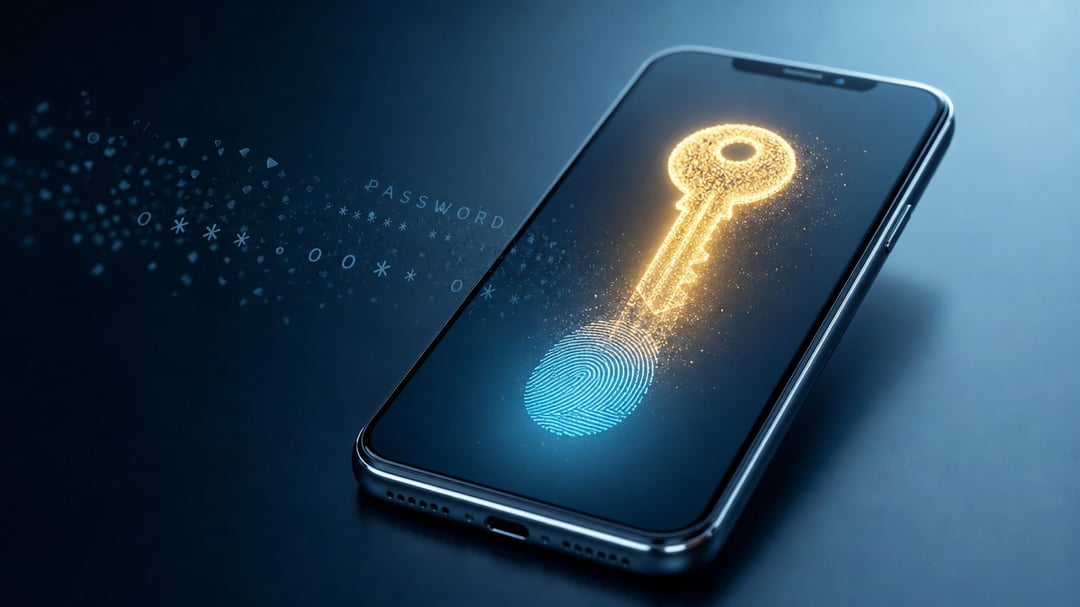
You know the ritual. You type a password, get it wrong, request a reset, wait for the email, then invent a new password you'll forget by next week. Multiply that across dozens of accounts and you've built a small, quiet source of daily friction. That whole routine is finally being retired. The replacement is called a passkey, and it isn't a stronger password. It's the thing meant to make passwords disappear.
By the end of this guide you'll know what a passkey is, why it's safer than what you use now, and how to set one up today.
What a Passkey Actually Is
A passkey lets you sign in using the same fingerprint, face scan, or PIN you already use to unlock your phone. There's no password to type and nothing to memorize.
The difference comes down to what you're trusting. A password is something you know, which means it can be guessed, leaked, or stolen. A passkey is something your device holds and proves on your behalf. You approve the login with a quick tap or glance. Then you're in.
Why Passwords Are Finally Failing Us
Passwords don't fail because people are careless. They fail because the whole system leans on humans doing something humans are bad at: creating and remembering dozens of long, unique secrets. So we reuse them. One breach at one site then unlocks a dozen others.
Even a strong password paired with a texted two-factor code isn't safe. A convincing fake login page can capture both in seconds. Passkeys close that door because they're phishing-resistant by design. There's no secret to type into the wrong box. The momentum is real, too. The FIDO Alliance now reports that nearly half of the world's top 100 websites offer passkeys, roughly double the figure from a few years ago.
How Passkeys Work — and Why They're Harder to Steal
Here's the mechanism, minus the jargon. When you create a passkey, your device generates a matched pair: a public "lock" that lives on the website's server and a private "key" that never leaves your device. The site can confirm your key fits the lock without ever seeing the key itself.
That design removes the thing attackers usually go after. Because no shared secret sits on the company's servers, a data breach has nothing useful to spill. And because the private key never travels across the internet, a fake site has nothing to intercept.
Your Biometrics Stay on Your Device
This is the fear worth addressing head-on. Your fingerprint or face scan is never sent to Google, Apple, or the website you're logging into. It only unlocks the private key locally, inside your phone's secure hardware. The company on the other end receives a cryptographic "yes" — proof you own the key — and nothing else. Your biometric data stays with you.
Where You Can Use Passkeys Right Now
This isn't a someday technology. Google, Apple, Microsoft, and Amazon all support passkeys. More than 300 services worldwide accept them as of 2026. Nearly every smartphone sold since 2023 already supports the feature. For most people the hardware barrier is gone.
There's one honest gap. Most major banks are still catching up, so you'll keep a few passwords for a while yet. A simple rule works well: switch to passkeys wherever they're offered and keep strong passwords plus two-factor everywhere else. If you want to check a specific service, passkeys.directory keeps a running list.
How to Create Your First Passkey — and the Mistake to Avoid
Setting one up takes under a minute. Using Google as the example: open your account settings, go to Security, find Passkeys, choose to create one, and confirm with your fingerprint or face. That's the whole process, and most sites follow the same pattern.
The One Choice That Locks People Out
When your device asks where to save the passkey, pause. Saving it to a single browser or one phone can strand you the moment you switch devices. Instead, store it somewhere that syncs, like iCloud Keychain, Google Password Manager, or a dedicated password manager. Do that and your passkey follows you from phone to laptop without drama. This is the step most people skip. It's also the one that causes the horror stories.
The Catch: What Passkeys Still Can't Do
Passkeys aren't flawless yet. Account recovery is still maturing across some services. Moving a passkey between rival ecosystems, like Apple and Windows, can feel clunky. And for a while you'll live in a mixed world where some sites have adopted them and others haven't.
None of that is a reason to wait. The friction is temporary. The security gain is permanent. Every account you protect with a passkey today is one fewer password anyone can phish or steal.
The Bottom Line
The password was never the point. Proving it's really you was. Passkeys do that job faster, with far less to lose along the way. Turn one on this week for an account that supports it and let the reset-email ritual start to fade.


