
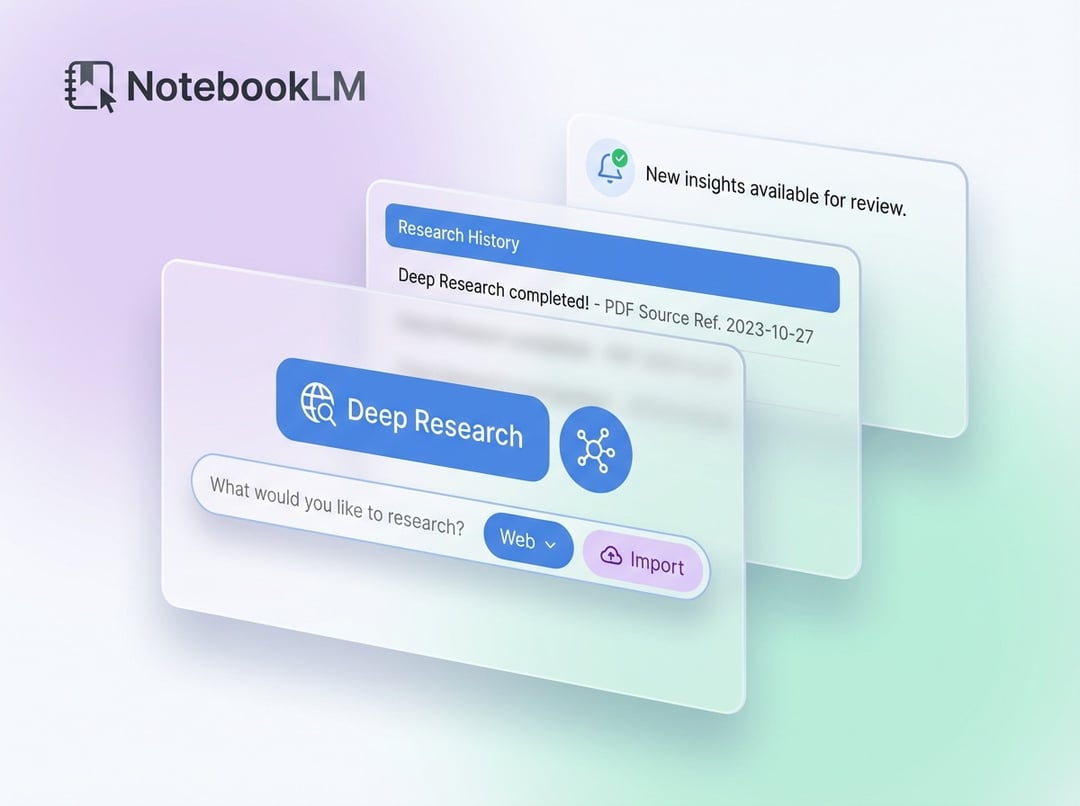
NotebookLM now lives directly inside Gemini
NotebookLM is now built into Gemini, changing how personal research works inside Google’s AI tools. Starting today, users can open their existing notebooks directly in the app instead of bouncing between separate products.
This expands on the earlier step that allowed notebooks to be added as sources. Now, saved material sits right next to chats and prompts, which makes it available in real time instead of leaving it parked as stored reference material.
Past conversations can also be pulled into collections and reused. That tighter connection between research and chat makes Gemini feel more like a workspace that keeps context across tasks.
Gemini notebooks create a more unified AI workspace
The update brings personal notebooks and AI chats into one shared environment. That matters because it cuts down the friction between collecting information and actually using it.
Rather than treating notebooks as something separate from the conversation, Gemini now places stored research beside active prompts and responses. The result is a more unified flow where users can move from saved material to live interaction without extra steps.
This rollout starts on the web for Google AI Ultra, Pro, and Plus subscribers. Mobile support and broader availability are expected soon. Timing for free users has not been shared.
How Gemini uses stored material in live conversations
Saved collections now work as live context
The biggest shift is how Gemini handles stored material. Collections are no longer just static references. Once selected, they act as live context during conversations.
That means the contents of a collection automatically shape Gemini’s responses. Users do not have to keep repeating the same inputs just to keep the conversation grounded in the right material.
NotebookLM’s grounded approach now sits in the main interface
NotebookLM was already effective at grounding outputs in user-provided material. Now that capability is built into the same interface, which keeps responses tied to documents or research sets without requiring extra switching or setup.
This makes the connection between source material and generated output more immediate and more usable during ongoing work.
Past chats can become reusable research inputs
Google is also broadening how sources behave. Existing chats can now be folded into collections, turning earlier interactions into reusable input.
That creates a loop where research informs conversation, and conversation can later become part of research. Over time, those two parts reinforce each other instead of living in separate places.
Why this Gemini and NotebookLM integration matters for AI workflows
Less friction between saving information and using it
Bringing NotebookLM into Gemini pushes the product closer to a full workspace rather than a simple chatbot. The key change is practical: it reduces the effort required to move between storing information and applying it during a conversation.
When saved research, prompts, and chats all live together, the workflow becomes more direct. Users can keep momentum instead of managing separate tools.
Gemini starts to retain context across tasks
Another important shift is how the experience feels across multiple tasks. Because past conversations can be reused and collections can shape responses automatically, Gemini starts to behave more like a system that carries context forward.
That makes the tool feel less session-based and more persistent in how it supports ongoing work.
What is available now and what comes next
The rollout begins on the web for Google AI Ultra, Pro, and Plus subscribers. Mobile support is expected soon, along with wider access. Google has not provided a timeline for free users.
A shared post about the launch also highlighted a key detail: users can upload 100 sources for free and organize their chats as part of the notebook experience.