
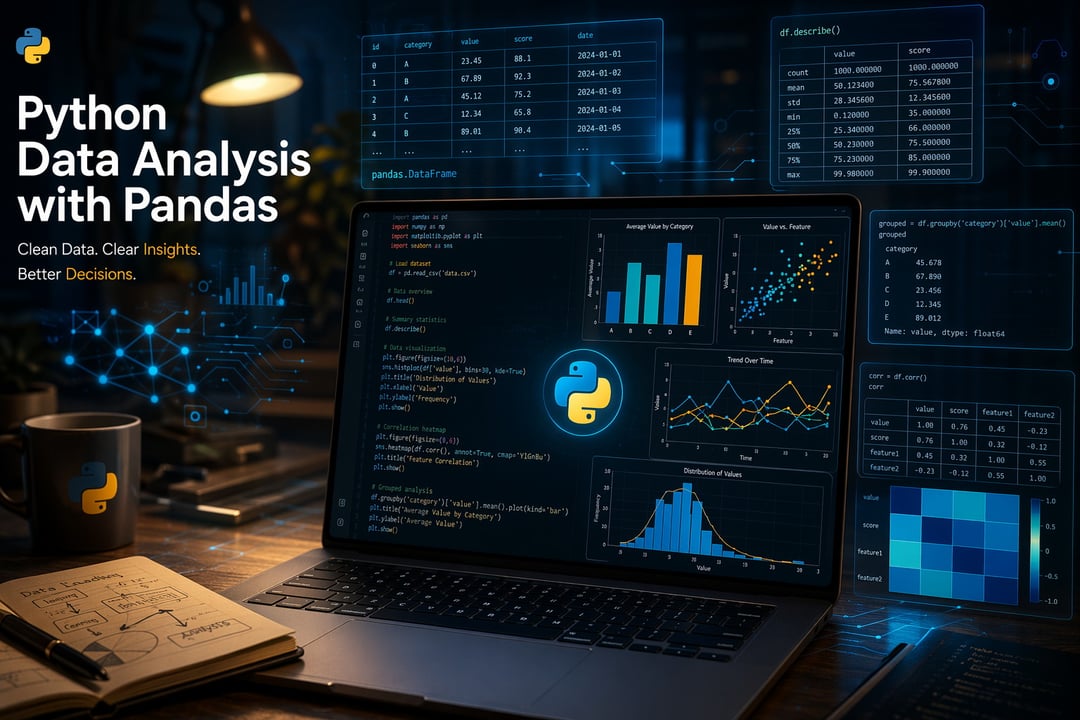
You've probably heard it a hundred times: "Learn Python." But nobody tells you where to actually start — especially when you just want to make sense of a dataset, not build a rocket ship.
Here's the thing. Python for data analysis isn't as intimidating as it looks. And in 2026, with better tooling, AI-assisted coding helpers, and a mountain of free resources, getting started has never been more approachable. This tutorial walks you through everything — from setup to your first real analysis — without burying you in theory.
Let's get into it.
Why Python Is Still the Best Starting Point for Data Analysis in 2026
You might wonder: why Python and not Excel, R, or one of the newer tools? Fair question.
Python dominates data work because it's genuinely versatile. The same language you use to clean a messy CSV can train a machine learning model or automate a report. That consistency matters. You're not learning three tools — you're learning one language that scales with you.
The job market reflects this. Search "data analyst" on any major platform and you'll see Python listed in the majority of postings. The 2024 Kaggle Machine Learning & Data Science Survey consistently shows Python as the most-used tool among data practitioners worldwide.
And in 2026 specifically, AI coding assistants — think GitHub Copilot or Claude — have lowered the barrier even further. You don't need to memorize every function. You need to understand the logic, and let the tools handle the syntax when you get stuck.
Setting Up Your Python Environment for Data Analysis
Before you write a single line of code, you need the right setup. This is where a lot of beginners waste hours — so keep it simple.
The Tools You Actually Need
Install Python 3.11 or later directly from python.org. If you're brand new and don't want to fuss with environment management, download Anaconda instead. It bundles Python, Jupyter Notebook, and most data libraries in one installer. Less friction. Faster start.
For your editor, Jupyter Notebook is the go-to for data analysis. It lets you run code in chunks, see outputs immediately, and add notes alongside your work. Think of it as a live, interactive scratch pad — ideal for exploration. VS Code with the Jupyter extension works just as well if you prefer a full IDE.
Installing the Core Libraries
Once you're set up, install your core toolkit:
pip install pandas numpy matplotlib seaborn
That single command gives you everything you need to start. Don't install more than this yet — scope creep is real and adding twenty libraries before you understand four will slow you down.
Understanding the Core Python Libraries for Data Analysis
Four libraries do the heavy lifting for beginner data analysis. Here's what each one actually does.
pandas — Your Data's Best Friend
pandas is the library you'll use most. It introduces the DataFrame — essentially a programmable spreadsheet. You can load a CSV, filter rows, calculate averages, handle missing values, and reshape data, all in a few lines.
Think of pandas as Excel with a command line. You're doing the same kinds of operations — just faster, more reproducibly, and at any scale.
NumPy — The Engine Under the Hood
NumPy powers the numerical computation that pandas relies on internally. As a beginner, you won't interact with it much directly — but it's worth knowing it exists. Its core contribution is the ndarray, a fast multi-dimensional array that handles mathematical operations far more efficiently than native Python lists.
Matplotlib and Seaborn — Making Your Data Visual
A well-made chart communicates in three seconds what a table takes three minutes to decode. Matplotlib gives you full control over your visualizations — every axis, label, and color. Seaborn sits on top of it and produces statistically-oriented charts with less code and better default aesthetics.
For beginners: use seaborn first. Graduate to matplotlib when you need custom control.
Your First Python Data Analysis — Step by Step
Here's a real, runnable mini-analysis using the Titanic dataset — one of the most beginner-friendly public datasets available on Kaggle.
Step 1 — Load the data:
import pandas as pd
df = pd.read_csv('titanic.csv')
Step 2 — Explore it:
df.head()       # First five rows
df.info()       # Column types and null counts
df.describe()   # Summary statistics
Always explore before you analyze. Skipping this step is how you end up drawing conclusions from broken data.
Step 3 — Ask a question: Which passenger class had the highest survival rate?
Step 4 — Find the answer:
survival_by_class = df.groupby('Pclass')['Survived'].mean()
print(survival_by_class)
Step 5 — Visualize it:
import seaborn as sns import matplotlib.pyplot as pltsns.barplot(x=survival_by_class.index, y=survival_by_class.values) plt.title('Survival Rate by Passenger Class') plt.xlabel('Class') plt.ylabel('Survival Rate') plt.show()
That's it. Five steps. A real question, a real answer, a real chart. This exact workflow — load, explore, question, aggregate, visualize — is what professional analysts do every day. The datasets just get bigger and messier.
Common Mistakes Beginners Make (And How to Sidestep Them)
A few patterns trip up almost everyone starting out.
- Skipping exploration. Always run
.info()and.describe()before touching the data. Null values, wrong data types, and unexpected outliers will silently break your analysis if you don't catch them first. - Ignoring missing data. pandas won't error out on nulls — it'll just produce NaN results that cascade through your calculations. Use
df.isnull().sum()early and often. - Trying to memorize syntax. Don't. Learn to read the pandas documentation and use Stack Overflow. Every working data analyst has seventeen browser tabs open at once.
- Installing too many libraries. Master four tools deeply before adding more. Breadth without depth builds confusion, not capability.
What to Learn Next After This Python Data Analysis Tutorial
You've got the foundation. Here's a clear path forward that won't overwhelm you.
Intermediate pandas comes first — groupby operations, merge and join, pivot tables. These are the skills that turn basic analysis into real insight.
Data cleaning is next and arguably the most important skill in the field. Roughly 80% of real-world data work is cleaning. Getting comfortable with it separates good analysts from great ones.
After that, explore scikit-learn for an introduction to machine learning. You'll find it approachable once pandas feels natural.
For free, structured learning, Kaggle Learn and Real Python are genuinely excellent. Both are free and built for exactly where you are right now.
Python data analysis in 2026 isn't gatekept behind a computer science degree or years of experience. The tools are better, the resources are free, and the community is enormous. You just need a dataset, a question, and the willingness to run the code and see what happens.
Start with the Titanic dataset today. Run those five steps. Then ask a different question and figure out how to answer it. That curiosity — more than any tutorial — is what actually makes you a data analyst.


