
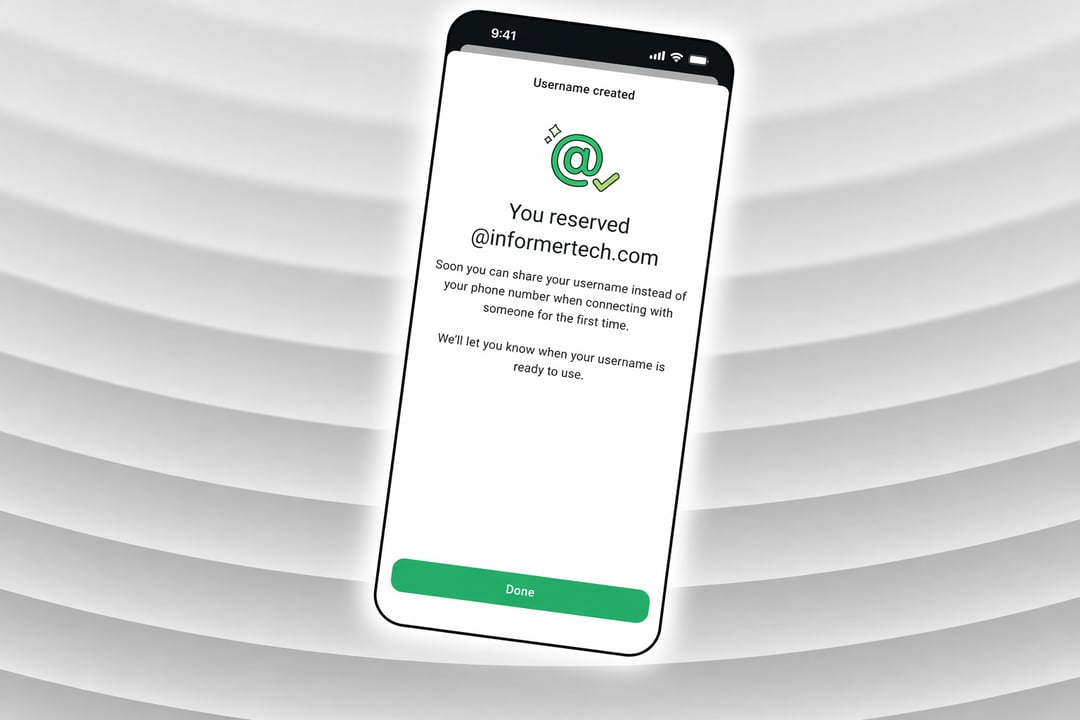
WhatsApp Usernames Are Now Open for Reservation
WhatsApp username reservations are live worldwide. While a phone number is still required to create and maintain an account, usernames introduce a new layer of privacy — letting you connect with others without ever exposing your number. Claiming your handle takes less than a minute, provided you go in knowing the rules.
What You Need to Know Before You Pick a Username
Character Limits and Policy Requirements
Every WhatsApp username must be between 3 and 35 characters and must comply with WhatsApp's platform policies. Outside of those constraints, you have considerable freedom in what you choose.
Reserved and Unavailable Handles
Not every name is up for grabs. WhatsApp has already locked down certain handles for top celebrities, verified organizations, and VIPs, meaning those names cannot be claimed by regular users. If your first choice isn't available, WhatsApp's built-in name generator can suggest alternative handles based on your input.
How to Reserve Your WhatsApp Username Step by Step
Accessing the Username Setting
Open WhatsApp and navigate to Settings > Account > Username. This option is available on the latest version of the app. Once inside, type your desired username and WhatsApp will instantly confirm whether it's available. If it's taken, the app will surface alternative suggestions you can choose from.
Using an Existing Social Handle
WhatsApp also gives you the option to import your Instagram or Facebook username directly, which can be a quick way to maintain a consistent identity across platforms.
What Happens After You Reserve
Once you select a username, it gets linked to your WhatsApp account. The username will become publicly functional when the feature goes fully live later in the year. If the option hasn't appeared in your app yet, WhatsApp is rolling it out region by region and will send an in-app notification when it reaches your country.
Privacy Features Tied to Your Username
Hiding Your Phone Number from New Contacts
When your username is active, anyone who messages you for the first time will not see your phone number. This applies as long as you have your username enabled — making it significantly easier to manage boundaries between personal, professional, and public contacts.
The Optional Username Key
For an added layer of security, WhatsApp offers an optional username key — a secondary code that contacts must provide along with your handle before they can message you. This effectively acts as a gatekeeper for inbound conversations.
Changing or Removing Your Username
Your username is not permanent. WhatsApp allows you to update or delete it at any time if you change your mind.
Why WhatsApp Usernames Matter for Privacy
WhatsApp is addressing one of its most persistent privacy shortcomings. Until now, sharing contact information within the app always required handing over a phone number — creating friction for anyone trying to keep personal, professional, and public communications separate.
This move mirrors what Signal implemented in 2024, when it introduced phone-number-free contact discovery, and follows Telegram, which has offered username-based messaging for years. WhatsApp's adoption signals a broader shift across major messaging platforms toward reducing phone number dependency.