
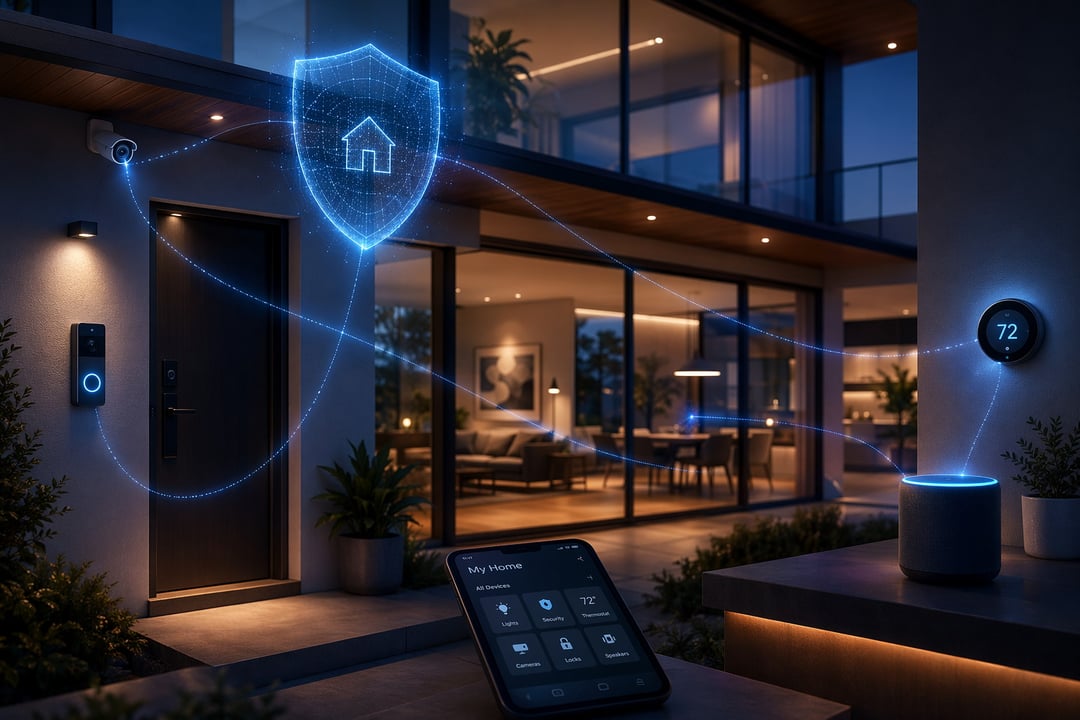
Smart homes have quietly become the default. Locks, cameras, thermostats, plugs, speakers, even refrigerators now connect to the internet, and most households run far more of these devices than they did just a couple of years ago. That convenience comes with a tradeoff: every connected device is a potential doorway into your home network, and attackers have gotten better at finding the doorways nobody bothered to lock.
This guide walks through the practical steps that actually reduce your risk in 2026, starting with the foundation of your network and working out to the habits that keep you protected over time.
Why Smart Home Security Matters More in 2026
The math is simple. More devices means more entry points, and attackers don't need to break into your strongest device — they need to find your weakest one. A forgotten smart plug or an old camera running outdated firmware can give an intruder a foothold on your network, even if your laptop and phone are locked down tight.
What's changed recently is scale. Automated tools now scan the internet around the clock, looking for devices with default passwords or known vulnerabilities, and they can do it across millions of homes at once. Security that once relied on nobody noticing your device now has to hold up against systems built specifically to notice.
Secure the Foundation: Your Router and Network
Your router is the front door to everything else. Start here before worrying about individual devices.
Change the default router credentials immediately. Default admin logins are one of the most commonly exploited weaknesses in home networks, largely because so few people ever change them. A unique, strong password closes that gap in minutes.
Set up a separate network for your smart devices. Most modern routers support a guest network or a similar segmentation feature. Putting your cameras, plugs, and other IoT devices on their own network means that if one gets compromised, it can't reach your laptop, phone, or personal files.
Keep your router's firmware updated. Enable automatic updates if your router offers them, and check whether your model is still receiving manufacturer support. Routers that have reached end-of-life are a real and growing risk, since known vulnerabilities never get patched.
Lock Down Every Individual Device
Once the network is secured, turn your attention to the devices themselves.
Change the default password on every single device, not just the ones that feel important. Cameras and video doorbells are consistently among the most exploited smart home products, largely because people set them up once and never touch the settings again.
Turn on two-factor authentication wherever it's offered, and prioritize the devices tied to physical security first: locks, cameras, and any central hub. Two-factor authentication adds a second checkpoint that most casual attackers simply won't bother trying to get past.
Finally, turn off features you don't use. Universal Plug and Play (UPnP), remote access ports, and always-listening voice assistant modes all expand your attack surface. If you're not actively using a feature, disabling it removes a risk with no real downside.
Choose Smart Devices Wisely
Security starts before you even plug a device in.
Buy from manufacturers with a track record of shipping security updates, not just the ones with the lowest price or the flashiest features. A device that stops receiving updates after a year becomes a liability the moment a new vulnerability is discovered.
It's also worth understanding standards like Matter, which aim to create more consistent security practices across brands and device types. A unified standard means less guesswork about whether a given product takes security seriously.
Build Habits That Keep You Protected
Smart home security isn't a one-time setup task — it's an ongoing habit, similar to changing the batteries in a smoke detector.
Review your connected devices every few months and remove anything you no longer use. Old devices left connected "just in case" are often the ones running the oldest, least secure software.
Many router apps and internet providers also offer simple monitoring tools that flag new or unrecognized devices joining your network. Checking this occasionally can catch a problem early, before it becomes a bigger one.
What to Do If You Suspect a Breach
If something feels off — a device behaving strangely, unfamiliar activity in your router logs, or a login you don't recognize — act quickly. Change the affected passwords, disconnect the device from your network, and check your router's activity logs for anything unusual. If the problem persists, a factory reset of the device, followed by a fresh setup with new credentials, is often the fastest way to fully clear it.
Conclusion
None of this requires becoming a security expert. It requires a handful of good habits: strong unique passwords, a separated network, devices from companies that support them, and periodic check-ins. Pick one item from this list and take care of it today. The rest can follow over the next few weeks.