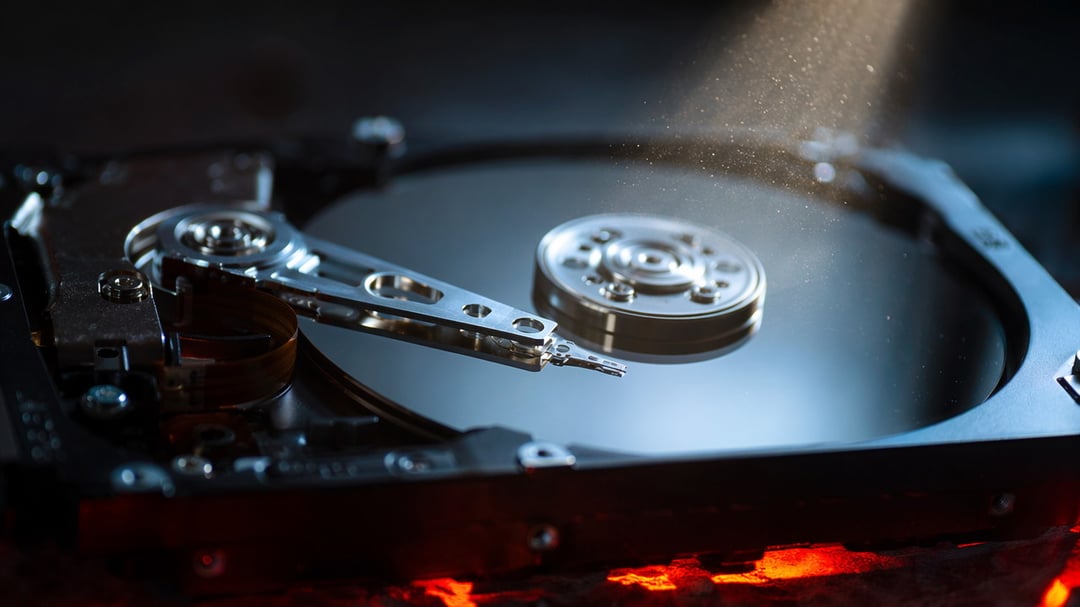
You know that little knot in your stomach when your computer makes a noise it's never made before? Yeah. Trust that feeling. Hard drives don't usually die out of nowhere — they give you warnings first. You just have to know what you're listening (and looking) for.
Here's what to watch out for before your drive takes your photos, your work, and your sanity down with it.
1. Weird Clicking or Grinding Noises
This is the big one. If your hard drive starts clicking, ticking, or grinding like it's chewing on gravel, stop what you're doing and back up your files right now. That sound usually means the read/write head is struggling to do its job, and it's not going to get better on its own.
2. Your Computer Slows to a Crawl
Sure, computers slow down for a hundred reasons. But if files that used to open instantly now take forever, or your system freezes randomly during normal tasks, your drive might be working overtime just to read data it used to handle without a hitch.
3. Files Go Missing or Won't Open
Ever click on a file you know is there and... nothing? Or it opens looking corrupted, like someone scrambled the contents? That's not always a software glitch. Sometimes it's the drive itself losing its grip on the data.
4. Frequent Crashes, Especially During Boot
A computer that crashes once in a blue moon is normal. A computer that crashes every time you try to start it up, or freezes on the loading screen? That's your drive waving a red flag. Boot-up is when your drive works hardest, so it's often where failure shows up first.
5. The Blue Screen of Death Becomes a Regular Visitor
One BSOD isn't a death sentence. Several in a week, though, especially paired with any of the issues above, points to something deeper than a bad update. Hard drive errors are one of the most common causes behind repeated crashes like this.
6. S.M.A.R.T. Warnings Pop Up
Most drives have a built-in self-monitoring system called S.M.A.R.T. (Self-Monitoring, Analysis, and Reporting Technology — yeah, it's a mouthful). If your computer throws up a warning about it, don't brush it off. That's the drive itself telling you something's wrong, straight from the source.
7. Bad Sectors Start Piling Up
Bad sectors are little patches on the drive that have gone bad and can't reliably store data anymore. A few here and there happen over time and aren't usually a crisis. But if your disk-checking tool shows the number climbing fast, that's a sign the whole drive is degrading, not just a few spots.
8. Overheating or Unusual Temperatures
Hard drives run warm, that's normal. But if yours feels hot to the touch, or your system's temperature monitoring shows it running consistently hotter than it used to, the mechanical parts inside might be straining. Heat and hard drive failure go hand in hand more often than people realize.
So What Do You Actually Do?
Here's the thing nobody wants to hear: once a drive starts showing these signs, it's not a matter of if it'll fail, it's when. Could be tomorrow. Could be six months from now. But waiting around to find out is a gamble you don't want to lose.
Back up everything important now, not after you notice another symptom. Cloud storage, an external drive, whatever works for you. Just get your data somewhere safe while you still can.
And if your drive is already showing two or three of these signs together? Start shopping for a replacement. It's a lot cheaper than losing years of photos, documents, or whatever else lives on that little spinning disk you've probably never thought twice about until now.