
Google Trends arrives on mobile with a redesigned Explore experience
Google is bringing its revamped Google Trends experience to mobile, making it easier to check trending topics and explore search data wherever you are.
The update builds on a redesigned interface powered by Gemini, which now brings up connected queries and comparisons automatically instead of forcing users to hunt for them manually. The experience is meant for people who want to understand what is gaining traction online, including casual users, creators, and researchers.
How the Google Trends mobile update changes trend research
At its core, the mobile update addresses a familiar problem. Google Trends has long been a powerful tool, but getting a complete view of a topic could take time and effort.
With Gemini built in, that process changes. You can begin with one idea, and the tool quickly expands it into something more useful. That gives you a clearer sense of what people are actually searching for, without as much manual work.
Faster discovery from a single starting point
The updated experience is designed to help users move from one search idea to a broader understanding of related interest. Instead of stopping at the original topic, the tool helps widen the view and surface more useful directions.
That shift matters on mobile, where speed and simplicity matter more. A smaller screen leaves less room for trial and error, so a more guided flow makes the experience feel more practical.
Gemini-powered comparisons make Google Trends more useful
One of the biggest changes appears in the way Trends handles comparisons. Rather than requiring everything to be built manually, the Explore interface now lines up relevant search terms connected to your topic.
If you look up something like dog breeds, multiple related queries can appear in the same chart, ready to compare. That makes it easier to spot patterns without extra setup. It also brings in nearby topics, helping users move past their original starting point and uncover angles they may not have considered.
Suggested comparisons reduce manual work
This comparison feature removes some of the friction that used to come with exploring a topic in depth. Instead of thinking through every possible variation on your own, the interface helps guide the process by presenting related terms automatically.
That makes the experience more efficient for anyone trying to understand how interest is spreading across similar searches.
Suggested prompts keep exploration moving
A side panel adds suggested prompts that users can tap to continue exploring. The result feels more guided, especially for people who are not sure what to search next.
This makes the experience less dependent on having a fully formed research plan from the start. You can begin with a rough idea and keep refining it as the tool surfaces new directions.
A cleaner Google Trends mobile interface improves readability
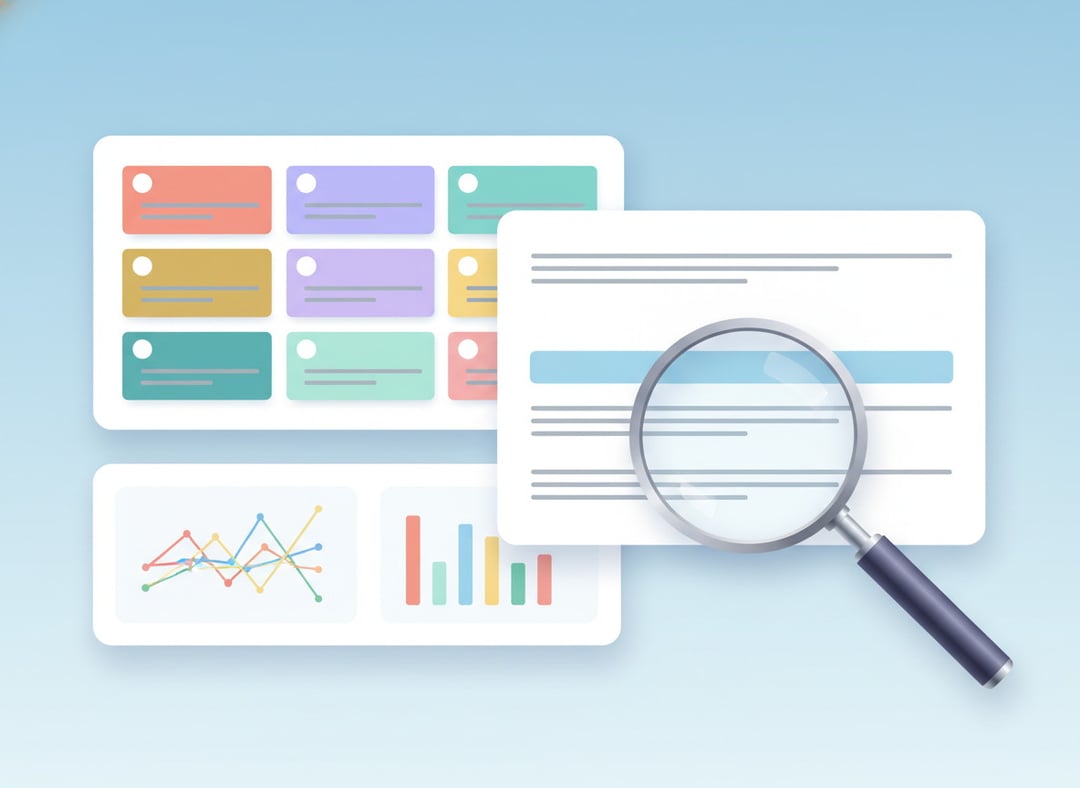
Google is also refining how Trends looks, and that matters even more on a phone. Each query now has its own color and icon, making it easier to follow lines across the graph without losing track.
This visual cleanup helps users read trend data more comfortably on a smaller display. When several terms appear together, clearer visual cues can make comparisons easier to follow.
More terms and more rising queries in view
The updated experience lets users compare more terms at once, and each timeline shows more rising queries. That extra context helps explain why something is gaining attention, not just that it is.
By showing more rising queries, the tool gives a broader picture of search momentum around a topic. That makes the data feel more useful for anyone trying to understand how interest is building.
Why the Google Trends mobile redesign matters
The mobile push makes Google Trends easier to use in situations where people want quick insight without sitting down at a desktop. It turns a tool that was already powerful into one that feels more immediate and easier to navigate on the go.
The bigger change, though, is not just about screen size. It is about reducing the work it takes to move from a single search idea to a more complete view of related interest. With automatic comparisons, connected queries, nearby topics, and suggested prompts, the Explore experience becomes more guided and more useful from the first tap.
Google Trends mobile features highlighted in the update
Connected queries appear automatically
Gemini now surfaces connected queries automatically, helping users discover relevant searches without hunting for them by hand.
Relevant comparisons are ready inside Explore
The Explore interface lines up related search terms tied to a topic, making side-by-side comparison easier.
Nearby topics help uncover missed angles
Users can move beyond their starting point by exploring nearby topics that may reveal additional search interest.
Visual improvements make charts easier to follow
Each query has its own color and icon, which helps users track multiple lines across a graph more easily on mobile.
More rising queries add useful context
Each timeline now shows more rising queries, offering more context around what is gaining attention.