
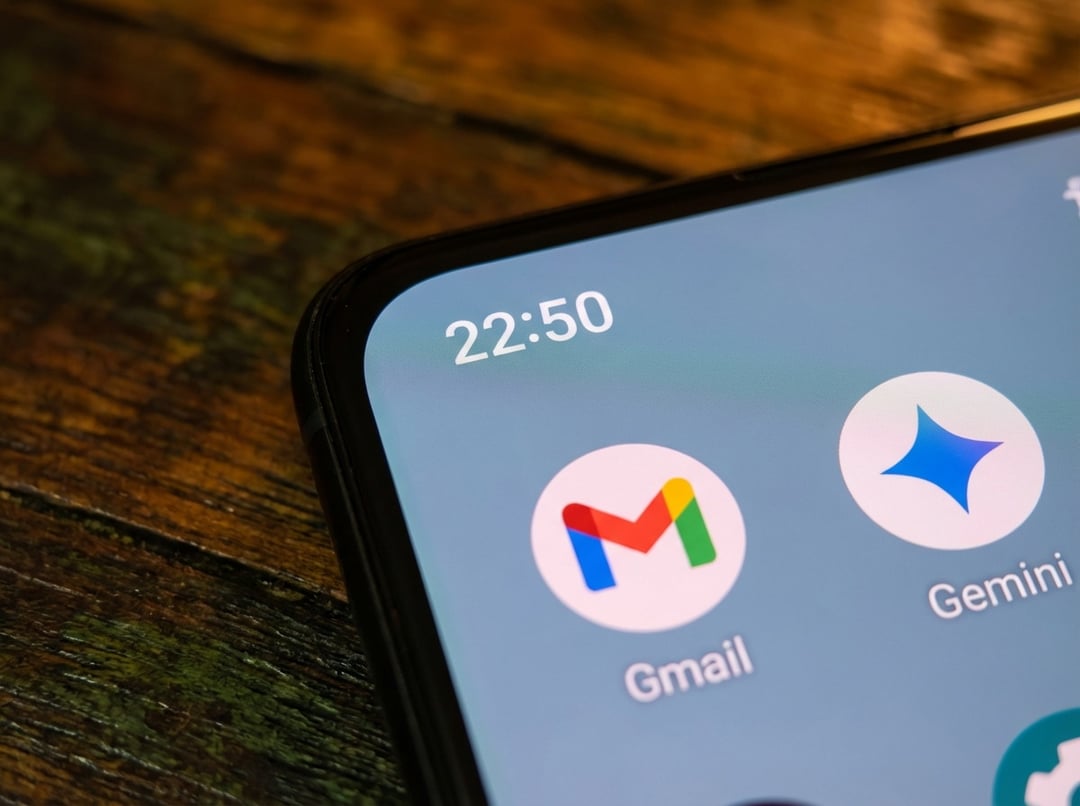
Gmail Mobile End-to-End Encryption Now Works Inside the App
Gmail now offers end-to-end encryption on Android and iOS, giving sensitive email a stronger privacy layer on mobile devices. Eligible users can compose and read encrypted emails directly in the Gmail app, without needing to download or install third-party apps.
This is important because a large portion of work emails are written on mobile devices. With this update, Gmail’s best privacy feature is now available on mobile, not just on desktop.
How Gmail End-to-End Encryption Works on Mobile
Compose Encrypted Emails in the Gmail App
While writing an email in the Gmail app, users can tap the lock icon and turn on the additional encryption toggle before sending the message.
Once that setting is enabled, the email is protected so that only the sender and recipient can view it.
What Happens When the Recipient Uses Gmail
If the recipient is also using Gmail, the encrypted email arrives in their inbox like a regular message. The experience stays native and direct, which keeps the process simple for both sides.
What Happens When the Recipient Uses Another Email Platform
If the recipient is on a different platform, the message does not arrive in the same way. Instead, they receive a secure link that lets them read and reply through a web browser. They do not need a Gmail account to do that.
Gmail E2EE Rollout Timeline Across Desktop and Mobile
Desktop Arrived First
Gmail’s end-to-end encryption first launched for desktop users in April 2025.
External Recipient Support Came Later
Support for external recipients was added in October 2025, expanding how encrypted messages could be shared beyond Gmail users.
Mobile Closed the Privacy Gap
Smartphones did not get the feature at first, which left an obvious privacy gap. The April 2026 mobile rollout closes that gap by bringing end-to-end encryption to Android and iPhone inside the Gmail app itself.
Who Can Use Gmail End-to-End Encryption on Mobile
Eligible Accounts Only
Access is limited. Gmail mobile end-to-end encryption is available only to Google Workspace Enterprise Plus accounts that also have the Assured Controls or Assured Controls Plus add-on.
Admin Approval Is Required
Even for eligible accounts, administrators must enable Android and iOS access through the client-side encryption interface before users can use the feature on mobile.
Personal Gmail Accounts Are Excluded
Personal Gmail users on mobile do not get access to this end-to-end encryption feature.
Why Gmail Mobile Encryption Matters for Privacy and Workspace Buyers
By extending end-to-end encryption from web to mobile, Google removes a major weakness in its privacy story. Before this rollout, Gmail had its strongest email privacy protection on desktop, but not on smartphones. That mismatch mattered because mobile is a primary place where enterprise users write and manage email.
Bringing the feature to Android and iOS helps make Gmail on mobile more aligned with Gmail on the web. It also removes a key concern for organizations comparing Google Workspace with Microsoft 365.
Gmail Mobile Encryption Features at a Glance
|
Feature
|
Details
|
|
Platform support
|
Android and iOS
|
|
App experience
|
Native inside the Gmail app
|
|
Encryption option
|
Lock icon with additional encryption toggle
|
|
Gmail recipients
|
Receive the email in their inbox
|
|
Non-Gmail recipients
|
Receive a secure browser link
|
|
Gmail account required for external recipients
|
No
|
|
Eligible users
|
Google Workspace Enterprise Plus with Assured Controls or Assured Controls Plus
|
|
Admin setup required
|
Yes
|