
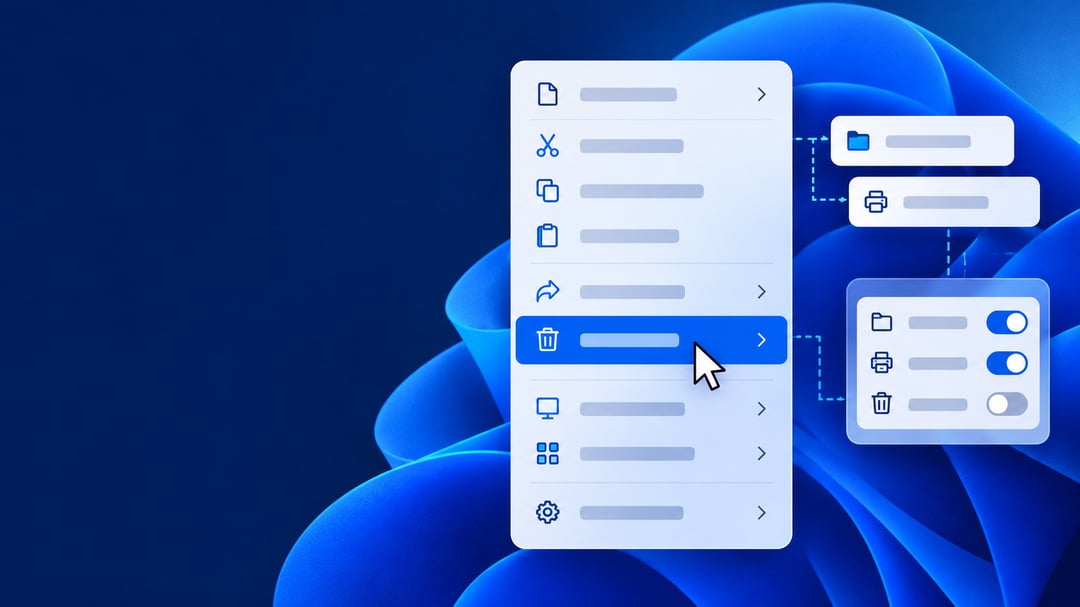
Windows 11’s redesigned right-click menu lets you hide commands, adjust action labels, and limit third-party extensions. Microsoft also says it opens faster.
Choose Commands and Layout
Toggle Send To, Print, Create Shortcut, Copy As Path, and Rotate Image. Display Cut, Copy, Paste, Rename, Delete, and Share as text instead of icons for a more familiar Windows 10-style layout.
You can move Properties to the bottom and control extensions from cloud storage, compression, and antivirus apps.
Install the Optional Update
For versions 25H2 and 26H2:
- Open Settings > Windows Update > Advanced Options > Optional Updates.
- Install KB5127936, then restart.
- In File Explorer, right-click a file and select Customize menu.
Alternatively, open Settings > Personalization > Context Menu. Availability is gradual; broader release is expected with November’s update.
FAQ
Does installation guarantee access?
No. The feature may arrive later.
Can I hide unwanted commands?
Yes. Supported commands have visibility toggles.
Can I replace action icons with text?
Yes, for the six actions listed above


