
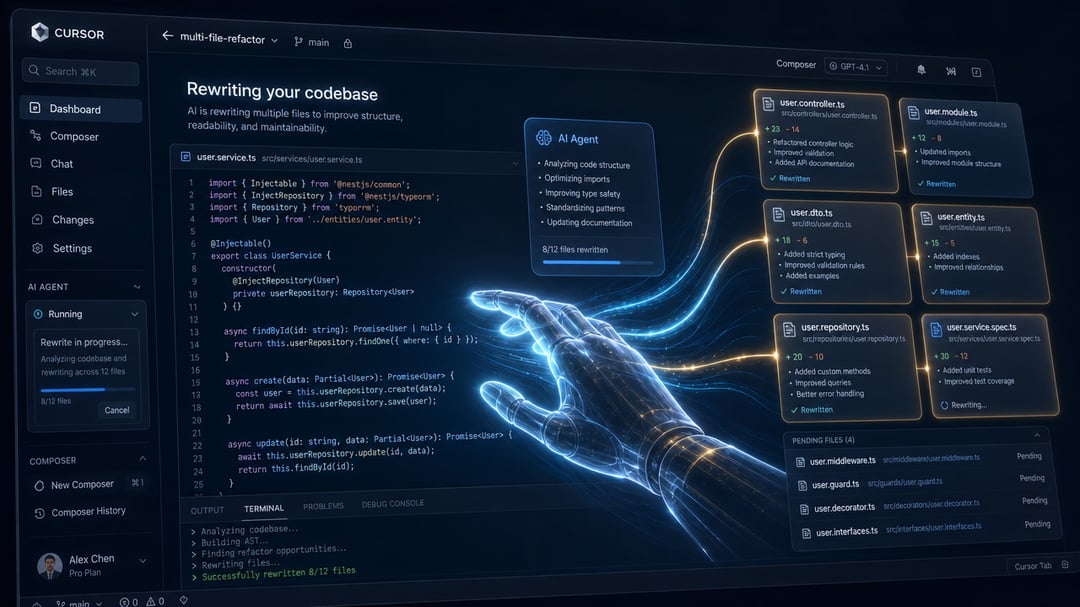
AI coding tools used to feel like autocomplete with better manners. You typed a function, waited for a suggestion, accepted the good parts, and fixed the rest yourself.
Cursor in 2026 is different.
It’s no longer just helping you write the next few lines. With Agent Mode, Plan Mode, rules, cloud agents, worktrees, and codebase-aware search, Cursor can investigate a bug, edit multiple files, run commands, write tests, and keep iterating until something works.
That’s powerful. But it also means vague prompts can create vague code. Or worse, big confident changes that look right until you stare at the diff and realize the agent quietly rewired half your project.
The real skill now isn’t “prompt engineering” in the old sense. It’s learning how to direct an autonomous coding agent with clear context, guardrails, and proof that the work is actually done.
Here are the best agentic prompting techniques for Cursor in 2026.
1. Start With a Plan Before Asking Cursor to Code
The most useful Cursor prompting habit is simple: don’t rush straight into implementation.
For anything bigger than a tiny change, start in Plan Mode. In Cursor, Plan Mode lets the agent inspect your codebase, identify relevant files, ask clarifying questions, and propose an implementation plan before it touches code.
That matters because most bad AI-generated code starts with a bad understanding of the task.
A weak prompt sounds like this:
Add Stripe checkout to this app.
A better agentic prompt sounds like this:
Before writing code, inspect the existing payment, auth, and routing structure. Create a step-by-step plan for adding Stripe checkout. Include the files you’ll modify, environment variables needed, test coverage, and any assumptions. Wait for approval before implementing.
This gives Cursor a job that matches how good developers actually work. First understand the system. Then propose the change. Then implement.
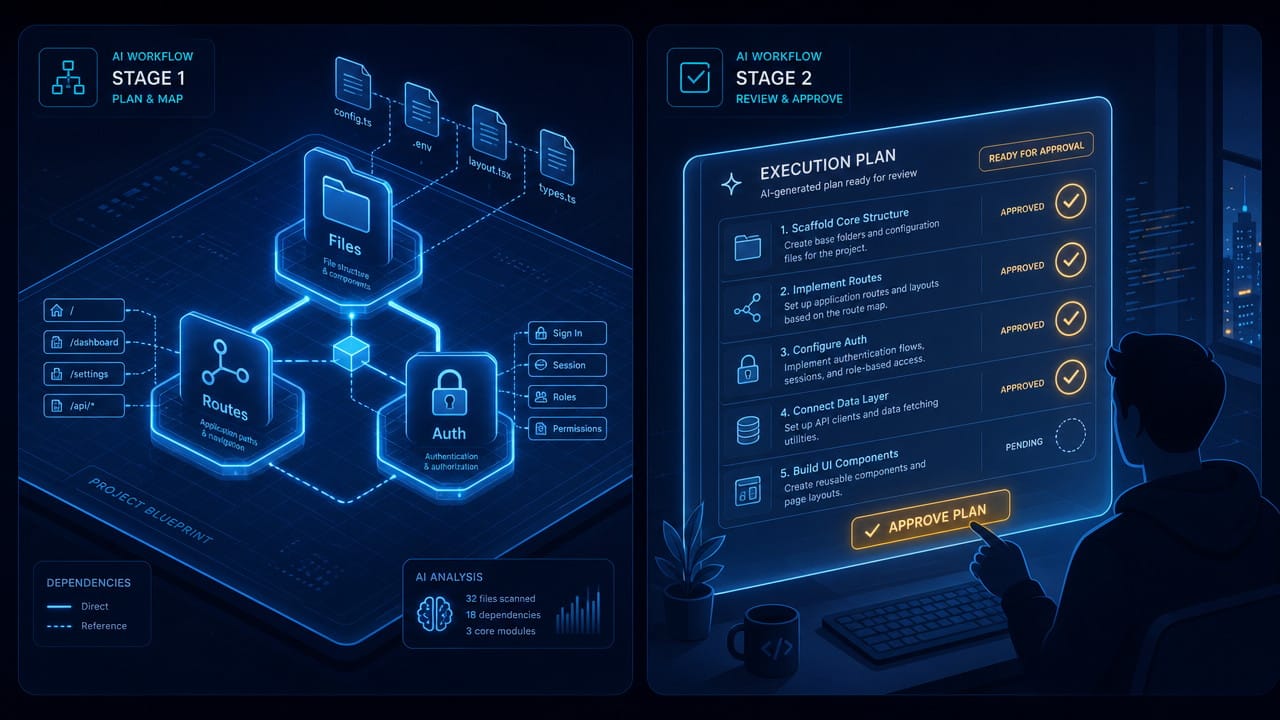
And if Cursor’s plan feels off, fix the plan before fixing the code. That’s often faster than letting the agent build the wrong thing and trying to steer it back later.
2. Give Cursor the Right Context, Not All the Context
A common mistake is dumping too much into the prompt. People tag ten files, paste logs, mention old conversations, and expect better results.
But agents don’t need more context. They need the right context.
Cursor already has strong codebase search. If you know the exact file, mention it. If you don’t, let Cursor find it. For example:
Use @codebase to find how authentication currently works. Then explain which files control login, session refresh, and logout. Don’t edit anything yet.
That prompt is better than manually guessing which files matter.

Use context tools intentionally:
@filewhen you know the exact file@folderwhen the task is contained in one area@codebasewhen you need Cursor to search semantically@terminalwhen debugging errors@docswhen working with a framework or library that changes often@Past Chatswhen a previous conversation matters, but you don’t want to paste the whole thing
The goal is to help Cursor build a clean mental map of the task. Too much irrelevant context is like inviting five people into a meeting who don’t need to be there. The conversation gets noisier, not smarter.
3. Write Prompts With Acceptance Criteria
Agentic prompting works best when Cursor has a finish line.
Don’t just describe the task. Describe how Cursor should know it’s done.
Instead of:
Fix the profile page bug.
Try:
Fix the profile page bug where saved avatar changes don’t appear after refresh. Reproduce the issue first, identify the root cause, make the smallest safe fix, and confirm it by running the relevant test or adding one if none exists. Do not change unrelated profile settings behavior.
That prompt does four important things:
- Defines the bug clearly
- Asks Cursor to investigate before editing
- Limits the scope
- Requires verification
Cursor agents are much more reliable when they can run tests, check errors, inspect output, or compare behavior against a clear requirement.
For feature work, include acceptance criteria like:
- The route should be
/pricing - Use the existing
Cardcomponent - Match the styling pattern in the about page
- Add tests for free, pro, and enterprise plans
- Run typecheck and unit tests before finishing
- Do not modify authentication logic
This is the difference between “go build something” and “build this exact thing, within these boundaries.”
4. Use Cursor Rules as Always-On Prompting
If you repeat the same instruction more than twice, it probably belongs in a Cursor rule.
Rules are one of the most underrated parts of Cursor. They let you give the agent persistent project knowledge without stuffing every prompt with the same reminders.
A useful .cursor/rules/ setup might include:
### Commands
- Use `npm run typecheck` after TypeScript changes.
- Use `npm run test -- pricing.test.ts` for pricing logic.
- Use `npm run lint` before final response.

### Code style
- Use existing components from `src/components/ui/`.
- Do not introduce new styling libraries.
- Follow the API route pattern in `src/app/api/users/route.ts`.

### Safety
- Do not edit generated files.
- Do not modify `.env` files.
- Ask before adding new dependencies.
Good rules are short, practical, and tied to real project behavior.
Bad rules try to explain everything. Don’t paste your entire style guide. Don’t include long architecture essays. Don’t list every command your project has ever used.
Think of rules as the quiet notes you’d give a new teammate on their first day: “Here’s how we run tests, here’s the component pattern, and please don’t touch this folder.”
5. Break Big Work Into Agent-Sized Tasks
Cursor can handle large changes, but that doesn’t mean you should ask for everything in one prompt.
A prompt like this is risky:
Rebuild our dashboard, add analytics, improve performance, fix mobile layout, and write tests.
That’s not a task. That’s a project.
A better approach is to break the work into smaller agent runs:
- Ask Cursor to inspect the dashboard and identify the current structure
- Ask for a plan to add analytics cards
- Implement only the data layer
- Implement only the UI layer
- Add tests
- Run review and clean up
This keeps diffs smaller and easier to review. It also prevents the agent from making “while I was here” changes.
A strong prompt might say:
Implement step 2 only. Add the analytics card UI using existing dashboard components. Do not change data fetching yet. Stop after the UI compiles.
That kind of boundary is gold. It keeps Cursor from wandering.
6. Use Test-Driven Prompts for High-Stakes Code
When correctness matters, ask Cursor to write tests first.
This works especially well for business logic, payments, permissions, data validation, and edge cases.
A good test-first prompt looks like this:
Write tests for the subscription limit logic before changing implementation. Cover free, pro, trial expired, and invalid plan cases. Confirm the tests fail for the missing behavior. Do not edit implementation code yet.
Then, after reviewing the tests:
Now update the implementation so these tests pass. Do not modify the tests unless there is a clear mistake. Run the relevant test file and typecheck before finishing.
This creates a tight loop. Cursor has something concrete to optimize against. You also avoid the common problem where an agent changes both the code and tests until everything passes for the wrong reason.

Tests are not just validation. They’re instructions the agent can’t easily misunderstand.
7. Use Parallel Agents Carefully
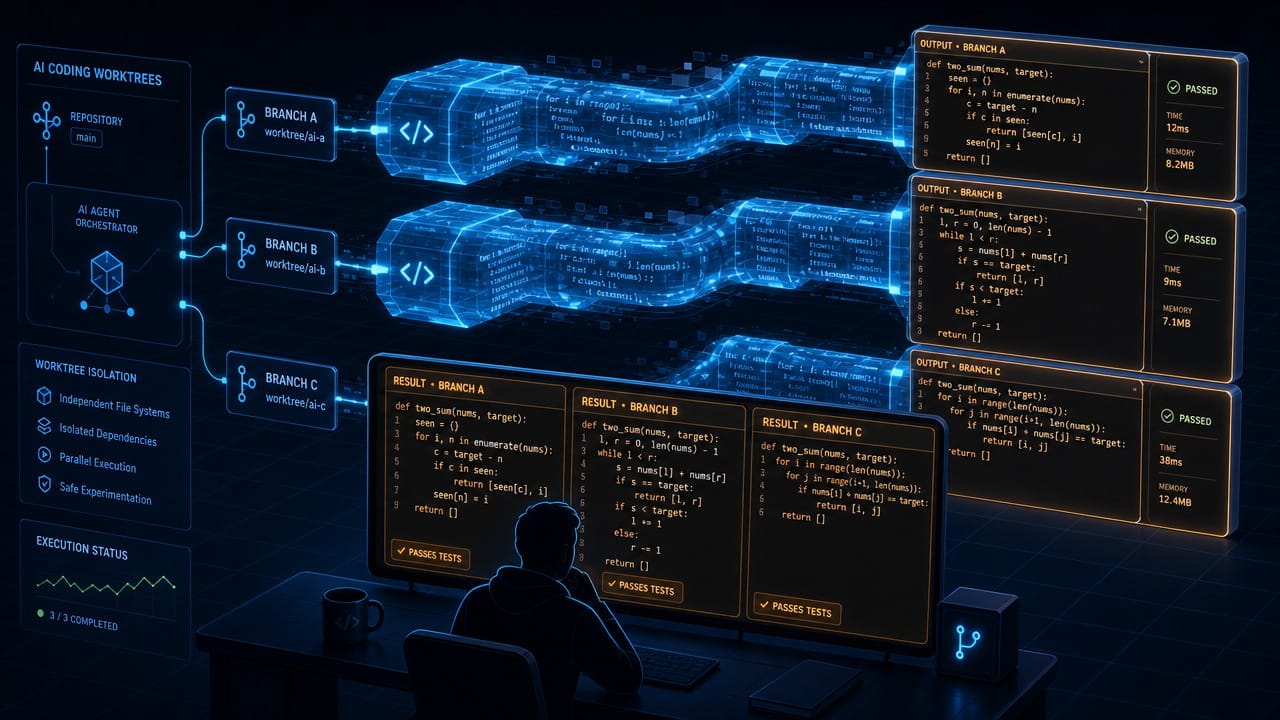
Cursor’s parallel agent and worktree features are one of the biggest changes in 2026. You can run multiple agents on isolated branches or worktrees, compare their approaches, and choose the best result.
This is useful for hard problems where there may be several valid solutions.
For example:
Run this bug fix in parallel with two different approaches. One should make the smallest patch possible. The other should refactor the underlying validation flow. Keep each attempt isolated so I can compare diffs.
This can save time, but don’t overuse it. Parallel agents create parallel review work. If four agents produce four large diffs, you still have to understand them.
Use parallel agents for:
- Complex bugs
- Architecture alternatives
- Performance fixes
- Risky refactors
- Comparing model outputs
Don’t use them for simple edits. That’s like calling a team meeting to rename a variable.
8. Know When to Start a New Cursor Conversation
Long agent chats get messy.
After enough back-and-forth, the context becomes noisy. Old assumptions linger. The agent may keep trying to preserve decisions that no longer matter. Sometimes it starts making the same mistake repeatedly.
That’s usually your signal to start fresh.
Start a new Cursor conversation when:
- You’ve finished one feature
- The agent seems confused
- You’re switching tasks
- The diff is getting too broad
- You’ve corrected the same issue twice
Continue the same conversation when:
- You’re debugging code the agent just wrote
- You’re refining the same feature
- Earlier context is genuinely needed
A fresh prompt with a short summary often beats a long, tired conversation.
Try:
New task. Previous work added the pricing page UI. Now focus only on wiring the plan selection buttons to the checkout flow. Use the existing Stripe plan from .cursor/plans/pricing-checkout.md.
Clean context makes better code.
9. Review Cursor Like a Fast Junior Developer
This may sound harsh, but it’s the right mindset.
Cursor can move quickly. It can read more files than you want to open. It can write decent code across a whole project. But it can also make subtle mistakes that look polished.
So don’t review AI code casually.
Check:
- Did it touch files outside the requested scope?
- Did it add unnecessary dependencies?
- Did it change behavior you didn’t ask for?
- Did it handle edge cases?
- Did it update tests honestly?
- Did it hide errors with broad catches or weak typing?
- Did it create code that fits your existing patterns?
Use Cursor’s review tools, Bugbot, security review, and test commands. But still read the diff yourself.
The faster the agent works, the more important your review process becomes.
The Best Cursor Prompts Are Clear Instructions
The best agentic prompting techniques for Cursor in 2026 aren’t magic phrases.
They’re good engineering habits, written clearly:
- Plan before coding
- Give focused context
- Use rules for repeated guidance
- Define acceptance criteria
- Break big work into smaller tasks
- Verify with tests
- Review every diff like it matters
Cursor is strongest when you treat it like a capable collaborator, not a mind reader. Give it the shape of the problem, the boundaries of the solution, and a way to prove the work is done.
That’s where agentic coding starts to feel less like gambling with autocomplete and more like directing a very fast teammate who still needs your judgment.