
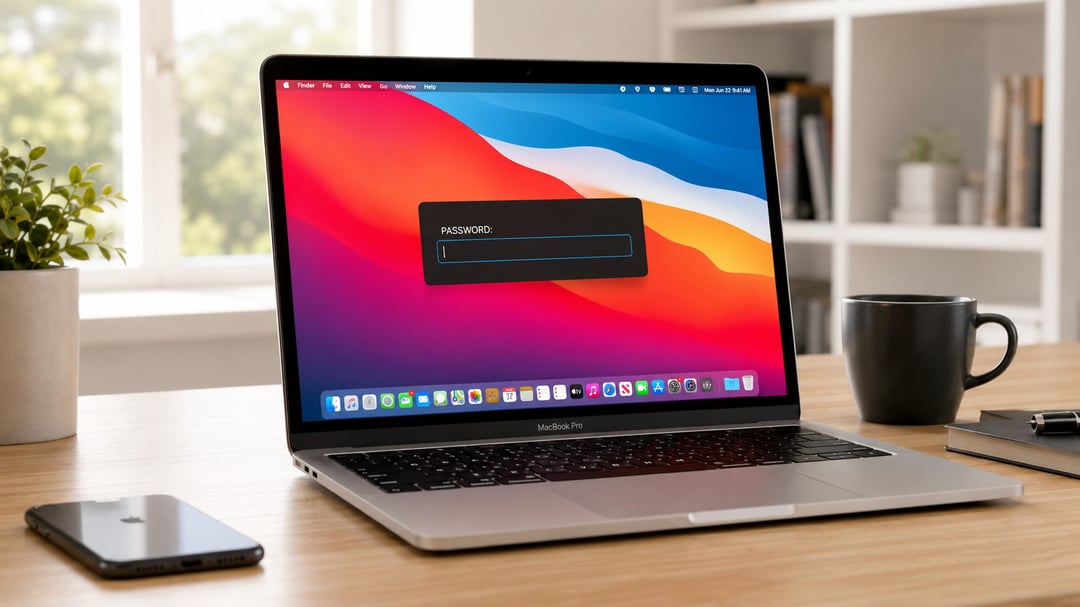
A newly identified strain of Mac malware has found a way around the usual cat-and-mouse game of exploits and vulnerabilities. It doesn't need a security flaw to get what it wants. It just makes your computer unbearable to use until you give in and type your password.
The malware is called ClickLock, and it's built almost entirely around psychological pressure rather than technical trickery. Instead of quietly siphoning data in the background, it repeatedly kills essential macOS processes, mutes your notifications, and throws up password prompts that look exactly like the real thing. You're stuck in that loop until you either type your password or find another way out. And once that password is typed, ClickLock doesn't stop there. It moves on to browser data, crypto wallets, saved logins, and password managers.
How ClickLock Spreads and Why It's Slipping Past Defenses
Researchers at Group-IB, whose findings were reported by BleepingComputer, say ClickLock has already hit at least 100 systems spread across 33 countries since May. That's a meaningful spread for malware built around convincing someone to type their own password rather than exploiting a technical hole.
What's more unsettling is how invisible it's been. When ClickLock was first uploaded to VirusTotal back in June, not a single security engine on the platform flagged it as malicious.
The Fake "Human Verification" Trick
The infection appears to start with a ClickFix-style scam. You land on a page that claims it needs to verify you're human, and it asks you to copy and paste a command into Terminal, framed as some kind of Cloudflare check. While a fake progress bar keeps your attention on screen, the malware is quietly pulling down its payloads behind the scenes.
At the same time, it's disabling keyboard interrupts, hiding the Terminal cursor, and shutting off macOS Notification Center alerts for close to six hours. That's a long window where nothing looks obviously wrong, even though the infection is already underway.
Why ClickLock's Password Prompt Is So Convincing
Here's where it gets uncomfortable. ClickLock eventually shows you what looks like a completely normal macOS password dialog, complete with your actual account name and genuine Apple branding. It's not a generic pop-up. It's built to look like the system asking you something it asks all the time.
If you type your real password in, ClickLock checks it right away and sends it straight to the attackers through Telegram. But refusing doesn't get you off the hook either. The malware sets up persistence mechanisms that kick back in the next time you log in.
What Happens If You Refuse
Once that refusal triggers the next phase, ClickLock starts killing off critical macOS processes every 210 milliseconds. Finder, Dock, Terminal, Activity Monitor, Console, System Settings, Spotlight, and your web browsers all get shut down repeatedly. The effect is a Mac that looks almost completely dead, with nothing left on screen except the password prompt asking you, again, to type it in.
According to Group-IB, this cycle can drag on for more than 83 hours, or until whoever's sitting at the keyboard finally gives up and complies.
What ClickLock Steals Once It Has Access
Your login password is just the entry point. ClickLock also tries to get you to approve a genuine macOS Keychain prompt, one that hands over permission to Chrome's Safe Storage key. With that key, attackers can later decrypt saved passwords, cookies, and autofill data stored in Chromium-based browsers.
Browser and Credential Theft
The malware's data-stealing component isn't picky. It goes after browser profiles from Chrome, Firefox, Brave, Microsoft Edge, Opera, Vivaldi, Arc, and Chromium, pulling saved passwords, cookies, bookmarks, browsing sessions, local storage, and autofill entries out of each one.
Cryptocurrency Wallets Are a Prime Target
If you hold crypto, the risk goes up sharply. ClickLock hunts for browser wallet extensions, desktop wallet files, encrypted wallet vaults, and cached wallet addresses tied to major blockchain ecosystems, including Bitcoin, Ethereum-compatible chains, Solana, TRON, TON, and Stacks.
Beyond that, it grabs FileZilla FTP configurations, shell history, basic system details, and your public IP address. Everything gets bundled into ZIP archives and shipped out through the Telegram Bot API.
A Backdoor That Doesn't Clean Up After Itself
To keep its foothold long after the initial infection, ClickLock installs a modified version of the open-source tool GSocket, creating a persistent backdoor that lets attackers control the infected Mac remotely. Most of the malware's other pieces delete themselves once they've done their job, wiping away evidence. This backdoor is the exception. It stays active.
How ClickLock Stays Hidden
Part of what makes ClickLock hard to catch is where it lives. Researchers say it's hosted on compromised but otherwise legitimate websites, which helps it slide past security systems that rely on a site's reputation. Its payloads clean up after themselves once executed, leaving very little behind for anyone trying to piece together what happened.
Still, Group-IB points to a few warning signs defenders can watch for: repeated password dialogs generated through osascript, macOS processes getting killed over and over, mass access to browser profile folders, and unusual outbound connections heading to Telegram.
What To Do If You See These Signs
The core advice here is straightforward. If a website ever tells you to open Terminal and paste in a command to prove you're human, close that page immediately. No legitimate site, Cloudflare included, needs Terminal access to run a human verification check.
And if your Mac suddenly locks up while repeatedly demanding your system password, don't give in. Force a shutdown using the power button, restart in Safe Mode, and look into what's going on before you type any credentials. With ClickLock, entering your password isn't solving anything. It's the exact moment the attackers have been waiting for.


