
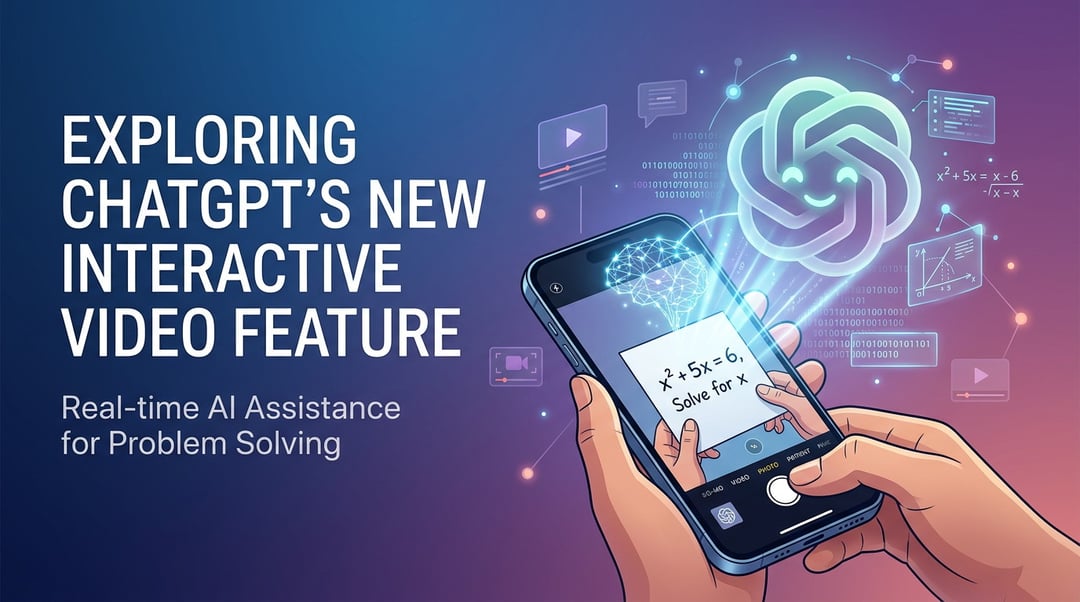
Interactive Video in ChatGPT: A New Layer of Real-Time AI Engagement
When a tool you already rely on suddenly starts seeing and responding in real time through video, it changes the relationship. It stops feeling like a chatbot in a box and starts feeling… present.
ChatGPT’s interactive video feature introduces live, camera-based interaction directly inside the platform. Instead of typing a prompt and waiting for text, users can engage through video—showing objects, environments, or visual problems and receiving immediate, contextual responses.
This isn’t just about convenience. It’s about closing the gap between the digital and physical world.
And that gap has always been the frustrating part.
How ChatGPT’s Interactive Video Feature Works
Real-Time Visual Input and AI Interpretation
At the core of the interactive video capability is real-time visual processing. Users can point their camera at an object, screen, document, or physical space, and ChatGPT analyzes what it sees instantly.
Here’s what that really means:
- Show it a math problem written on paper → get step-by-step guidance.
- Point it at a broken appliance → receive troubleshooting suggestions.
- Share a confusing document → get a simplified explanation on the spot.
It’s dynamic. Responsive. And grounded in what’s actually in front of you—not just what you manage to describe in text.
Conversational Guidance During Live Interaction
The video feature isn’t passive image recognition. It’s interactive.
You can move the camera. Ask follow-up questions. Clarify what you’re looking at.
And ChatGPT adapts in real time.
That back-and-forth—seeing, responding, adjusting—creates a more natural experience. It feels less like issuing commands and more like working alongside something intelligent.
Main Benefits of ChatGPT’s Interactive Video Feature
1. Faster Problem Solving
Typing takes time. Explaining something visually complex takes even longer.
With live video input, users skip the long descriptions and go straight to the issue. The AI sees what you see. That cuts friction.
And friction is usually what makes people give up.
2. Improved Learning and Skill Development
Interactive video transforms ChatGPT into a visual tutor.
Students can:
- Work through equations together
- Review diagrams
- Practice pronunciation or presentation skills
Professionals can:
- Get help debugging code shown on-screen
- Walk through design concepts
- Brainstorm using whiteboards in real time
It’s hands-on learning without feeling isolated.
3. More Accessible AI Support
Not everyone is great at describing problems in text. Some people think visually. Others struggle with technical wording.
Interactive video lowers that barrier.
Instead of finding the perfect phrasing, you just show the issue. That makes AI assistance more inclusive and practical for everyday users.
Use Cases for ChatGPT’s Interactive Video Feature
Technical Troubleshooting and IT Support
Users can show system errors, device setups, or hardware configurations directly through the camera. The AI provides contextual guidance based on what it detects.
This reduces guesswork and shortens resolution time.
Education and Homework Assistance
Students can display worksheets, textbooks, or handwritten notes. ChatGPT responds with explanations tailored to what’s visible.
It becomes less about generic answers and more about personalized instruction.
Creative and Design Feedback
Designers and creators can present sketches, layouts, or prototypes through video. The AI offers real-time critique, improvement suggestions, or alternative ideas.
That instant loop? It speeds up iteration.
Everyday Decision-Making
From comparing products in a store to organizing a workspace, users can get immediate input.
It’s like having a second set of eyes—without scheduling a call or waiting for a reply.
Privacy and Responsible Use of Interactive Video AI
Anytime video enters the picture, privacy matters.
Interactive AI systems must handle visual data responsibly, process inputs securely, and respect user control. Transparency around how video data is analyzed and whether it’s stored is essential for trust.
Users also play a role. Being mindful about what’s shown on camera—sensitive documents, personal information, or private environments—helps maintain safety.
Trust isn’t automatic. It’s built through clarity and control.
How ChatGPT and Multimodal AI Are Changing the Competition
The introduction of interactive video makes ChatGPT even more competitive in the wider AI world. Multimodal AI—technology that can handle text, images, audio, and video at the same time—is quickly becoming the norm.
Text-only interaction now feels limiting.
By integrating live video engagement, ChatGPT moves beyond static responses and into adaptive, real-world assistance. That shift matters for education, business, and personal productivity.
It signals something bigger, too: AI isn’t just something you type to anymore. It’s something you interact with.
And that changes expectations across the industry.