

You've finished a course or built a few projects, but you're unsure how to turn that work into something worth sharing with employers. Learning how to build a tech portfolio starts with choosing work that fits the job you want and making your contribution easy to understand.
A working app or a cybersecurity lab can show your skills, but a recruiter also needs to know what problem you tackled, what you did yourself, and how it turned out. That context matters even when the person reviewing your work doesn't have a technical background.
You'll learn to choose relevant projects, document the results, and organize them on a page you can confidently share in applications and discuss in interviews.
1. Choose the role your portfolio should support
A tech portfolio is a curated collection of work that shows relevant skills, the decisions you made, and the results. Your resume summarizes your experience; your portfolio gives someone evidence to inspect, such as a working application or a documented troubleshooting process.
Before choosing projects, read several job descriptions for the role you want. Look for recurring tasks rather than collecting every tool mentioned. If postings repeatedly ask for troubleshooting connectivity problems, build a lab where you diagnose a connection failure and explain how you confirmed the fix. That connects your work to something the employer needs.
Portfolios are useful beyond software development. A developer might demonstrate an application that handles user input correctly, while an IT candidate documents a troubleshooting lab with symptoms, diagnostic steps, and the outcome. Both make skills easier to assess.
A portfolio supports your application with evidence, but it cannot guarantee interviews or a job.
2. Select projects that show you can do the work
Start with two or three relevant, finished projects. That's an editorial guideline, not an employer requirement: depth and relevance matter more than count.
Review coursework, personal work, volunteer projects, and workplace examples you have permission to share. Ask whether each demonstrates a skill your target role needs, works as intended, and makes your contribution clear. For team projects, identify what you built or tested yourself.
For example, a home-network troubleshooting project could document intermittent disconnects, the router and device configuration, diagnostic steps, and tests confirming whether the fix worked. Explain why you tried each step. Choose an equivalent task for your target role, such as fixing an application bug for software development or cleaning a dataset for data analysis.
If you use a tutorial, add an independently chosen requirement and explain your changes. Credit the tutorial rather than presenting copied work as original. Without professional experience, self-directed projects can still demonstrate how you approach and complete relevant work.
3. Finish each project and make its evidence accessible
A project is finished when its main task works, someone else can understand or inspect it, and you document known limitations. For example, a script that organizes files should include sample input, expected output, and any file types it cannot handle.
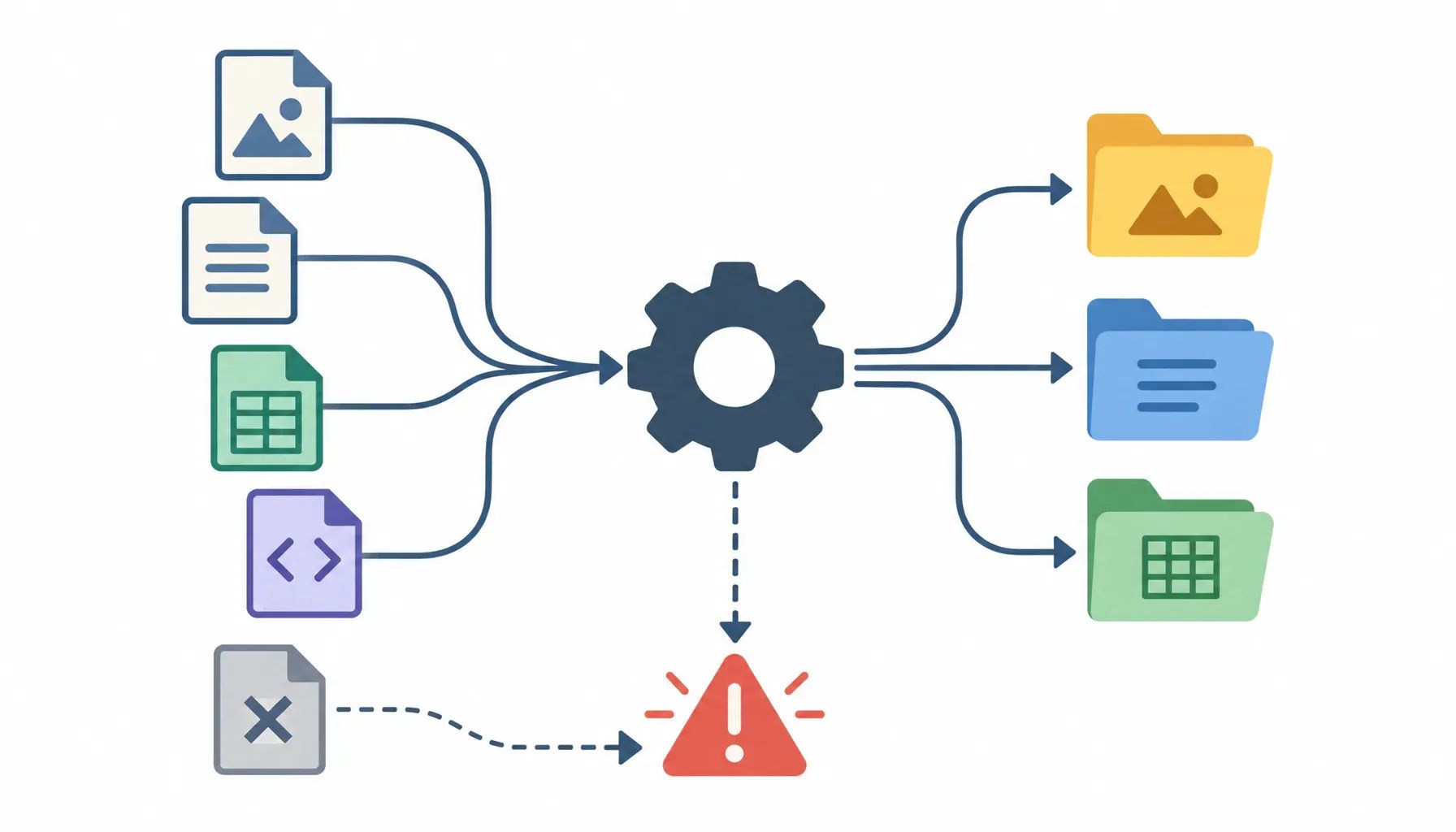
Choose evidence that fits the work: a working demonstration for an app, or documented lab results for a networking project. Not every role requires a public live application. Screenshots, test results, or a recorded walkthrough can make your work inspectable without hosting it.
Your repository README should explain the project's purpose, prerequisites, setup instructions, and how to verify the result, such as running a test against sample data.
Before publishing, remove credentials, personal data, and confidential material. Obtain permission for employer or client work; use synthetic data where appropriate.
Credit collaborators and borrowed code, and disclose material AI assistance. Explain exactly what you implemented yourself and how you verified that it worked.
4. Write case studies a recruiter can understand
Open with a plain-language summary: what problem you addressed, who needed help, and what you contributed. Then explain your approach, evidence, and limitations. Define necessary jargon when it first appears, and connect technical choices to the user's problem rather than listing tools.
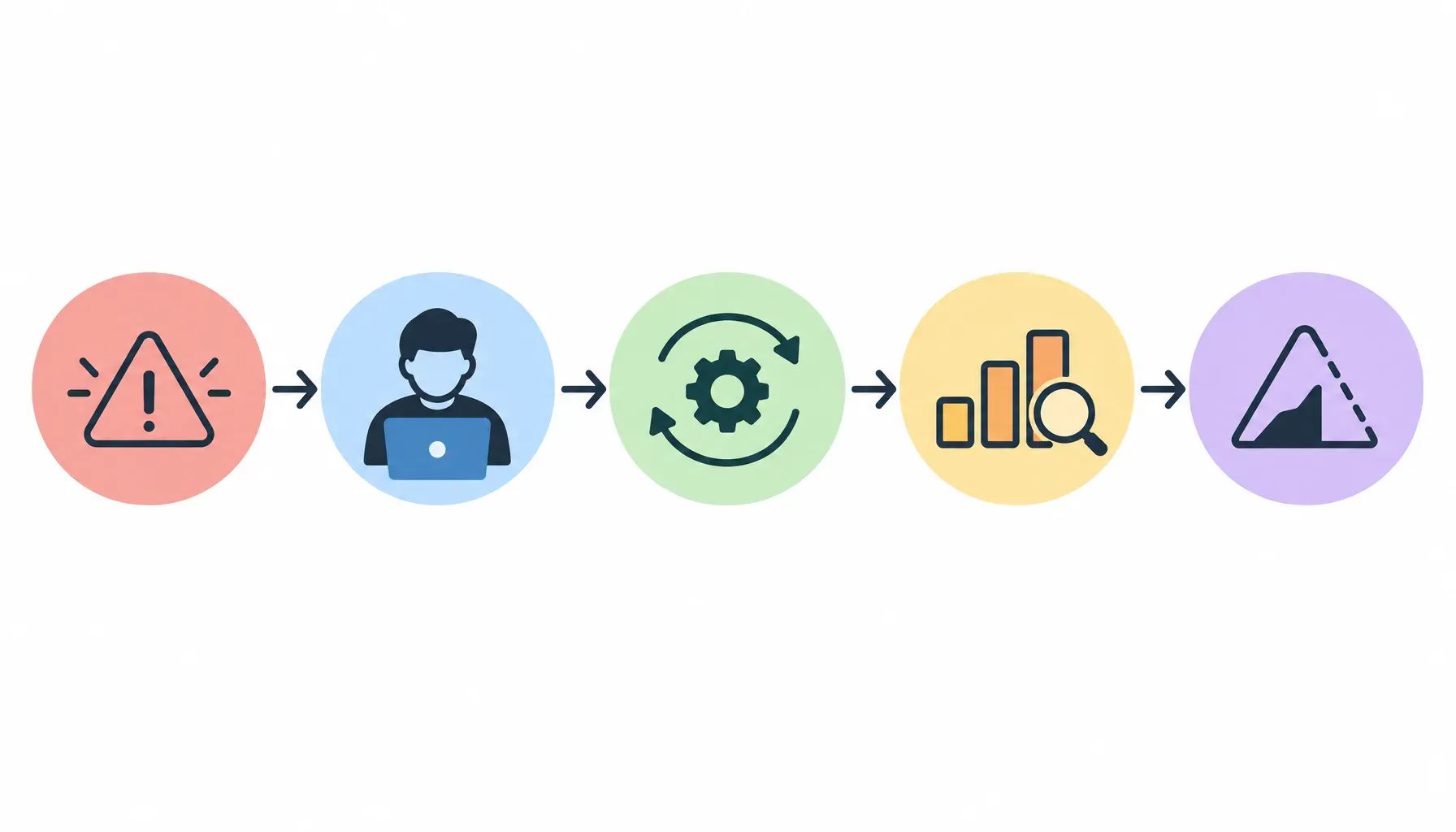
For the troubleshooting project from section two, an illustrative before-and-after rewrite could be: "Implemented diagnostic logging" becomes "I added records of errors so someone investigating a failure could see what happened before it." Follow that summary with the implementation details and what the records cannot tell you.
For team projects, separate shared outcomes from your work: "Our team built the troubleshooting tool. I wrote the error-recording feature and tested it." Credit collaborators without implying you built everything.
Include the method and context behind measured results: what you tested, under which conditions, and against what baseline. Without measurements, describe what you built, the checks you performed, and remaining gaps. Don't manufacture percentages or business impact.
5. Build a portfolio page that is easy to review
Choose a format that suits your work and what you can maintain. A simple hosted page can be enough; you do not need a custom domain or elaborate design.
Start with a short introduction naming your target role and the problems you can solve. Put your strongest relevant projects next, followed by supporting background and an obvious contact link.
Give each project a concise summary: what it does, who it helps, and what you contributed. Link to the full case study and supporting evidence. Use descriptive labels such as "Try the budget tracker" and "View the source code" so readers can distinguish the demonstration from the repository.
Use readable text, a mobile-friendly layout, meaningful image descriptions, and clear navigation. Skip animations or decorative effects that delay access to your work. Explain projects in plain language for nontechnical recruiters, while keeping architecture decisions, testing details, and code available for hiring managers.
6. Test your portfolio before you share it
Open your portfolio on a phone and desktop, then repeat the checks in a signed-out browser session. Follow every project link, try each demonstration, download attached files, and test your contact form or email link. A demo that works only while you're logged in won't help a recruiter assess your work.
Ask someone unfamiliar with the project to review the page and explain what you built and what you personally contributed. If they mistake a team result for your work or can't describe the problem you solved, revise those passages.
Check that screenshots show the current project. Where others can inspect or run your work, include setup instructions, dependencies, and sample inputs. Have someone follow those instructions without your help.
Recheck published files and repository history for passwords, API keys, personal information, or confidential material. If a demonstration depends on an unreliable service, provide a screenshot or short recording so visitors can still see it working.
7. Use the portfolio in applications and interviews
For each application, feature the project that best matches the role. If a posting emphasizes automation, lead with your scripting project rather than an unrelated website redesign. In the application, explain what the project demonstrates so the recruiter knows why it matters.
Put a clearly labeled portfolio link beside your contact details on your resume and in your professional profile's website or featured section. Check that it opens without requiring a login. See "How to Write a Tech Resume (Step-by-Step Guide)" for formatting and placement details.
Before an interview, practice explaining one project's problem, your decisions, the tradeoffs you accepted, and its limitations. For example, explain why you chose a simpler deployment and what would need to change to support more users. Use "Tech Interview Prep: What to Expect and How to Practice" for broader preparation.
Update descriptions and demos when projects change. Remove work you can no longer confidently explain or that no longer reflects your skills.
Frequently asked questions
Can a tech portfolio help me get hired without a degree?
Yes, a portfolio can give employers evidence of your skills when you do not have a degree. It does not override a mandatory education requirement, though. Look for roles that accept equivalent experience, and use your projects to show relevant technical ability, explain your decisions, and demonstrate that you can finish usable work.
Can I include work covered by an NDA in my tech portfolio?
Only include material you are authorized to share. Check your agreement and get written permission before publishing employer or client work. Removing names may not be enough if screenshots, code, or results reveal confidential information. If permission is unavailable, build a separate demonstration with synthetic data and describe your experience only within the agreement's limits.
Can I use AI tools to build projects for my tech portfolio?
Yes, but you should understand, test, and be able to explain everything you submit. Disclose substantial AI assistance and distinguish your decisions from generated output. Never paste confidential code or data into an AI tool without authorization. A project is weak evidence of your ability if you cannot debug it or explain why it works.
Do tech portfolio projects need to have paying customers?
No, a portfolio project does not need paying customers to demonstrate relevant skills. Personal projects, coursework, volunteer work, and open-source contributions can all provide useful evidence. Be clear about whether a project served actual users or was a demonstration. Do not present hypothetical business benefits as measured results or imply that a practice project was paid client work.