
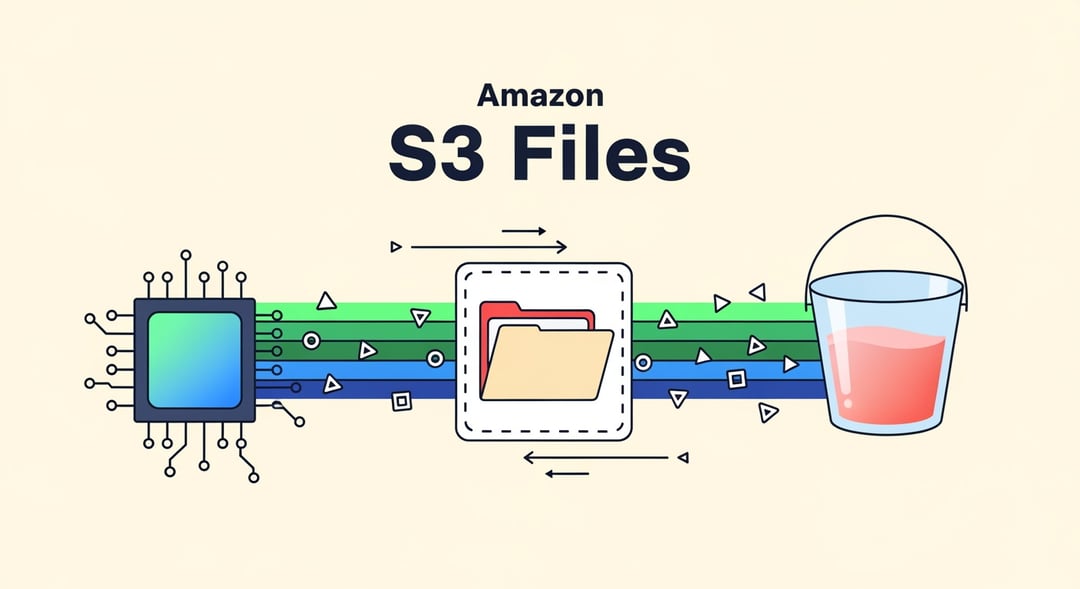
Amazon S3 Files Brings Native File System Access to S3
Amazon Web Services announced the general availability of Amazon S3 Files, a feature that makes S3 buckets available as fully managed, high-performance file systems from any AWS compute resource. The release removes a familiar pain point for teams that have had to manage a split between file-based applications and object storage.
This is positioned as the first time a major cloud provider has delivered native file system access directly on top of an object store. That matters because it lets organizations work with the same underlying data through file system semantics without moving it out of S3.
How Amazon S3 Files Works on Top of S3 Buckets
Built on Amazon Elastic File System Technology
S3 Files is built on Amazon Elastic File System technology and supports NFS v4.1 and v4.2. That support allows file-based applications, AI agents, and machine learning workflows to read and write data in S3 as if they were using a standard file system.
The practical benefit is simple: no code changes are required for these workloads to interact with S3 data through file access patterns.
File Operations Are Translated Into S3 API Requests
The service maintains a synchronized view of objects stored in an S3 bucket. Behind the scenes, file system operations are translated into S3 API requests. The data itself stays in S3 the entire time, so there is no duplication and no migration step required to start using the file system interface.
That design gives teams a way to keep S3 as the storage layer while exposing the same data through a format that file-oriented software can use immediately.
Shared Access Across AWS Compute Resources
Thousands of compute instances, containers, and serverless functions can mount the same file system at the same time. This shared access model makes S3 Files useful for clustered workloads and distributed environments where many services need access to the same files.
Because the file system is accessible from any AWS compute resource, teams can connect multiple parts of an application stack to the same underlying S3 data without creating separate copies.
Performance and Caching in Amazon S3 Files
Low-Latency Access for Active Data
AWS says S3 Files caches actively used data for about 1-millisecond latency. That cached layer is what gives the service file system performance for hot data while still keeping the source data in S3.
For workloads that repeatedly touch the same files, this helps reduce the usual friction between object storage and file-based processing.
Aggregate Read Throughput at Large Scale
According to AWS, the service can deliver up to multiple terabytes per second of aggregate read throughput. That makes the offering notable for high-scale workloads that need broad shared access rather than a one-off file mount for a small environment.
Automatic Expiration of Inactive Files From High-Performance Storage
Files that are not accessed within a configurable time window are automatically expired from the high-performance storage layer. The default window is 30 days. When that happens, later reads are served directly from S3.
This setup keeps frequently used data close to compute while allowing less active data to remain in S3 without manual intervention.
S3 Files for AI, Machine Learning, and Multi-Agent Workflows
AWS framed S3 Files around AI and machine learning use cases as one of its two main targets. For these teams, the service allows multi-agent pipelines to persist memory and share state. It also enables data preparation workflows to run without staging files first.
That combination can simplify workflows that expect file-based access but still need the scale and storage model of S3. Instead of moving data into a separate file system before processing begins, teams can operate on the same S3-backed data directly.
S3 Files for Legacy Application Modernization
File-Dependent Applications Can Keep Working Without Immediate Rewrites
The second target audience is enterprises running legacy applications that still depend on file system access. S3 Files gives those environments a way to continue operating with NFS access while connecting to data stored in S3.
For organizations with older applications that are not ready for native object storage patterns, this creates a more gradual path forward.
Dual NFS and S3 API Access Supports Incremental Migration
One technical analysis described this as a "strangler fig pattern" for storage modernization. The reason is straightforward: the same data can be accessed through both NFS and the S3 API, which gives teams two access paths at once.
That allows components to move gradually toward native object storage access instead of forcing a full migration all at once. In practice, that can reduce disruption for large environments with mixed workloads and long-lived application dependencies.
Competitive Impact of AWS S3 Files
The launch adds pressure on third-party file storage vendors operating within AWS. Providers that already offer combined file and object storage services on AWS now face a first-party alternative tied directly to S3.
The competitive angle is especially important because S3 Files is deeply integrated with S3’s durability and pricing model. For customers already centered on S3, that native alignment may make the new option particularly attractive.
Amazon S3 Files Availability and Pricing
Regional Availability
S3 Files is generally available in 34 AWS regions.
Pricing Model
Pricing is based on the amount of actively cached data stored in the file system’s high-performance tier at $0.30 per GB. Standard S3 request charges also apply for the underlying operations.
There are no upfront commitments. If data is read from S3 because it is not in the cache, those reads are billed at standard GET request rates, with no additional S3 Files charges.
What Makes S3 Files Significant for Cloud Storage Workflows
S3 Files changes how teams can use S3 by combining object storage with native file system access in one service model. Instead of forcing a choice between file-based workflows and S3-backed storage, it allows both approaches to work against the same data.
For AI pipelines, machine learning workflows, and legacy file-based applications, the value is in reducing the operational gap between how software expects to access data and where that data already lives.


