
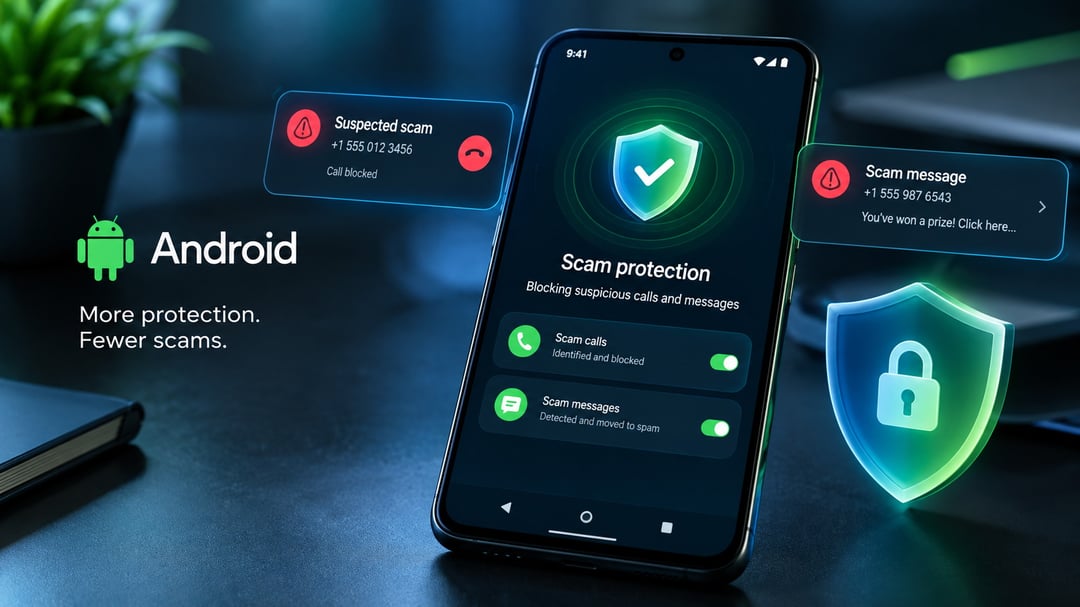
Google is rolling out new Android scam defenses designed to limit the ways fraudsters can access sensitive information. The updates cover screen sharing, Google Messages, unfamiliar links, call forwarding, and bank impersonation calls.
Screen Sharing Can Hide Login and Payment Details
Android can now automatically black out login fields and payment screens during screen sharing through Chrome or an Android Web experience. This prevents sensitive information from appearing in a live screen feed while it is being shared.
The screen-sharing protection begins rolling out this month for devices running Android 15 or later.
Google Messages Adds Enhanced Scam Detection
Google is introducing an optional Enhanced Protection mode in Google Messages over the coming weeks. When enabled, Scam Detection can use Google’s cloud-based Gemini models to assess more complex conversations with unknown senders.
The feature is intended to identify scams that develop gradually, where malicious intent may not be clear in the first message. Google says this analysis runs through Private AI Compute, where data is encrypted and processed in a dedicated environment rather than with Google.
Gemini Nano Checks Unfamiliar Links
On supported phones, Gemini Nano adds another layer of scam protection locally. It can use real-time web signals to assess unfamiliar links before a user opens them.
Google is also redesigning warnings for links received from phone numbers outside a user’s contacts. Scam warnings in chat notifications are expanding beyond Pixel phones later this year, including to devices from HONOR, Motorola, OPPO, OnePlus, realme, vivo, Xiaomi, and other manufacturers.
Android Is Restricting Call Forwarding Abuse
Call forwarding can be abused when scammers redirect calls and intercept one-time passcodes. Under the new protections, apps will no longer be able to quietly activate call forwarding in the background.
Android can also issue a warning before a manually entered MMI forwarding code takes effect. This protection is expected to begin arriving in early December on Pixel phones and other selected devices.
Google’s Security Assessment Claims Android Performs Better Overall
Google also cited a commissioned Leviathan Security Group assessment that compared the Pixel 11 Pro, Galaxy S26, Motorola Razr 2026, and iPhone 18 Pro across 31 built-in security features.
According to Google, Android devices received better overall results in areas that included proactive call screening, fake-call detection, and Circle to Search threat warnings.
Android Targets Bank Impersonation Calls
Google says bank impersonation scams rose 195.7% over a 12-month period, citing the Brazilian Federation of Banks. To address this, Android has partnered with Banco do Brasil, Itaú Unibanco, and other financial institutions to verify incoming bank calls through official banking apps.
If a caller claims to represent a bank but Android cannot verify that the call came from that institution, the phone can automatically end the call and warn the user.
Google says it has already blocked more than 3 million spoofed calls involving Banco do Brasil and Itaú since June. That figure includes calls using spoofed official inbound-only bank numbers.
Verified financial calls are also being used with institutions including Revolut worldwide, and Google plans to add more partners.
FAQ
Which Android versions support the screen-sharing privacy feature?
The automatic masking of login fields and payment screens begins rolling out this month on devices running Android 15 or newer.
How does Enhanced Protection in Google Messages work?
Enhanced Protection is an optional Google Messages setting that allows Scam Detection to use cloud Gemini models to review more complex conversations with unknown senders. Google says the analysis is encrypted and processed through Private AI Compute.
Can Android stop fraudulent bank calls automatically?
Android can automatically hang up and warn the user when someone claims to represent a participating bank but the phone cannot verify that the bank placed the call.