
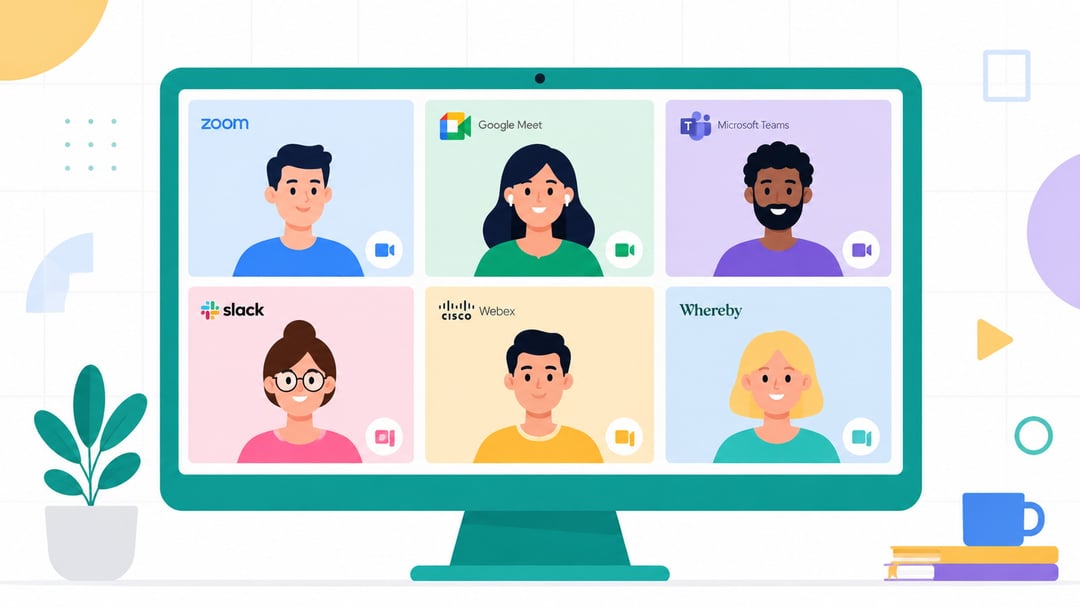
The Best Skype Alternatives for Video Calling in 2026

Best Skype Alternatives for Video Calling (2026)

Skype was a big deal. For more than two decades it connected people across continents — job interviews, family catch-ups, long-distance relationships. When Microsoft officially retired it on May 5, 2025 it felt like the end of something real.

But the honest truth is that the alternatives are better. Whether you want free video calls with family or a reliable platform for work meetings there's an app built for exactly what you need. This guide cuts through the noise so you can find your best fit quickly.

Why Skype Disappeared — and What That Means for You

Microsoft's pivot away from Skype was years in the making. Once Teams gained traction in enterprise markets Skype became redundant. Zoom dominated professional video calling and WhatsApp absorbed personal chats. Skype slowly lost relevance and eventually lost the argument.

When the shutdown came users lost access to video calling, messaging, voicemail, screen sharing and international dial-out. Microsoft pointed everyone toward Teams Free as the official handoff. But Teams is built for workplace collaboration — it's heavier and more structured than Skype ever was for casual use.

The best replacement depends entirely on how you used Skype. Video caller? You have strong options. International caller dialing real phone numbers? That's a different need addressed separately below.

The Best Skype Alternatives for Video Calling

1. Zoom — Best Overall

Zoom offers reliable HD video and audio supports up to 100 participants on the free plan and works across virtually every device. Setup takes minutes and the interface is clear enough for anyone to figure out fast.

The main limitation on the free tier is a 40-minute cap on group calls. One-on-one calls have no time limit. Paid plans start at around $15 per month for teams that need longer sessions.

Best for: Anyone who wants a dependable widely recognized platform for personal or professional video calls.

2. Google Meet — Best Free Option

If you have a Gmail account you already have Google Meet. No download is required and it runs in any browser. Free users can host up to 100 participants though group calls with three or more people are capped at 60 minutes.

It integrates naturally with Google Calendar so scheduling a call takes about ten seconds. For families or friend groups who want the path of least friction it's hard to beat.

Best for: Users already inside the Google ecosystem who want zero-setup video calling.

3. Microsoft Teams Free — The Official Microsoft Replacement

Teams Free is the direct handoff from Skype. You can sign in using your existing Skype credentials and your contacts and chat history transfer automatically — genuinely useful if you had years of conversations worth keeping.

Teams goes further than Skype ever did with file sharing, collaborative workspaces and Office 365 integration baked in. The trade-off is that it feels like a workplace tool even when you're using it casually.

Best for: Users who want continuity from Skype or who already work inside the Microsoft ecosystem.

4. WhatsApp — Best for Personal and Mobile Calls

For calling friends and family across borders WhatsApp is one of the most widely used communication apps in the world. Video and voice calls are free over Wi-Fi or mobile data and end-to-end encryption is enabled by default so your conversations stay private.

Worth knowing: WhatsApp requires a mobile phone number to create an account and the experience is stronger on mobile than on desktop. For casual personal calls though it's fast and already installed on most people's phones.

Best for: Personal calls with friends and family especially across international borders.

5. FaceTime — Best for Apple Users

If everyone you call uses Apple devices FaceTime is the easiest option available. It's built into every iPhone, iPad and Mac so there's nothing to install or configure. Call quality is consistently strong and SharePlay lets you watch content together during a call.

The limitation is clear: FaceTime only works between Apple devices. If the other person uses Android or Windows you'll need a different app.

Best for: Households or close groups where everyone is already in the Apple ecosystem.

6. Discord — Best for Informal Groups

Discord started as a platform for gamers but has grown into a broader communication tool. The free plan supports up to 25 participants with no time limits on calls which puts it ahead of Zoom's free tier for longer group use. Screen sharing, text chat and persistent voice channels are all included at no cost.

It isn't the right fit for formal business meetings but for friend groups, hobbyist communities or small informal teams it works extremely well.

Best for: Informal groups that want persistent voice channels and unlimited call time without paying.

If You Used Skype to Call Real Phone Numbers

Most guides cover video calling and miss what many Skype users actually depended on: affordable per-minute calls to real landlines and mobile phones worldwide. Teams Free doesn't support this and neither do most apps above.

For that specific need the relevant alternatives include Google Voice (free calls within the US and Canada but requires a US-based sign-up), BOSS Revolution (pay-as-you-go international calling with transparent pricing) and browser-based VoIP services like BubblyPhone and Rebtel. Rates and coverage vary so comparing them against the countries you call most often is worth doing before you commit.

How to Choose the Right App

Still weighing your options? Here's a fast decision guide:

  • Casual video calls with family and friends → Google Meet or WhatsApp
  • Work meetings and professional calls → Zoom or Teams Free
  • Apple-to-Apple households → FaceTime
  • Informal group hangouts → Discord
  • Calling international phone numbers → Google Voice, BOSS Revolution or BubblyPhone

Moving Forward

Losing Skype stings a little. But the platforms that have replaced it are faster, more stable and more capable than Skype was in its final years.

Pick the one that fits your most common use case and try it this week. Chances are you'll barely miss what you left behind.


Join the Community

Get the latest tech news, reviews, and exclusive insights delivered straight to your inbox. Join a community of tech enthusiasts who trust Informer Tech.

Weekly digest

No spam

Unsubscribe anytime