
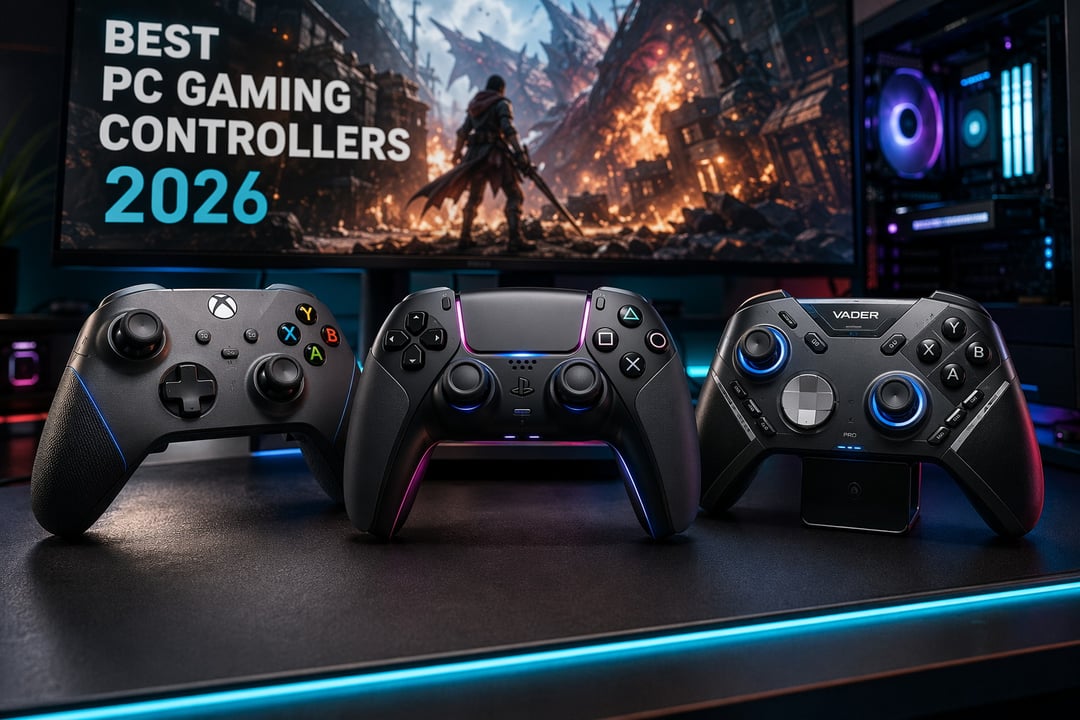
Windows will pair with almost any gamepad you hand it. Whether that gamepad works properly is a different question. Drivers wobble. Button prompts show the wrong icons. A pad that felt flawless in month one develops a lazy left stick by month nine.
Something has shifted, though. The deciding factor among the best controllers for PC gaming on Windows in 2026 isn't the badge on the front anymore. It's what sits under the thumbsticks. Magnetic sensors moved from premium perk to baseline expectation and TMR sticks have landed in the $60 range. Drift is no longer something you tolerate. It's something you refuse to buy.
Eight controllers below, each earning its place for a specific budget or way of playing.
What Actually Matters in a PC Gaming Controller in 2026
Stick Sensors: Hall Effect, TMR, and Why Drift Happens
Traditional thumbsticks use potentiometers — physical contacts that wear down through friction. That wear produces drift, where your character wanders off while your thumb sits perfectly still. Hall effect and TMR sticks read a magnetic field instead. Nothing touches. Nothing wears.
TMR is the newer of the two. It samples roughly ten times more points than Hall effect while drawing less power, which is why it headlines flagship pads. The rough rule for 2026: under $30, Hall effect is a genuine win. Above $60, expect TMR or ask why it's missing.
Connection Type: 2.4 GHz, Bluetooth, or Wired
A 2.4 GHz dongle beats Bluetooth on latency every time. Bluetooth wins on convenience and device-switching. Wired still matters for one reason covered further down.
On polling rates: 1,000 Hz is the sensible modern standard. 8,000 Hz is a number most players will never feel.
XInput and Native Windows Support
Xbox-layout controllers speak XInput, the language Windows games expect. Plug one in and prompts, rumble and mapping simply work. PlayStation pads route through Steam Input or a helper such as DS4Windows — fine inside Steam, an extra step outside it.


