
5 Best Markdown Note-Taking Apps

5 Best Markdown Note-Taking Apps (2026 Guide)

You know that moment when you go looking for a note you wrote six months ago and it's just... gone? Trapped in some app you stopped paying for, locked in a format nothing else can read. That sinking feeling is exactly why Markdown matters.

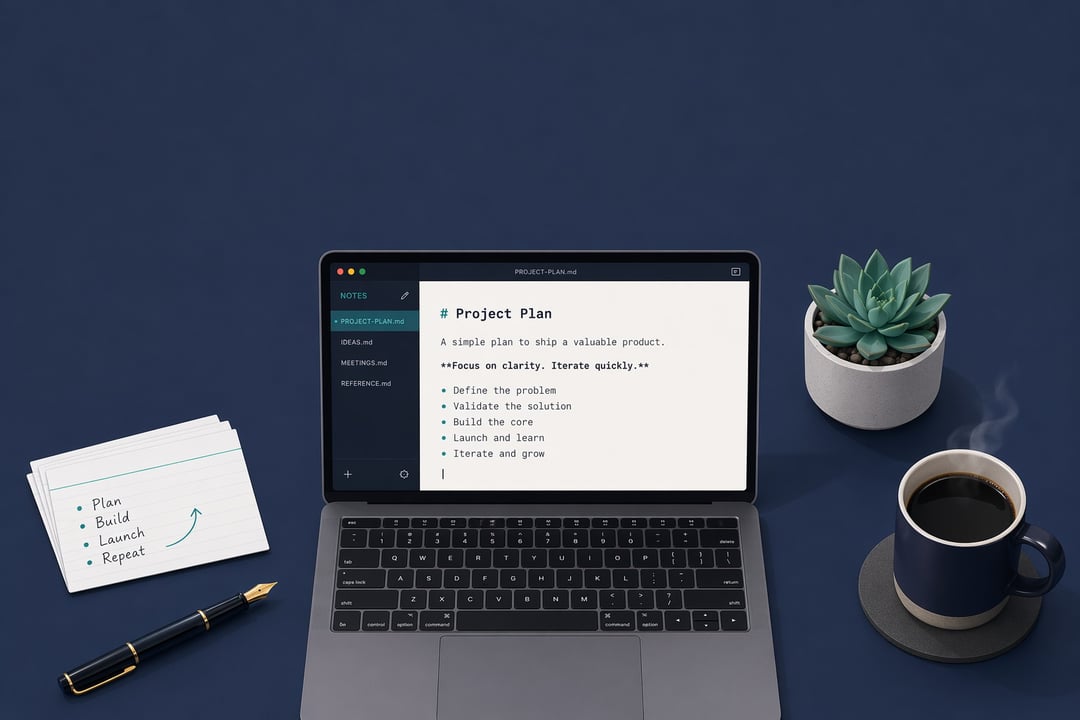
Markdown is plain text with a few light touches for formatting. A hashtag makes a heading. Asterisks make something bold. That's mostly it. And because it's plain text, your words belong to you, not to whatever company built the app. You can open them in anything, move them anywhere, and read them in twenty years when today's trendy app is long forgotten.

So which tool deserves your writing? These five Markdown note-taking apps earned their spots on the things that actually matter day to day: reliable sync, honest export, and whether they're a pleasure to use.

What Makes a Markdown App Worth Your Time

Before the list, a quick word on what separates a great Markdown app from a merely passable one.

The basics need to feel invisible. Clean editing. Sync that just works across your devices. Real export, so you're never held hostage. And no lock-in, ever.

One honest caveat: "best" depends on you. Some folks want a frictionless place to jot things down. Others want to build a sprawling knowledge system that connects ideas over years. Different needs, different winners. Keep that in mind as you read.

1. Obsidian — Best for Building a Connected Knowledge Base

Obsidian stores everything as plain Markdown files right on your computer. No cloud required. What sets it apart is how it links notes together. Mention one note inside another and Obsidian remembers, building a web of connections you can actually see in its graph view.

It's the tool for people growing what some call a "second brain." Researchers, writers, anyone whose ideas compound over time. The longer you use it, the more valuable it gets.

Pros

Local files mean you own everything, no cloud needed

Backlinks and graph view surface hidden connections

Huge plugin library extends it endlessly

Cons

All those plugins can overwhelm beginners

Syncing across devices costs extra or takes setup

Steeper learning curve than simpler apps

The power user's pick. Worth the ramp-up if you want a knowledge base that pays off for years.

2. Notion — Best for Teams and Mixed Content

Notion is less a note app and more a flexible workspace. You type Markdown shortcuts and they instantly format, but everything lives inside "blocks" you can rearrange into docs, wikis, and databases. It's where notes, projects, and team knowledge can all live together.

That's its real strength. If your notes need to sit next to a project tracker and a shared team wiki, few tools do it this gracefully.

Pros

Blends notes, databases, and wikis in one place

Strong collaboration and sharing built in

Generous free tier for solo users

Cons

Not pure Markdown, so exports get messy

Cloud-only, no true offline ownership

Heavy pages can feel slow

Best when notes live beside teamwork. Less ideal if you want clean, portable files you fully control.

3. Bear — Best for Apple Users Who Want Beauty and Speed

Bear is gorgeous, and that's not a small thing. Writing in it feels good in a way most apps never bother with. It uses tags instead of folders, so organizing happens naturally as you write, and it's quick from the moment you open it.

The catch is simple: it's Apple-only. But if your life runs on a Mac and an iPhone, Bear is hard to beat for everyday capture.

Pros

Beautiful, distraction-free writing experience

Tags organize notes without fussy folders

Fast, smooth sync across Apple devices

Cons

Apple-only, no Windows or Android

Sync and export need a subscription

Limited for complex linking workflows

A joy to write in if you live in Apple's world. Skip it if you need to roam across platforms.

4. Joplin — Best Free and Open-Source Option

Joplin proves you don't need to pay to take Markdown notes seriously. It's free, open-source, and built with privacy in mind. Your notes can be end-to-end encrypted, and you choose where they sync, whether that's Dropbox, your own server, or somewhere else entirely.

It won't win beauty contests. The interface feels a bit dated and setup takes a little patience. But for control and cost, nothing here touches it.

Pros

Free, open-source, zero lock-in

End-to-end encryption keeps notes private

Sync to Dropbox or your own cloud

Cons

Interface feels dated next to rivals

Takes more effort to set up

Mobile app less polished than desktop

The privacy and budget champion. Trade a little polish for full control and no cost at all.

5. Typora — Best for Pure, Distraction-Free Writing

Typora does one thing beautifully. As you type, it quietly hides the Markdown symbols and shows you clean, formatted text instead. No split-screen preview, no clutter. It feels a bit like writing on paper, and that's the whole point.

There's no database, no folder system, no graph. Just you and the words. When the export comes, it handles PDF, Word, and HTML without complaint.

Pros

Live preview feels like writing on paper

Clean, minimal layout with zero clutter

Exports to PDF, Word, and HTML easily

Cons

Paid app, no free version

No built-in sync or note management

Not made for linking or big libraries

The purist's editor. Perfect for focused drafting, not for managing a giant note collection.

How to Choose the Right One for You

Here's the short version. Want ideas that connect and grow? Obsidian. Working with a team on mixed content? Notion. Living the Apple life and craving polish? Bear. Care most about privacy and price? Joplin. Just want to write without distraction? Typora.

And the best part of choosing any of these Markdown note-taking apps: because your notes are plain text, you're never truly stuck. Pick one today, switch later if it stops fitting. Your words come with you.

Frequently Asked Questions

Is Markdown hard to learn?

Not at all. The basics take about five minutes, and they cover almost everything you'll do day to day. A few symbols for headings, bold, and lists, and you're set.

Can I move my notes between these apps?

Mostly, yes. Since Markdown is plain text, your notes travel well. Notion is the one exception worth flagging, as its exports often need a little cleanup before they look right elsewhere.

Do I need to pay for a good Markdown app?

Nope. Joplin is completely free, and Typora is a cheap one-time purchase. You can take excellent notes without a subscription draining your wallet every month.


Join the Community

Get the latest tech news, reviews, and exclusive insights delivered straight to your inbox. Join over 50,000 tech enthusiasts who trust Informer Tech.

Weekly digest

No spam

Unsubscribe anytime