
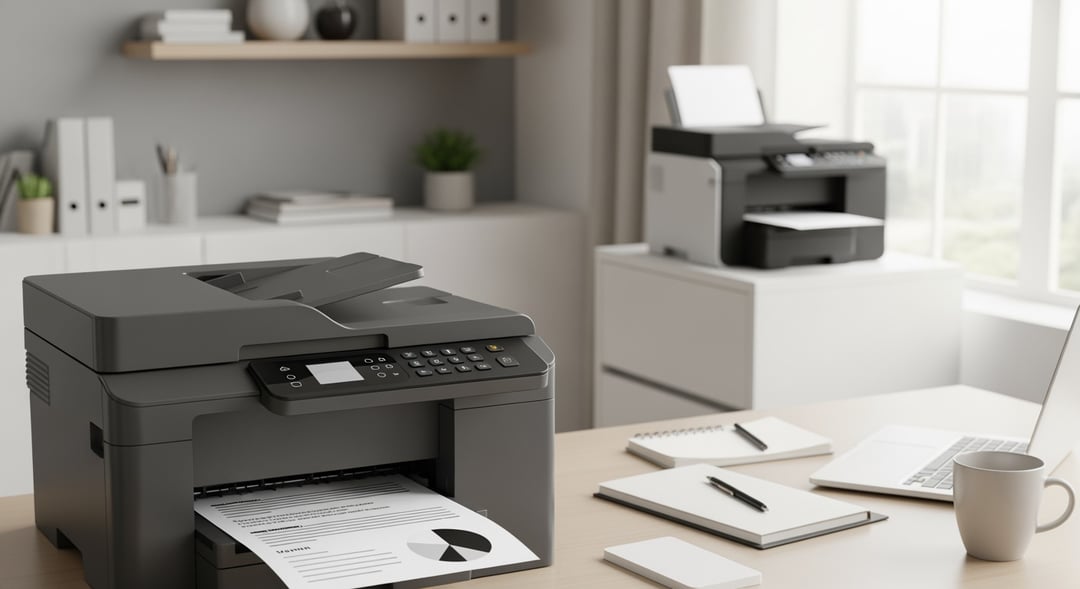
The best laser printers aren’t the most expensive machines or the ones with the longest spec sheet. They’re the printers that fit your real life: how often you print, what you print, and who needs to use the device. Laser tech excels at one thing above all else—clean, confident documents. Text looks razor-edged, blacks look steady page after page, and you don’t get the slow-motion frustration of ink drying out after a few quiet weeks.
That said, “best” changes with the job. A best monochrome laser printer for invoices and labels can feel flawless while a best color laser printer becomes essential the second you need readable charts or client-ready handouts. And if you need scanning and copying, the best all-in-one laser printer often beats a print-only model simply because it reduces workflow friction.
Laser Printer Buying Criteria That Separate Smart Picks From Regret Purchases
Monochrome vs Color Laser Printers (Pick Your Bottleneck)
If you print mostly contracts, homework, shipping labels, medical forms, or anything text-heavy, monochrome wins. A monochrome laser printer keeps costs down, simplifies maintenance, and usually delivers faster, more consistent output. Color becomes worth it when “good enough color” is actually a requirement—think classroom materials, internal reports with charts, simple marketing one-pagers, or presentations you don’t want to look washed out.
Here’s the part people miss: color costs more because it multiplies consumables. You buy four toners instead of one, and coverage matters. A page with a small logo uses very little toner. A full-page background can chew through cartridges quickly. Consequently, you should only pay for color if you’ll use it.
Single-Function vs All-in-One Laser Printers (Print-Only or MFP?)
Print-only lasers tend to live longer in the real world because they do less. Fewer moving parts means fewer failures and fewer “why won’t it scan today” moments. But an all-in-one laser printer (often called an MFP) can be the better buy if you scan even semi-regularly. A good scanner turns paper clutter into searchable PDFs, and a copier saves you from sprinting to a copy shop for simple jobs.
If you go MFP, focus on the scanner’s workflow features. An automatic document feeder (ADF) matters for multi-page scanning, and duplex scanning matters if you scan double-sided documents often. Those two features can turn scanning from a chore into a habit.
Total Cost of Ownership (TCO) for the Best Laser Printers
Printer price is the cover charge. The real bill shows up in toner, drums, and long-term reliability. Manufacturers quote yields using standardized tests, but your pages won’t match those tests perfectly. Dense text, large graphics, and heavy coverage reduce yield. High-yield toner options usually offer the best economics, and they reduce how often you have to think about supplies.
Some printers integrate the drum with the toner, and others separate them. A separate drum can lower long-term costs because you don’t replace an expensive component every time toner runs out. Conversely, integrated designs can feel simpler. You trade a bit of cost efficiency for less complexity.
Speed Metrics That Matter (Not Just PPM)
Pages per minute looks impressive on a box, yet it rarely tells the whole story. First-page-out time matters more for home offices because most people print in short bursts. Duplex printing also changes the math. Many printers slow down significantly when printing both sides, and that’s normal.
For big PDFs and graphics-heavy documents, processor and memory matter too. If you print long, complex files and your printer pauses, stutters, or misbehaves, you’re watching an underpowered device struggle to rasterize the job.
Connectivity and the Print Ecosystem
USB works. Ethernet works even better for shared spaces. Wi‑Fi can feel magical until it doesn’t. If multiple people print from phones and laptops, prioritize mainstream standards like Apple AirPrint and Mopria. They reduce setup time and they lower the odds of driver drama. For more detail:
- AirPrint: https://support.apple.com/en-us/HT201311
- Mopria: https://mopria.org/
Also, set a strong admin password if the printer sits on your network. Printers are computers with paper trays, and security still counts.