
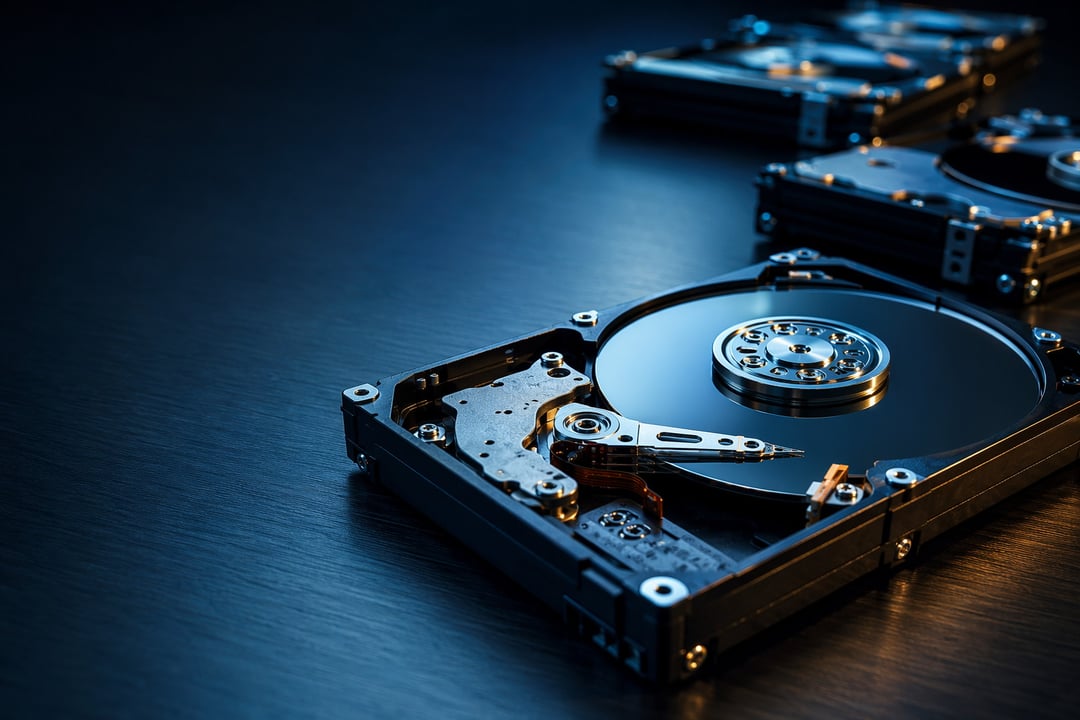
The Best Internal Hard Drives for Desktop PCs in 2026

Best Internal Hard Drives for Desktop PCs in 2026

You know the feeling. The game won't install, the "low disk space" warning keeps popping up, and you're deleting old files just to breathe. Adding storage is the cheapest, easiest upgrade a desktop PC owner can make. But 2026 has thrown a curveball. Hard drive prices have jumped sharply this year, driven by AI data centers buying up supply faster than makers can produce it. So picking the right internal hard drive matters more now than it has in a long time.

Quick clarity first, because it trips people up. A hard drive (HDD) isn't a solid-state drive (SSD). SSDs are fast and pricey, and they're what you want for your operating system and everyday apps. HDDs are slower but far cheaper per terabyte, which makes them perfect for the second job: storing games, photos, video, and backups. This guide covers the best internal hard drives for desktop PCs in 2026, all of them mechanical 3.5-inch drives built for bulk storage.

Here's what actually matters, then five drives worth your money.

What Makes a Good Internal Hard Drive in 2026

A few specs separate a solid desktop hard drive from a frustrating one.

CMR, not SMR. This is the quiet one that catches people out. CMR drives write data in clean, separate tracks. SMR drives overlap those tracks to squeeze in more capacity, which makes writing slow and stuttery. For a desktop, you want CMR. Every drive on this list uses it.

Speed and cache. Spindle speed is measured in RPM. For desktop hard drives, 7,200 RPM is the sweet spot: fast enough to feel responsive, and standard across quality drives. A bigger DRAM cache (256MB or 512MB) helps large transfers stay smooth. Keep expectations honest, though. Even the fastest HDD is far slower than any SSD, which is exactly why you don't use one as your boot drive.

Capacity and price. Don't shop by sticker price alone. The number that matters is cost per terabyte. And with 2026 prices climbing week to week, check the live price before you buy. The figures that looked good last month may have shifted.

Warranty. A five-year warranty signals a manufacturer that trusts its own drive. Two-year drives can still be great value. Just know what you're getting.

The 5 Best Internal Hard Drives for Desktop PCs in 2026

1. WD Black 8TB — Best for Performance and Gaming

The WD Black is the drive to grab if you want the fastest mechanical storage tier alongside your SSD. It spins at 7,200 RPM, packs 256MB of cache, uses CMR, and comes backed by a strong five-year warranty. For gamers with sprawling libraries or power users shuffling big files, it's dependable and quick by HDD standards. The catch is price. The Black sits well above budget drives, and it can run a touch louder. If you want top performance and the longer warranty, it earns the premium.

2. WD Blue (8TB–12TB) — Best Everyday Value

For most people, the WD Blue is the smart middle path. Think of it as a WD Black "lite": same 7,200 RPM, a generous 512MB cache, and CMR, but at a friendlier price. It's the right internal hard drive for a general desktop user who wants reliable space for media and backups without overspending. The trade-offs are a shorter two-year warranty and the fact that some larger drives beat it on price per terabyte. Still, for a home PC, it hits the mark.

3. Seagate BarraCuda 24TB — Best for Maximum Capacity

If your problem is simply "not enough room," the high-capacity BarraCuda gives you a lot of storage for the money. At 16TB and up it uses CMR, spins at 7,200 RPM, and carries 512MB of cache, delivering strong value per terabyte. It's built for media hoarders and people who never want to uninstall a game again. Two caveats: the transfer rate trails premium drives, and the warranty is two years. One important note: steer clear of the small-capacity BarraCuda models, which use slower SMR technology.

4. Seagate IronWolf Pro (up to 24TB) — Best for Reliability

Some data you just can't lose, and the IronWolf Pro is designed for exactly that. It runs at 7,200 RPM, uses CMR, carries a five-year warranty and a high workload rating, and even includes a data-recovery service if things go wrong. It's technically a NAS drive, but it's excellent in a desktop for anyone storing irreplaceable files or running their machine around the clock. You pay more for that peace of mind. For many people, it's worth every dollar.

5. Toshiba X300 Pro — Best for Workstation and Creative Work

Toshiba flies under the radar, but the X300 Pro deserves attention. Built for high-end desktops and workstations rather than NAS boxes, it offers 7,200 RPM, up to 512MB of cache, CMR, and a five-year warranty. For video editors and photographers who need big, steady storage for source files, it's a genuinely strong pick. It has fewer software extras than its rivals, and because the brand is less common, it's worth watching stock and price. The value is real, though.

We may earn a commission from affiliate links.

Learn more

.

How to Choose the Right Internal Hard Drive for Your Desktop PC

It comes down to the job you actually have. Want the fastest game and media tier? WD Black. Need simple, affordable space? WD Blue. Chasing sheer capacity? The BarraCuda 24TB. Protecting data you can't replace? IronWolf Pro. Editing video or photos? The X300 Pro.

Whatever you pick, pair it with an SSD boot drive so your system stays snappy and your hard drive handles the heavy lifting. And do the one thing every long-time PC owner will tell you: keep a backup. No drive lasts forever. HDD or SSD, they all eventually die. Storage is cheap. The photos, projects, and files on it aren't.

Buy for your real needs, grab a drive when the price dips, and back it up. That's the whole game.


Join the Community

Get the latest tech news, reviews, and exclusive insights delivered straight to your inbox. Join a community of tech enthusiasts who trust Informer Tech.

Weekly digest

No spam

Unsubscribe anytime