
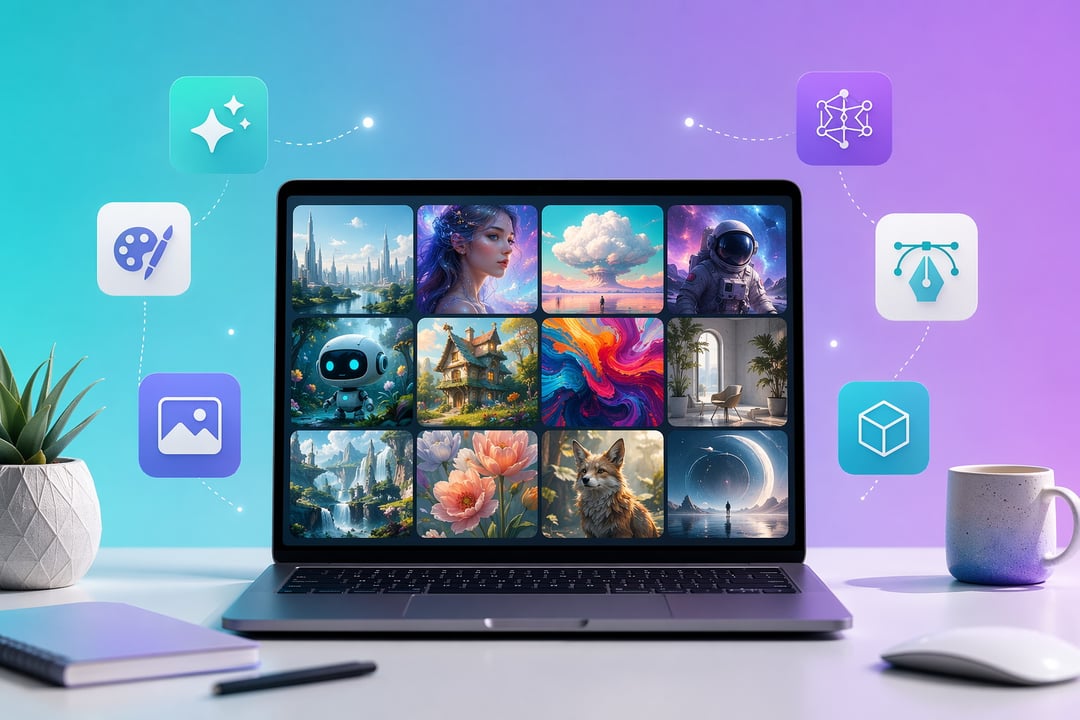
The Best Free AI Image Generators to Try in 2026

8 Best Free AI Image Generators to Try in 2026

A few years ago, generating a usable image from a sentence felt like magic. Now it's just Tuesday. The tools have matured fast and many of the best ones cost nothing. But "free" hides a lot of variation. Some tools cap you at a handful of images a day. Others quietly stamp a watermark across your work or restrict commercial use. This guide cuts through the noise. Below are eight of the best free AI image generators to try in 2026, what each does well, and the catch buried in every free tier.

What "Free" Actually Means in 2026

Free rarely means unlimited. Most platforms ration generation through daily credits, weekly boosts, or slow-queue access that trades speed for volume. Three things decide whether a free plan fits you: the output ceiling, whether images carry a watermark, and the commercial-use license. The good news is that watermarks have mostly vanished from major free tiers this year. The fine print on licensing still varies wildly. Read it before you ship anything to a paying client.

The 8 Best Free AI Image Generators in 2026

Google Gemini (Nano Banana) — Best Overall Free Generator

Google's image model, nicknamed Nano Banana, has quietly become the free tier to beat. It lives inside the Gemini app and follows prompts with unusual precision. Ask for steam rising off a kettle on a rainy street and it renders the puddles, the reflections, even the raindrops. The free plan gives you roughly 100 images a day, generous by any standard. The trade-off is simplicity. You won't find granular sliders here. You describe what you want in plain language and let the model interpret. For most people that's a feature, not a flaw.

Microsoft Copilot / Bing Image Creator — Easiest to Start

If you already have a Microsoft account, you already have this one. Copilot's image generator runs DALL-E 3 and newer models behind a clean interface, free with a 15-boost weekly cap. Boosts speed up generation and replenish over time. Once they run low you can keep creating, just at a slower pace. The catch is twofold. Output defaults to a square 1024-pixel format and the standard license leans non-commercial. For a quick illustration or a social post, it's the fastest path from idea to image. For paid work, look elsewhere.

Adobe Firefly — Best for Commercial-Safe Images

Firefly's whole pitch is trust. Adobe trained Firefly on licensed and stock content, so businesses nervous about copyright exposure can breathe easier. The free tier offers a limited pool of monthly generations and produces watermark-free images. Each file carries Content Credentials, an invisible provenance tag rather than a visible stamp. That matters more than it sounds. When a client asks where an image came from, you have a real answer. The limitation is volume. Free monthly credits disappear quickly if you generate at any serious pace.

Leonardo AI — Best for Creators and Concept Art

Leonardo is built for people who make things repeatedly and need them to look related. Its model library and style-reference tools hold a consistent visual identity across a whole batch. The free plan hands you 150 fast tokens a day, enough for roughly 25 to 37 standard images depending on your settings. Game designers, marketers, and concept artists gravitate here. Two caveats apply. Free generations are public. The interface also carries a steeper learning curve than the chat-based tools above.

Ideogram — Best for Text Inside Images

Most generators butcher words baked into an image. Ideogram doesn't. It's the standout for legible typography, which makes it the obvious pick for logos, posters, and packaging mockups. The free tier offers 10 slow credits a day, around 40 images a week. The queue moves slowly and credits reset on a weekly rhythm. Plan around bursts rather than constant output. When the words on the image have to be exactly right, the wait earns its keep.

Canva (Magic Media) — Best for Non-Designers

Canva folds AI generation straight into its drag-and-drop editor through Magic Media. Generate an image, then drop it into a presentation or social graphic without ever leaving the canvas. The free plan covers a limited monthly allowance and outputs without watermarks. For someone who wants a finished design rather than a raw image file, this end-to-end flow is hard to beat. The ceiling is the generation cap. Heavy users will hit it fast.

NightCafe — Best for Community and Volume

NightCafe pairs Stable Diffusion with an active community of challenges and shared galleries. Its free model is unusually forgiving: unlimited slow-queue generations plus around 8 daily fast credits. That makes it ideal for high-volume experimentation when you can tolerate a wait. The trade-offs are queue speed and public visibility for free creations. If you love iterating and learning from what other people make, few free tools feel more alive.

FLUX.2 [dev] — Best Open-Source Option

For the technically curious, FLUX.2 is the open-weights heavyweight. It delivers sharp 4-megapixel photorealism with excellent prompt fidelity. Best of all, it's free if you self-host or run it through a Hugging Face Space. That freedom comes with a setup cost. You trade the polish of a hosted app for hands-on configuration. When branded consistency and full control matter more than convenience, FLUX rewards the effort.

How to Choose the Right Free AI Image Generator

Match the tool to the task. Want the best all-round quality? Start with Gemini. Need something instant with no new login? Copilot. Worried about commercial rights? Firefly. Words inside the art? Ideogram. A finished design, not just a file? Canva. Total control? FLUX. And because free tiers reset on their own schedules, stacking two or three tools quietly sidesteps almost every cap.

Frequently Asked Questions

Are free AI image generators really free? Yes, though most ration output through daily or weekly limits.

Can I use free AI images commercially? It depends. Firefly is the safest bet, while Copilot's free output leans non-commercial.

Which free AI image generator is best for beginners? Gemini or Copilot, since both work through plain conversation.

Do free tools add watermarks? Mostly not in 2026, though some embed invisible provenance metadata instead.


Join the Community

Get the latest tech news, reviews, and exclusive insights delivered straight to your inbox. Join a community of tech enthusiasts who trust Informer Tech.

Weekly digest

No spam

Unsubscribe anytime