How to Choose the Best Budget PC Case Under $100
Airflow versus aesthetics
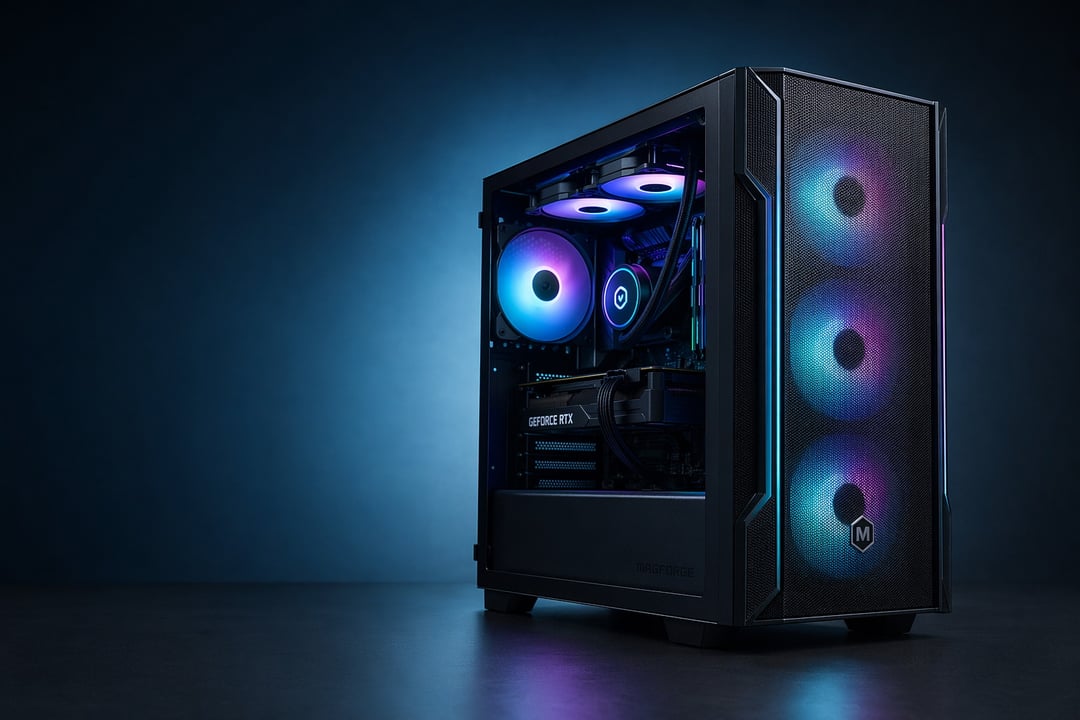
This is the first fork in the road. Mesh fronts win on cooling, full stop — a mesh panel can shave 5 to 10°C off your GPU compared with a sealed glass front. Glass looks gorgeous but chokes intake. Pick mesh for performance, glass for a showcase, and know what you're trading.
Match the case to your motherboard first. ATX for room and future upgrades, microATX for compact builds. Then check your graphics card length against the case's listed clearance, because modern cards run long and a tight fit can ruin an otherwise perfect plan.
Pre-installed fans and the hidden cost of cooling
A "cheaper" case with zero fans often costs more once you buy three good ones. When you compare prices, fold the fan count into the real number. That's exactly why value picks like the Montech AIR 903 MAX punch so far above their sticker.
Connectivity — why front USB-C matters now
Front USB-C has gone from luxury to expectation. Watch the speed tier, though: 5Gbps, 10Gbps, and 20Gbps are not the same port. If you move large files often, a faster front Type-C connection saves real time.
Build quality and cable management
The small stuff decides whether your next build is painless. Steel thickness, cable bars, tool-free panels, dust filters — none of it shows up in a spec headline, yet all of it shapes the experience. A few extra dollars here usually pays you back.
Frequently Asked Questions
Are budget PC cases under $100 actually worth it?
Absolutely. Today's budget cases inherit features that were premium-only a few years ago, so you sacrifice far less than you'd expect.
How many case fans do I actually need?
Two intake fans up front and one exhaust at the rear is a reliable baseline. That setup creates gentle positive pressure, which helps keep dust out.
Is mesh or tempered glass better for cooling?
Mesh wins for thermals every time. Glass wins for looks. If your priority is keeping a hot GPU happy, choose a mesh front.
Will an RTX 40- or 50-series GPU fit in a sub-$100 case?
Usually yes. Most picks here clear 360mm or more, which covers the vast majority of cards. Always confirm your specific model's length first.
Should I get ATX or mATX for a first build?
Go ATX if you want space and easy upgrades down the line. Choose mATX, like the AP201 or Q300L V2, when desk space is tight.
Final Verdict — The Best Budget PC Cases Under $100
Budget no longer means compromise. That's the headline. If you want the safest all-around choice, the Lian Li Lancool 207 is the one to beat on cooling and value. Chasing the most hardware per dollar? The Montech AIR 903 MAX stuffs four fans in the box. Building small, the Asus Prime AP201 offers full-size compatibility in a tiny shell, while the Cooler Master Q300L V2 proves a sub-$50 case can still feel modern.
Whichever you pick, match the case to your build, double-check your GPU clearance, and lean toward airflow over looks. Get those three right, and a budget chassis will serve you well for years.
Prices fluctuate around the $100 mark — worth a quick check before you buy.