11 Best Android Smartwatches for Value and Daily Use

Best Android Smartwatches: Value and Daily Use

Shopping for the Best Android Smartwatches gets messy once the sticker price stops matching how the watch behaves on a normal day. A spec sheet rarely tells you whether replies, payments, and sleep tracking will work with your phone, or whether a cheaper model simply needs more charging and loses useful software sooner.

You will get a practical way to judge everyday value, a comparison of eleven watches split by fuller phone features, longer battery, or simpler health tracking, and a clear point where a full smartwatch is the wrong buy. After reading, you can match a watch to your Android phone and set aside the ones that save money by cutting the alerts, workouts, or all-day wear you would use.

How to judge an Android watch for value and daily use

Value is reliable daily use over the time you wear it, not the lowest sale price. Check phone compatibility for replies, apps, and payments; smartwatch battery life across notifications, sleep, and workouts; comfort and screen behavior; health features you will use; and ongoing costs such as bands and subscriptions. The list runs from phone-like watches to simpler fitness and hybrid watches, not an invented score. Filter for third-party apps if you need them.

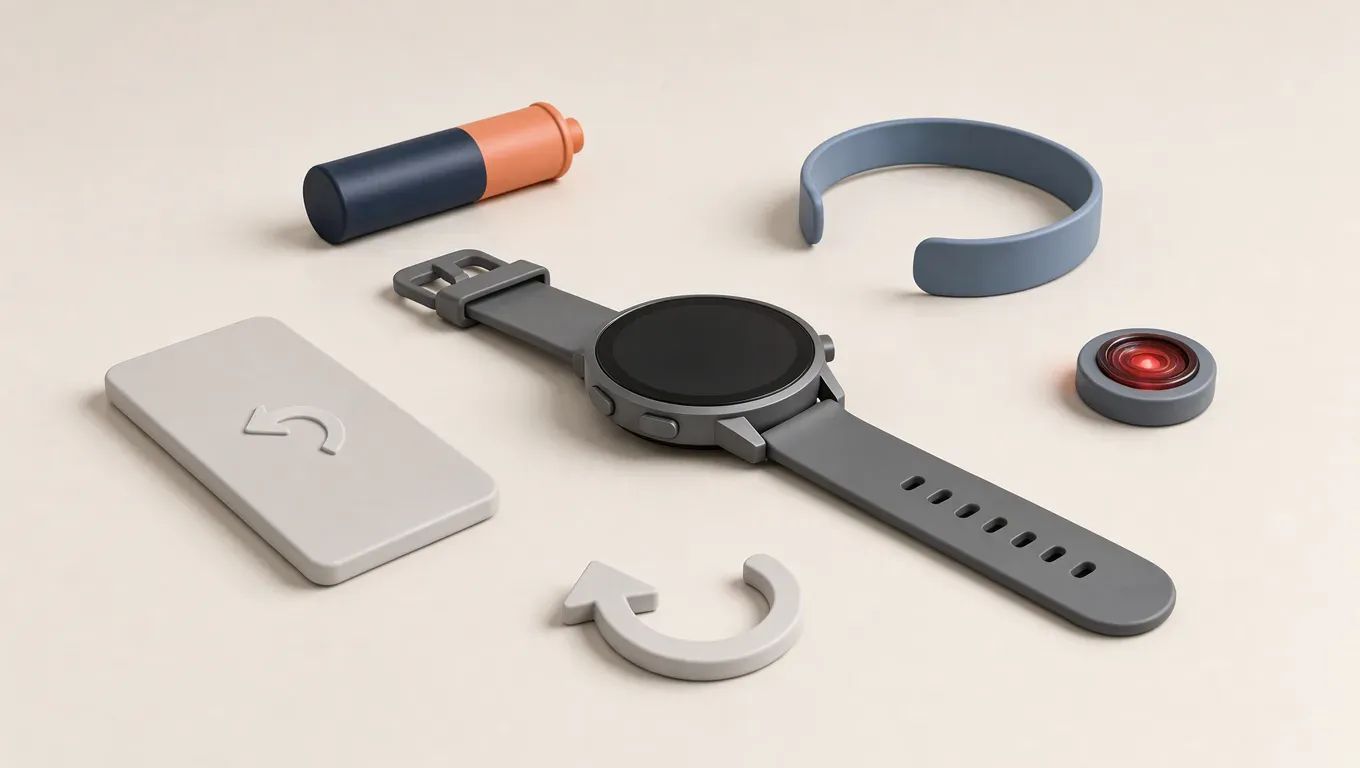
An unbranded smartwatch ringed by a phone, battery, wristband, heart sensor, and update arrow.

Phone compatibility comes first

See our phone compatibility guide.

Price is not the same as value

Suppose a budget Android watch needs a new band and a subscription. That can cost more than a higher price. Price, model year, and software support change, so recheck them. A watch is not a medical device.

Samsung Galaxy Watch FE: core features at a lower spend

The Galaxy Watch FE is Samsung's daily watch if you want core notifications, health tracking, and phone pairing without the fuller model's cost. Practical all-day wear matters more than a stronger spec sheet.

Suppose a workday of commuting, desk time, and meetings. Daily notifications show on your wrist, you skim a text, and the phone stays in your bag.

It suits a Samsung phone owner replacing a basic tracker. Skip it if you need the latest sensors, a rugged build, or full features on a non-Samsung phone. Pairing, replies, apps, and payments can differ by phone. Check the maker's compatibility list before you buy.

Samsung Galaxy Watch7: the fuller daily Samsung watch

The Galaxy Watch7 is the step up from the Galaxy Watch FE when you want Samsung's fuller daily experience, not a hybrid smartwatch. Confirm the current model in that line first.

Extra spend is for wrist replies, more apps, and payments, if included, but pairing limits stay. On non-Samsung Android phones, those limits can block full replies, apps, and payments. Check the current pairing list.

Pay more on a Samsung phone if you use those tools. Otherwise keep a cheaper Samsung or non-Samsung watch.

Suppose a reader replies and pays from the wrist on a Samsung phone: price the Watch7 against the FE. If they only read alerts, the FE is enough.

Google Pixel Watch 3: a simpler watch for non-Samsung Android

For a non-Samsung Android phone, this is the cleaner daily option if you want Google tools and Fitbit-style health views rather than Samsung-only extras. All-day comfort depends on wrist fit, so check the size chart and feature list before you buy. Heart rate, sleep, and activity trends are the useful views; extra scores are optional. Suppose a commute-and-sleep day: you reply to a message, open a small app, pay at a shop, then review sleep the next morning. Treat it as a fitness tracking watch, not a medical device. Skip it if you want a large rugged watch, multi-day battery above all, or Samsung-only phone features.

OnePlus Watch 2: battery ahead of app variety

If nightly charging is your complaint, judge this watch by notifications, sleep, and a workout, not by app count. A battery-first design puts fewer charges ahead of a phone-like app catalog. Suppose you wear it through a two-day stretch of message alerts and one workout: the test is whether it still logs that session and overnight sleep without plugging in halfway through. Check current battery behavior, the charger, and which phone features work on your Android phone, since those change. It suits people who want alerts and health tracking with fewer charges. Skip it if you need the broadest app or payment support.

TicWatch Pro 5: full apps with a battery-first design

The Pro line's dual display keeps a full app watch usable longer. A low-power layer shows time and status; the main screen wakes for apps and notifications. Judge battery for alerts, sleep, and workouts by how often that screen lights, not by a headline number.

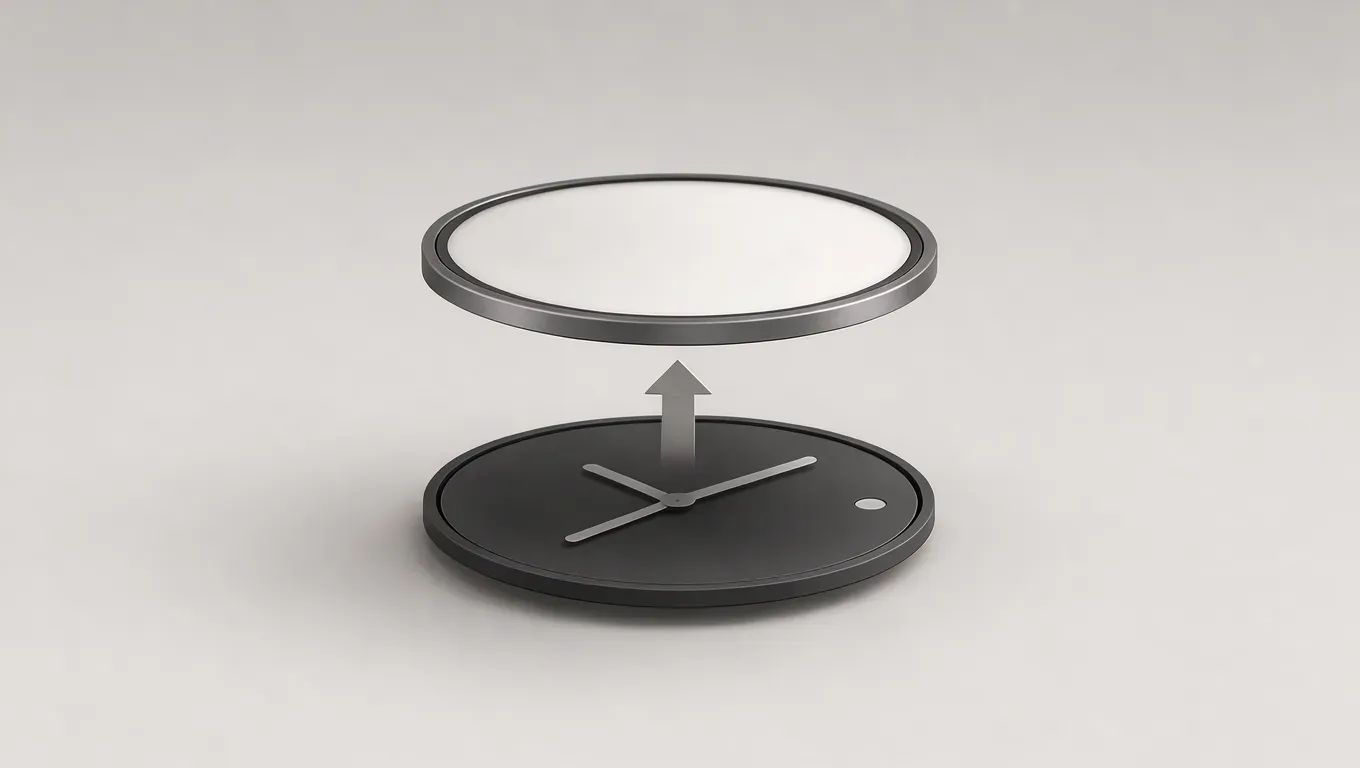
Two stacked watch-face layers, one dim and always visible, one bright and waking on demand.

Apps and daily alerts stay. Comfort depends on the case and band. Less mainstream than Samsung or Google, so verify bands and software updates before you buy.

Suppose notifications, a workout, and sleep drain your watch. Pick it over a Samsung or Google watch for that full day. Skip it if the layered look or thinner support is a poor fit.

Xiaomi Watch 2 Pro: a lower-priced app watch if you can buy it

The Xiaomi Watch 2 Pro is a lower-priced app watch only after you confirm a retailer you trust in the United States sells it. Availability, software support, replacement bands, and payment support are checks, not promises.

Suppose you find a listing. Before you order, ask whether it pairs with your phone for replies and apps, whether updates are still coming, which bands fit, and whether payments work with your bank. Prices and software support change, so an older listing is not proof.

It suits a price-sensitive buyer who wants a phone-like watch and will check those points. Skip it if you need easy local support or confirmed payments.

Amazfit Balance: long wear without a phone-like system

The Amazfit Balance is a lower-spend daily watch that trades a phone-like app system for long wear and its own phone app, Zepp. A low sticker price costs more later if you need third-party apps, rich replies, or broad payment support that it does not offer.

Suppose you mostly need notifications, steps, and sleep. A fuller watch would leave most of its apps unused. The Balance suits that reader. Choose a phone-like watch if you reply in detail, add apps, or pay from the wrist.

Check the band and the companion app before you buy. A bad strap or an unreliable app costs more later.

CMF Watch Pro: basic daily alerts on a tight budget

The CMF Watch Pro is a tight-budget watch for basic alerts and a simple look, not a training tool or a payment device. Judge the low price against missing apps and weaker smart features, then verify support terms and build quality yourself. If support ends quickly, or the build does not hold up, the cheap price costs more later.

Suppose a commuter only wants to see calls and messages on the wrist all day so the phone can stay in a bag. This watch fits that habit. If you start wanting apps or payments, you will likely outgrow it in a few weeks.

Fitbit Sense 2: health tracking with fewer smart features

The Fitbit Sense 2 is a simpler health watch for sleep, activity, and stress-style check-ins, not a phone on the wrist. A full smartwatch is the wrong buy when you want check-ins and do not need apps or training. Some deeper insights sit behind a paid subscription, so check what is included before you count that as value. Suppose you compare a subscription cost with a one-time watch purchase: add the fee only if you will use the extra reports. It suits daily health habits. Skip it for a full app watch or a more serious training watch. It is not a medical device. Ask a clinician before acting on a reading.

Garmin Venu 3: workouts and daily health over apps

The Venu 3 fits someone who trains and wants daily health data, with notifications as a companion, not the main job. Judge battery by whether one charge covers weekday workouts, overnight sleep, and ordinary alerts. A phone-like watch is the wrong buy when those jobs matter more than apps: it spends the charge on a large store and frequent replies, while this one spends it on sports tools and a phone companion app.

Suppose you run or lift on weekdays and only check calls and texts between sessions. That fits. Skip it if you want a large app store, frequent wrist replies, or the lowest possible price. Health readouts here are not a medical device.

Garmin Instinct 2: a tough watch that lasts

Buy the Instinct 2 when you want a rugged daily beater: long wear, a simple screen, and basic smart features instead of a full app watch. Solar-style variants exist. Compare current versions on battery approach and price, since those change by model.

Skip it if you need rich apps, polished replies, or a bright smart display. The face is meant to stay readable and take knocks, not to look like a phone.

Suppose you work outside or wear a watch on rough weekends, and a delicate case would get scratched or stay in a drawer. That is what this model is built for.

Choose an Android watch for the week you actually wear

Match the watch to your phone before you compare prices. Open the maker's compatibility list and confirm replies, apps, and payments work with the phone you carry. A sale is a weak deal if pairing is limited.

Then decide what an ordinary week requires. If you need third-party apps and replies, stay with a phone-like model from Samsung, Google, OnePlus, TicWatch, or Xiaomi, and buy the Xiaomi only from a US retailer you trust. If longer wear, workouts, a tough build, or basic alerts matter more, look at Amazfit, CMF, Fitbit, or Garmin. Check a Fitbit subscription before you count it as value.

Recheck the current model, software support, and bands, since prices and support change.

You will know the choice worked when the watch covers notifications, sleep, and workouts without unused features or surprise costs. It is not a medical device.

Frequently asked questions

Do Android smartwatches work with an iPhone?

Most models here are built for Android pairing. An iPhone may get basic alerts or no useful connection, depending on the brand. Replies, apps, and mobile payments often stay limited or fail on iOS. Check the maker's current compatibility list before you buy. If the phone you carry is an iPhone, a watch made for that phone is the safer daily choice.

Do I need Wear OS to get a useful daily watch?

No. Wear OS is the phone-like system with a wider app catalog and Google tools on many models. Closed systems such as Zepp, Fitbit, and Garmin can still cover alerts, sleep, and workouts, often with longer wear between charges. Choose Wear OS when replies and apps are the job. Choose a closed system when battery and simple health tracking matter more.

Should I get a cellular version?

Get cellular only if you need calls, texts, or maps while the phone stays behind. A Bluetooth model covers ordinary daily use next to the phone you already carry, and it avoids a separate line. Cellular service is billed on its own plan, and prices change by carrier and watch. Confirm the current plan and setup steps before you pay extra for that version.

How water resistant does a daily watch need to be?

For rain, sweat, and handwashing, an everyday water rating is usually enough. Swimming is a separate check. Many watches allow pool use only to a stated depth, and hot showers with soap can stress the seals. Read the current rating on the product page and follow the maker's limits. A basic alert watch is not a dive computer, even if the listing says water resistant.

Will pairing a watch drain my phone battery?

It can. A constant link for notifications, GPS handoff, and an always-on screen uses some phone power. The extra drain is usually small after you turn off connections you do not need. A watch with its own GPS takes more of the workout load off the phone. If your phone already runs low by evening, test the pair for a few days and disable unused features.

How long do these watches receive software updates?

There is no single window. Support length differs by brand and model, and makers change it over time. A low sale price does not promise years of new features or security patches. Check the support page for that exact model and see whether updates are still listed. If the page is vague, treat long-term support as uncertain and weigh that against the price.

Join the Community

Get the latest tech news, reviews, and exclusive insights delivered straight to your inbox. Join a community of tech enthusiasts who trust Informer Tech.

Weekly digest

No spam

Unsubscribe anytime