
8 Best AI Apps You Can Install With Pinokio

8 Best AI Apps You Can Install With Pinokio (2026 List)

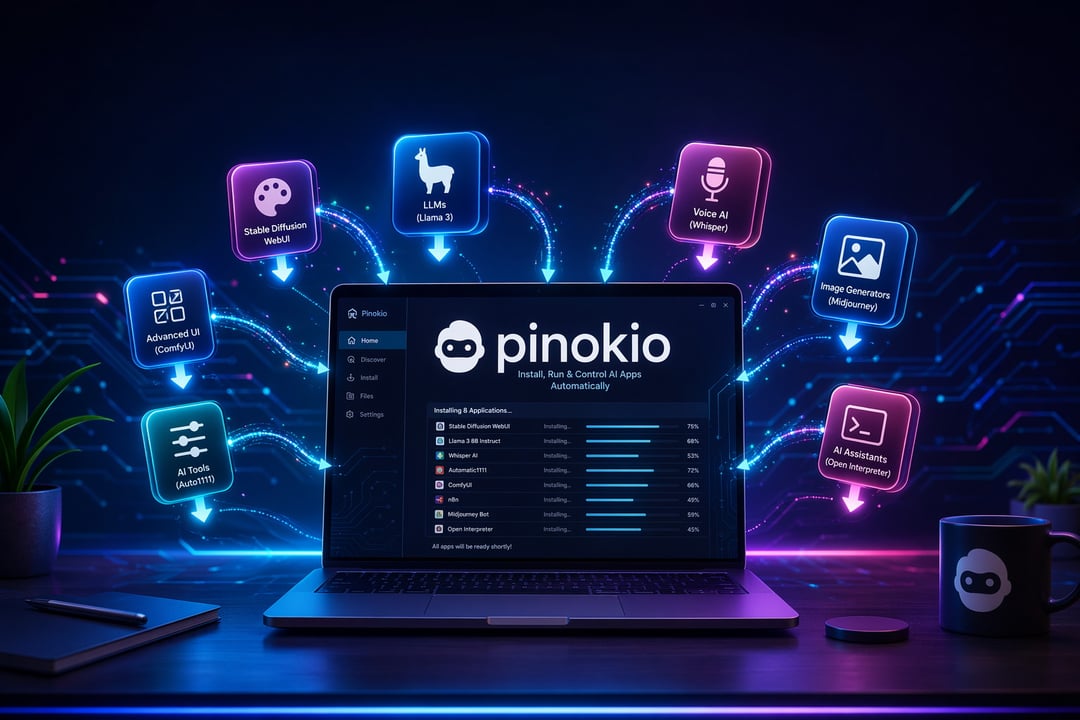
If you've ever tried to run an open-source AI tool on your own computer, you know the drill. You clone a GitHub repo, hit a wall of missing dependencies, spend an hour fighting Python versions, and eventually give up and just use the cloud version instead. Pinokio exists to skip that entire process. It's a free, open-source launcher that installs AI apps with a single click, sets up their environments automatically, and keeps each one isolated so they don't clash with each other on your machine.

The catch is that Pinokio's app library is huge, and not every entry is worth your disk space. Here are eight AI apps available through Pinokio that are genuinely worth installing, covering image generation, video, voice, and chat.

1. ComfyUI

ComfyUI is a node-based interface for Stable Diffusion and other image and video diffusion models, and it's probably the single most-installed app in Pinokio's library. Instead of typing a prompt into a box, you build a visual workflow: connect a model loader to a sampler, feed that into an upscaler, chain in a face-fix node, and so on. That flexibility is exactly why setting it up manually is such a headache — ComfyUI depends on a specific stack of PyTorch, CUDA, and custom node packages that break easily if installed in the wrong order. Pinokio handles that stack for you and keeps it sealed off from your other apps. If you want granular control over how an image gets generated rather than just accepting whatever a single prompt produces, this is the tool to start with.

2. Fooocus

Fooocus takes the opposite approach from ComfyUI. It strips Stable Diffusion down to something closer to a polished consumer app: type a prompt, pick a style, hit generate. There's no node graph and barely any settings to tweak, which makes it the better entry point if node-based tools sound intimidating. Under the hood it's still applying a lot of the same quality tricks power users manually chain together in ComfyUI — it just makes those decisions for you. Install this one first if you're new to local image generation, then graduate to ComfyUI once you find yourself wanting more control.

3. SillyTavern

SillyTavern is a chat interface built for talking to large language models through detailed character personas, whether that's a custom assistant, a roleplay character, or a companion with a defined personality and backstory. It can connect to a locally run model or to an external API, so it works even if your machine can't handle heavy local inference. The setup normally involves Node.js and npm package management, which trips up a lot of first-time users — Pinokio handles that layer automatically. If you've found stock chatbot interfaces too rigid or too generic, this is the tool built specifically for shaping how an AI character behaves and responds.

4. FaceFusion

FaceFusion handles face swapping and face enhancement, letting you replace or restore faces in images and video with notable accuracy. It's a genuinely useful tool for restoring old or damaged footage, de-aging effects, and synthetic media experimentation — and it's also the kind of tool worth using thoughtfully, given how convincing the output can be. Treat consent and disclosure as part of the workflow, not an afterthought. Technically, Pinokio's isolated installs are a real advantage here, since face-swap tools tend to have heavier and more fragile dependency chains than standard image generators.

5. LivePortrait

Where FaceFusion swaps identity, LivePortrait animates it. Feed it a single still photo and a driving video, and it transfers the driving video's expressions and head movements onto the still image, turning a static portrait into a talking, expressive clip. It's fast, comparatively lightweight on VRAM, and doesn't require the source photo to have any special setup beyond a clear face. This is the app to reach for if you want to bring an old photo to life or generate a quick expressive avatar clip without touching a full video-generation pipeline.

6. Bark

Bark is a text-to-speech model that goes beyond flat narration. It can add laughter, sighs, pauses, and emotional inflection directly from text cues, which makes it sound noticeably less robotic than typical TTS output. It's particularly good for character voices and narration where tone matters as much as clarity. Because it's generating expressive audio rather than cloning a specific person's voice, it's the right choice when you want a distinct, generic voice rather than a copy of someone real.

7. XTTS

XTTS, built by Coqui, does the opposite job: voice cloning. Give it a short audio sample — sometimes as little as a few seconds — and it can generate new speech in that same voice, including across different languages. That cross-language capability is what sets it apart; it's genuinely useful for dubbing, multilingual narration, or building a consistent voice for a personal project across several languages without re-recording anything. As with face tools, cloning a real voice raises the same consent considerations as face swapping, so it's worth using on your own voice or with clear permission.

8. Stable Audio Tools

Rounding out the list, Stable Audio Tools generates music and sound effects from text prompts rather than speech. It's useful for quick background scoring, sound design elements, or demo tracks when you need audio that fits a specific mood but don't have time to source or license it elsewhere. It won't replace a composer for serious production work, but for prototyping and personal projects, it fills a gap none of the other seven apps on this list cover.

Getting Started With Pinokio

Before installing any of these, check the VRAM requirements listed on each app's page inside Pinokio — ComfyUI, FaceFusion, and LivePortrait in particular can be demanding on lower-end GPUs. The good news is that each app installs into its own separate environment, so there's no risk of one app's dependencies breaking another, and uninstalling is as simple as deleting a folder. Start with one app that matches what you actually want to make, whether that's images, voice, or video, and expand from there once you're comfortable with how Pinokio works.


Join the Community

Get the latest tech news, reviews, and exclusive insights delivered straight to your inbox. Join a community of tech enthusiasts who trust Informer Tech.

Weekly digest

No spam

Unsubscribe anytime