
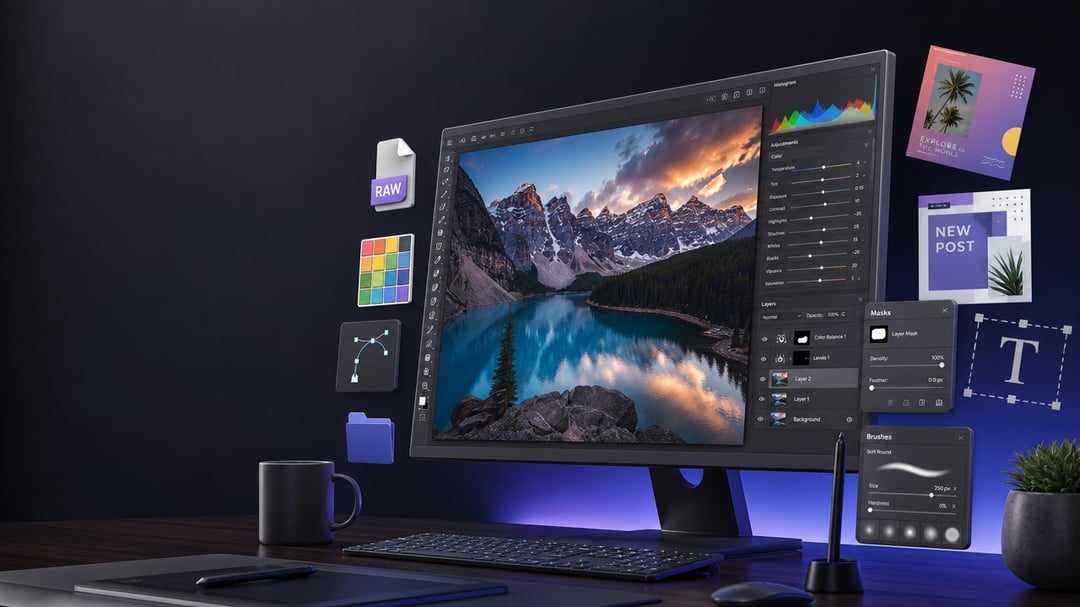
Photoshop is still the name most people reach for when they need to edit an image. But paying for a subscription does not make sense for everyone. Maybe you need to clean up product photos, design social posts, edit a layered PSD file, or work through a folder of RAW images. The right free tool can handle that job surprisingly well.
The catch is simple: no single free app matches every part of Photoshop. Some excel at photo retouching. Others make digital painting feel effortless. A few work right in your browser when you just need to finish something quickly.
Here are the best free Photoshop alternatives, with a clear look at where each one shines and where it falls short.
What Makes a Good Free Photoshop Alternative?
Photoshop does a lot under one roof: image retouching, compositing, typography, digital painting, layer management, masking, color correction, and more. That makes “Photoshop alternative” a broad label.
A useful free alternative should offer at least some combination of layers, selection tools, masks, color controls, flexible exports, and reliable performance. But your choice should start with the kind of work you actually do.
A photographer working with RAW images needs non-destructive exposure and color adjustments. A YouTube creator may only need thumbnails and background removal. An illustrator needs responsive brushes and tablet support. And someone opening a client’s PSD needs compatibility above almost everything else.